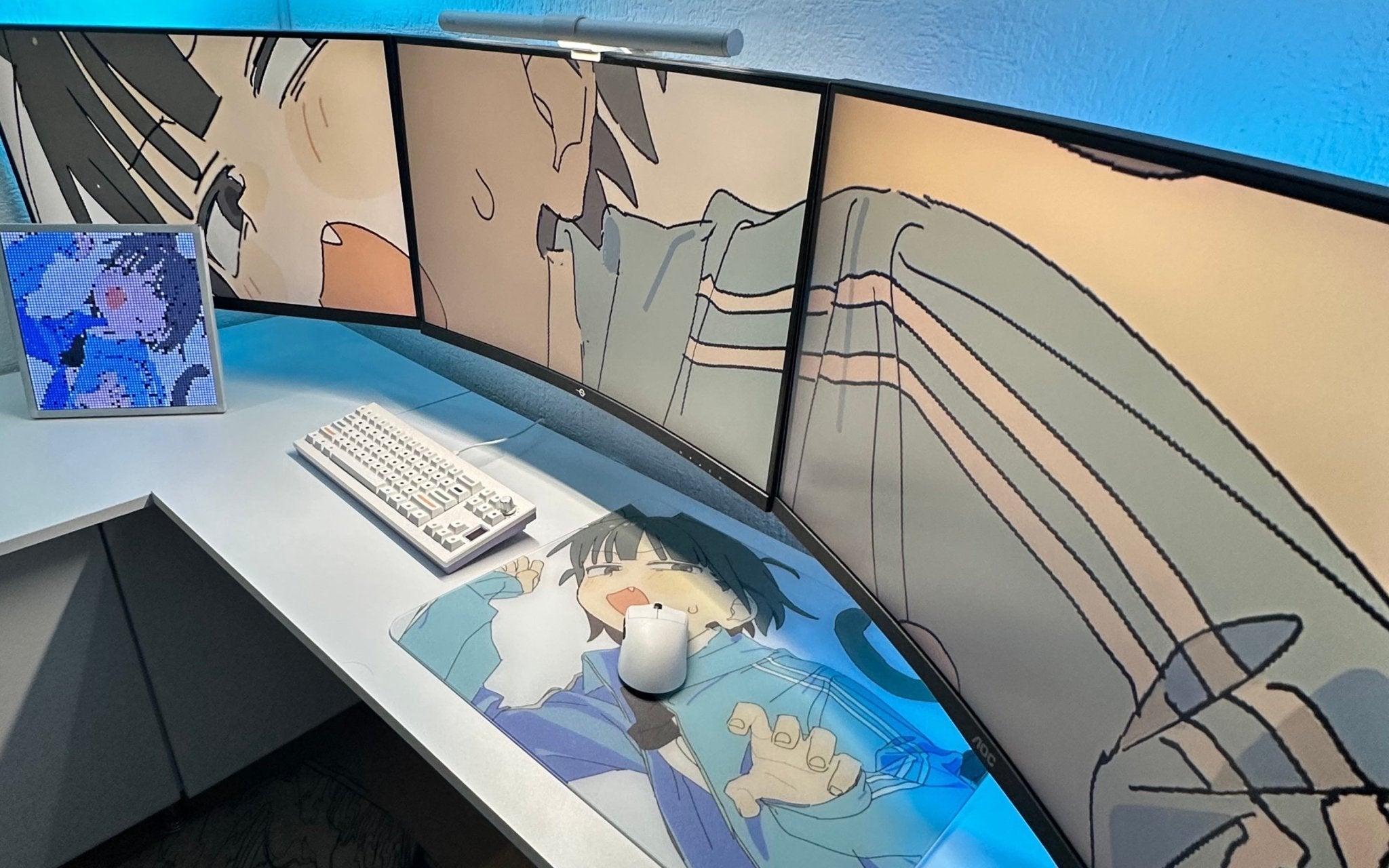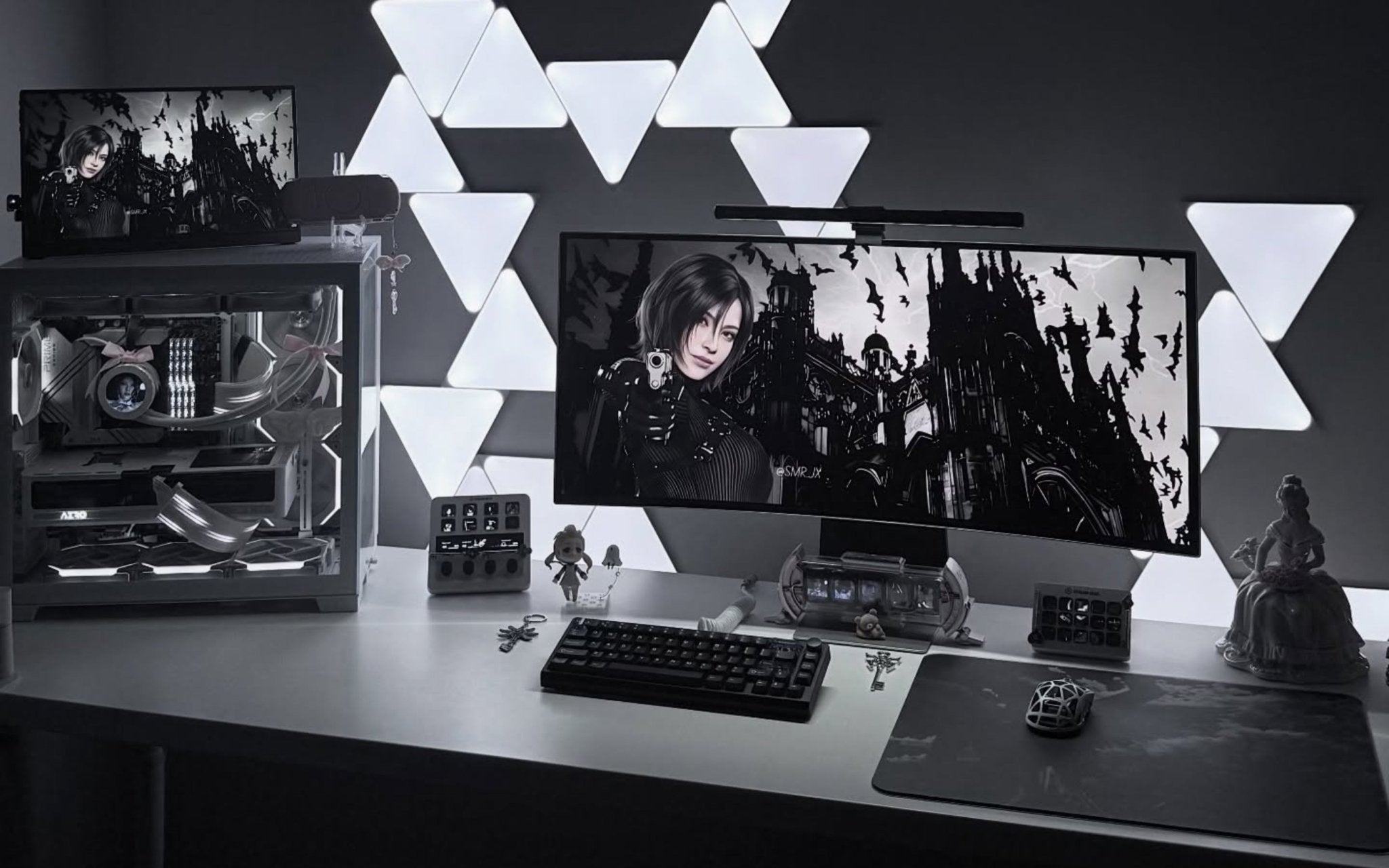
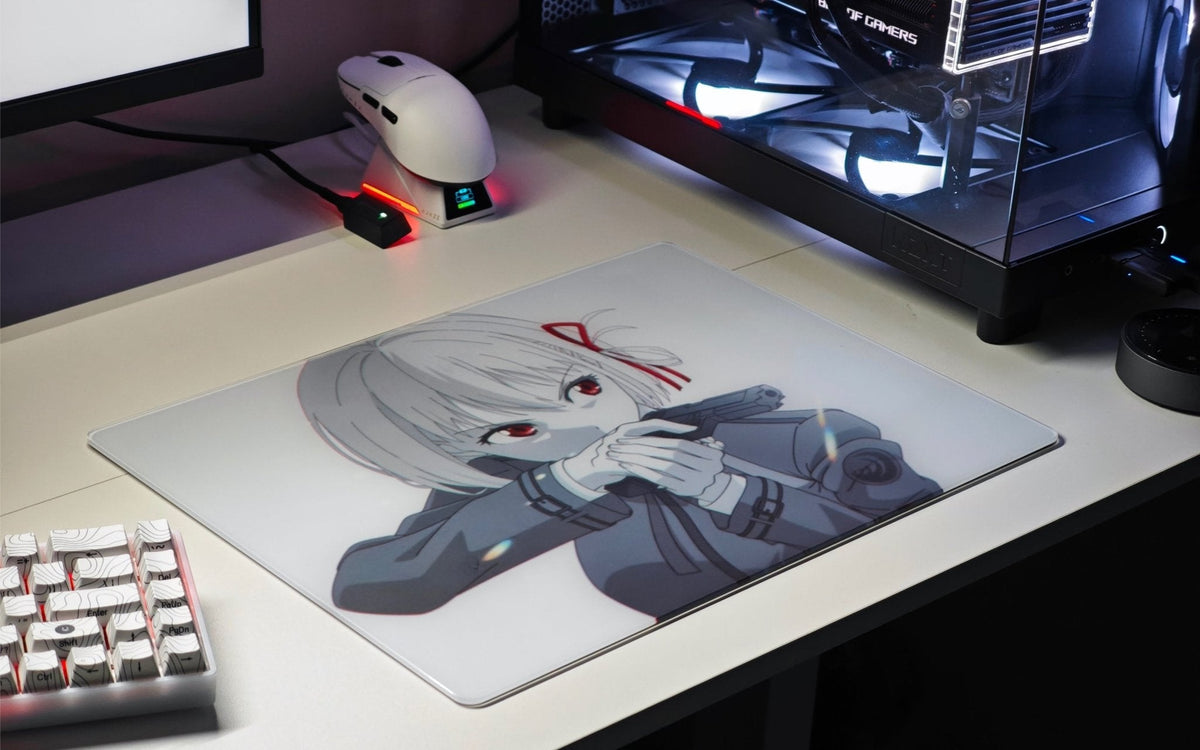
In 2026, choosing a glass mousepad depends on how each user plays, works, studies, and sets up their desk. Some players want faster starts for wide swipes, while others need more control for tactical FPS micro-adjustments, easier cleaning for daily use, or a design that fits their setup aesthetic. That is why this guide compares glass mousepads by real buying priorities instead of making a single absolute ranking claim.
A glass pad should not be judged only by speed, because faster is not always better. Stopping power, surface feel, skate compatibility, cleaning needs, sound, skin contact, size, storage, and setup fit all matter. For CLUSTRS, this distinction is important because all current CLUSTRS glass mousepads use the CLST 1.0 micro-etched surface, a speed-leaning balanced texture built for smooth starts, consistent glide, steady control, tactile feedback, and reliable stopping power. Buyers should not assume different artwork designs have different surface speeds, since the main differences come from size, thickness, strengthening method, edge structure, visual theme, limited status, bundles, and accessories. This article explains how to compare glass mousepads by speed, control, and coated surface treatment while keeping expectations realistic and helping users choose a glass mousepad that fits their actual routine.
Priority One: Surface Feel Fit Matters More Than Pure Speed
Before looking at specific styles, the first comparison factor should be surface feel. Many users search for the fastest glass mousepad, but speed alone is not enough. A good glass pad should feel quick when movement starts, stable during tracking, and controlled when stopping the mouse.
This is especially important for FPS players. In games such as Valorant, CS2, R6, COD, Apex, Battlefield, The Finals, Overwatch 2, and Fortnite, users may need fast turns, small corrections, and reliable stopping points in the same match. A surface that feels fast but hard to stop may not suit every player.
Speed should feel usable, not uncontrolled
A glass mousepad usually feels firmer and more direct than many cloth pads. This can make movement feel faster and more responsive, but it can also require an adjustment period. Users moving from cloth to glass should expect the surface to feel different, especially during small corrections and stopping movements.
CLUSTRS describes its surface direction as speed-leaning balanced rather than pure speed. This is a safer and more accurate way to explain the experience. The CLST 1.0 micro-etched surface is designed to support smooth starts, consistent glide, steady control, tactile feedback, and reliable stopping power.
The goal is not to create a zero-friction surface. The goal is fast glide with reliable control.
Control comes from more than the pad alone
Control is not created by the pad only. It also depends on mouse skates, hand pressure, sensitivity, arm movement, sensor settings, surface cleanliness, and user adaptation. A player who uses low sensitivity and wide arm movements may experience the same glass pad differently from a wrist-focused player with higher sensitivity.
This is why users should avoid choosing based on speed labels alone. A better question is: does the surface support the user’s actual movement style?
For tactical FPS, controlled stops and micro-adjustments matter. For tracking-heavy games, sustained glide and wide-range consistency may matter more. For office, study, or creative work, smooth repeated movement and easier maintenance may be more important than game-specific speed.
Priority Two: Balanced Control Is More Useful Than Ranking Hype
A comparison article can become misleading if it treats every product as a race for the fastest surface. In reality, many users are searching for glass pads that offer a more controlled feel. This is especially true for players who enjoy cloth pads but want easier cleaning, lower-friction movement, or more stable surface structure over time.
A glass mousepad should be judged by how it balances startup speed, glide consistency, tactile feedback, and stopping power. This is why a speed-leaning balanced surface can be more practical than an extreme speed surface for many users.
Tactical FPS users need stopping points
Tactical FPS users often care about quick starts, micro-adjustment, and flick-stop control. A surface that feels smooth but still offers tactile feedback can help users understand where the mouse is during movement. This does not guarantee better aim, but it can support a more predictable surface feel.
Products such as Astra, Akira, and Astra’s Gaze can be discussed for FPS-oriented setups, but the article should not claim that their artwork creates different surface performance. Their differences are visual identity, structure, thickness, edge type, limited status, and accessory ecosystem.
Users who want to compare CLUSTRS FPS and setup options can explore the CLUSTRS glass mousepad collection and choose based on official product details.
Tracking users need consistency across wide movement
Tracking-focused users may care more about sustained movement. For games that require continuous tracking or wide swipes, a larger surface and suitable skates may matter more than artwork. L-size options can give users more room, while skate choice can influence whether the pad feels faster or more controlled.
This is also where accessories matter. Arctic White PTFE dot skates use a smaller contact area for a faster feel, while White Orbit donut skates offer more support and a more controlled feel. Users should treat skates as part of the glass pad experience, not as a small afterthought.
Everyday users need reliable movement and easier cleaning
Glass mousepads are not only for FPS players. Office users, students, creators, and MOBA or casual players may also prefer a smoother surface that is easier to wipe clean. For these users, the “best” glass mousepad is not necessarily the most aggressive gaming model. It may be the one that fits the desk, looks clean, and supports daily mouse use.
Minimalist users may look at Atom or Orbit. Soft desk setup users may prefer Channel Cute designs such as Lilies. Mobile users may care more about XS or S sizes and protective storage. The right choice depends on the scenario.
Priority Three: Coated Surface Treatment Should Be Understood Correctly
Coated surface is a major search term, but it needs careful explanation. A coated glass mousepad should not be described as permanently fingerprint-proof, stain-proof, or maintenance-free. For CLUSTRS, AF coating is a functional anti-stain layer that helps resist fingerprints and everyday marks, but it gradually wears out with use.
Surface treatment is important, but it does not create the entire speed or control profile by itself. The base micro-etched structure, mouse skates, contact pressure, and cleanliness all influence the final feel.
AF coating helps with daily marks and cleaning
AF coating helps reduce visible fingerprints, light oil, sweat, and everyday marks. This can make the surface easier to wipe clean after gaming, work, study, or travel. It is especially useful for users who care about a clean desk setup.
However, AF coating should not be presented as permanent. It is a functional layer that can gradually wear through friction, cleaning, and daily use. Users should avoid alcohol and strong cleaning agents because these may shorten the coating’s life.
For routine care, users can clean the surface with water and a lint-free or microfiber cloth. More detailed care steps can be found in the CLUSTRS guide on how to clean your glass mousepad.
Cleanliness affects glide more than many users expect
Dust and small particles are more noticeable on glass than on some cloth pads because the surface is harder and more direct. If a glass mousepad feels scratchy, dusty, or uneven, the issue may not be the pad itself. It may be dust, dirty skates, worn skates, sensor debris, or shell contact.
This is why cleaning should be part of the buying decision. A user who wants glass should also be ready to keep the surface and skates clean. A glass pad can be easier to wipe, but it still needs regular care.
Coating does not replace good skates
Mouse skates affect speed, control, sound, and surface feel. On hard glass surfaces, PTFE skates usually wear faster than they do on cloth pads. Users should replace them when movement becomes scratchy, uneven, or when the mouse base starts to contact the glass.
Users should avoid assuming that coating alone controls the whole experience. A good surface still needs suitable skates and proper maintenance.
Glass vs Cloth: Which Surface Fits the User?
A strong glass mousepad guide should not attack cloth pads. Cloth pads still work well for many users. They are generally softer, quieter, and may offer more friction. Some players prefer that extra resistance for slower control, long sessions, or a more cushioned touch.
Glass pads may suit users who want lower-friction movement, easier wiping, no cloth fiber pilling, and a more stable surface structure over time. The trade-off is that dust and skate condition can feel more noticeable on glass, skate sound is usually louder, and PTFE skates typically wear faster.
The right choice depends on preference. A cloth pad may suit users who want a softer, quieter, more friction-heavy feel. A glass pad may suit users who want a firmer surface, smoother starts, consistent glide, and easier daily cleaning.
For CLUSTRS, the key point is balance. CLST 1.0 is not positioned as an ultra-fast-only surface. It is a speed-leaning balanced micro-etched surface designed for smooth starts, consistent glide, steady control, tactile feedback, and reliable stopping power.
How to Choose by Setup Type
The best glass mousepad choice depends on the setup. Instead of ranking every pad from best to worst, users should match the product direction to the way they play, work, study, or create.
A glass mousepad can fit competitive gaming, casual gaming, office work, study routines, creative tasks, mobile setups, and desk aesthetics. The right choice should come from the user’s routine, not from a universal ranking list.
For tactical FPS setups
Tactical FPS users should focus on reliable stopping power, micro-adjustment, skate condition, and surface cleanliness. They may also consider whether they need an arm sleeve, especially if they use low sensitivity, make large arm movements, or play in humid conditions.
A Pro Play-style bundle can make sense for first-time glass pad buyers because it includes the surface, sleeve, and skates. Buyers should still check current official bundle details before purchasing.
For tracking FPS and wide-swipe setups
Tracking users should prioritize size, glide consistency, and skates. A larger pad can give more room for sustained movement, while skate type can influence whether the setup feels faster or more controlled.
The surface should feel smooth across wide swipes and fine corrections, but users should avoid expecting glass to solve aiming problems by itself. Practice, settings, mouse choice, and comfort still matter.
For minimalist office and gaming setups
Minimalist users may prefer a clean visual style that works for both office and gaming. Products such as Atom Gaming Glass Mousepad can fit users who want a simple desk direction, mixed office and gaming use, and the same CLST 1.0 surface platform.
This is useful for users who want a glass mousepad experience without a strong character or artwork theme.
For soft desk aesthetics and lifestyle setups
Users who care about cozy desk aesthetics, gifting, study spaces, or lifestyle setups may prefer Channel Cute designs. The Lilies Glass Mousepad is an example of a floral design direction, but it should not be described as having a different surface speed than other CLUSTRS glass pads.
The reason to choose a lifestyle design is visual fit, desk mood, thickness, structure, size, and setup identity.
What Not to Believe When Comparing Glass Mousepads
The glass mousepad market often uses strong language, but buyers should be careful with exaggerated claims. A glass pad should not be described as unbreakable, zero-friction, fatigue-eliminating, permanently coated, or guaranteed to improve aim.
A more honest buying approach is to ask:
- Does the surface match my speed and control preference?
- Do I need a larger size for wide swipes?
- Will I maintain skates and clean the surface regularly?
- Do I need an arm sleeve for sweat or humid conditions?
- Does the product fit my setup style and daily routine?
- Do I need a PU case or extra cushioning for storage and travel?
Glass mousepads should also be judged by storage and shipping considerations. They do not curl like cloth pads, but they are still glass, so users should avoid drops, edge impacts, bending pressure, and uneven surfaces. Mobile users should consider a PU case and cushioning, while buyers should review current shipping, return, and damage support policies before ordering.
This kind of evaluation is more useful than a simple “best ranked list.” The right glass mousepad is the one that fits the user’s surface preference, desk setup, maintenance habits, and playstyle.
Explore CLUSTRS Glass Mousepads by Surface Feel and Setup Style
CLUSTRS offers different product directions for different users while keeping the current glass pad surface platform unified through CLST 1.0. Minimalist users can compare Atom and Orbit, lifestyle users can explore Channel Cute designs, FPS users can look at Performance IP products and bundles, collectors can explore C Project collaborations, and custom users can create their own design.
Explore the CLUSTRS glass mousepad collection to compare styles, sizes, structures, and setup directions, then choose the glass pad that fits your desk, surface preference, and daily routine.
FAQs
What should users check before buying a glass mousepad in 2026?
Before buying a glass mousepad, users should check more than the surface description. Size, thickness, edge design, mouse skate compatibility, cleaning method, and desk space all affect the daily experience. A user who plays low-sensitivity FPS may need more space for wide arm movement, while a student or office user may prefer a smaller pad that fits a compact desk. Buyers should also check whether they are comfortable with a firmer surface, more noticeable skate sound, and regular skate maintenance.
Why do some players switch from cloth mousepads to glass mousepads?
Some players switch to glass because they want a smoother, firmer, and easier-to-clean surface. Cloth pads can feel comfortable and controlled, but they may absorb sweat, dust, and oil over time, which can change the surface feel. A glass mousepad offers a more direct glide and does not have cloth fibers that compress or wear down in the same way. However, the switch can take time because glass usually feels faster and less cushioned than cloth.
Are glass mousepads good for tactical FPS games like Valorant and CS2?
Glass mousepads can work for tactical FPS games, but the right fit depends on the player’s sensitivity, mouse skates, hand pressure, and stopping preference. Tactical FPS players usually need smooth starts for quick movement and reliable stopping power for precise aim placement. A speed-leaning balanced glass surface can support that type of use, but it will not automatically improve aim. Players switching from cloth should expect an adjustment period before the surface feels natural.
Why does mouse skate choice matter so much on glass mousepads?
Mouse skates are a major part of the glasspad experience because they control how the mouse contacts the surface. Smaller PTFE dot skates can create a faster and lighter feeling, while larger or donut-style skates can add more support and a more controlled feel. On glass, worn or dirty skates can quickly make movement feel scratchy, noisy, or uneven. This is why users should treat skates as consumable parts and replace them when glide quality changes.
Is a coated glass mousepad easier to maintain than a regular mousepad?
A coated glass mousepad can be easier to maintain because fingerprints, light oil, sweat marks, and everyday smudges are usually easier to wipe from glass than from cloth. For CLUSTRS-style care, clean water and a lint-free or microfiber cloth are the safer daily cleaning choices. Users should avoid alcohol or strong cleaning agents because they may shorten the life of the functional coating. Coating helps with maintenance, but it does not make the pad maintenance-free.
Do glass mousepads feel uncomfortable during long sessions?
Some users find glass comfortable because the surface is smooth and consistent, while others need time to adjust to the firmer feel. Unlike cloth, glass does not provide a soft cushion under the wrist or forearm. Users with sweaty skin or humid rooms may also feel skin sticking during long sessions, especially with low-sensitivity arm movement. An arm sleeve can help in those situations, but not every user needs one.
Why do glass mousepads sometimes feel noisy?
Glass mousepads can sound louder than cloth pads because mouse skates move across a hard surface instead of a soft fabric layer. Some sound is normal, especially during fast swipes, but harsh scraping usually means something needs checking. Dust, worn skates, uneven skate placement, or mouse base contact can all increase noise. Regular cleaning and fresh PTFE skates can help keep the sound smoother and less distracting.
Can one glass mousepad work for both gaming and office use?
Yes, one glass mousepad can work for both gaming and office use if the size and surface feel match the user’s routine. For gaming, the user may care more about glide, stopping power, and skate choice. For office work, the user may value smooth cursor movement, easy cleaning, and a clean desk appearance. A minimalist design may be a practical choice for users who want one pad for work, study, and gaming.
What is the biggest mistake users make when choosing a glass mousepad?
The biggest mistake is choosing based only on speed claims or artwork without thinking about daily use. A beautiful design can improve the look of a setup, but the pad still needs to fit the user’s desk size, movement style, cleaning habits, and comfort needs. Another common mistake is ignoring mouse skates. Even a good glass surface can feel poor if the skates are worn, dirty, or not suitable for glass.
How should users decide between different CLUSTRS glass mousepad designs?
Users should choose different CLUSTRS designs based on setup style, size needs, thickness preference, edge feel, artwork direction, and accessory needs rather than assuming each artwork has a different surface performance. Current CLUSTRS glass pads share the CLST 1.0 micro-etched surface platform, so the main differences come from structure and use case. Minimalist users may prefer clean designs, lifestyle users may prefer softer visual themes, FPS users may care more about size and skates, and custom users may want a personal artwork direction.