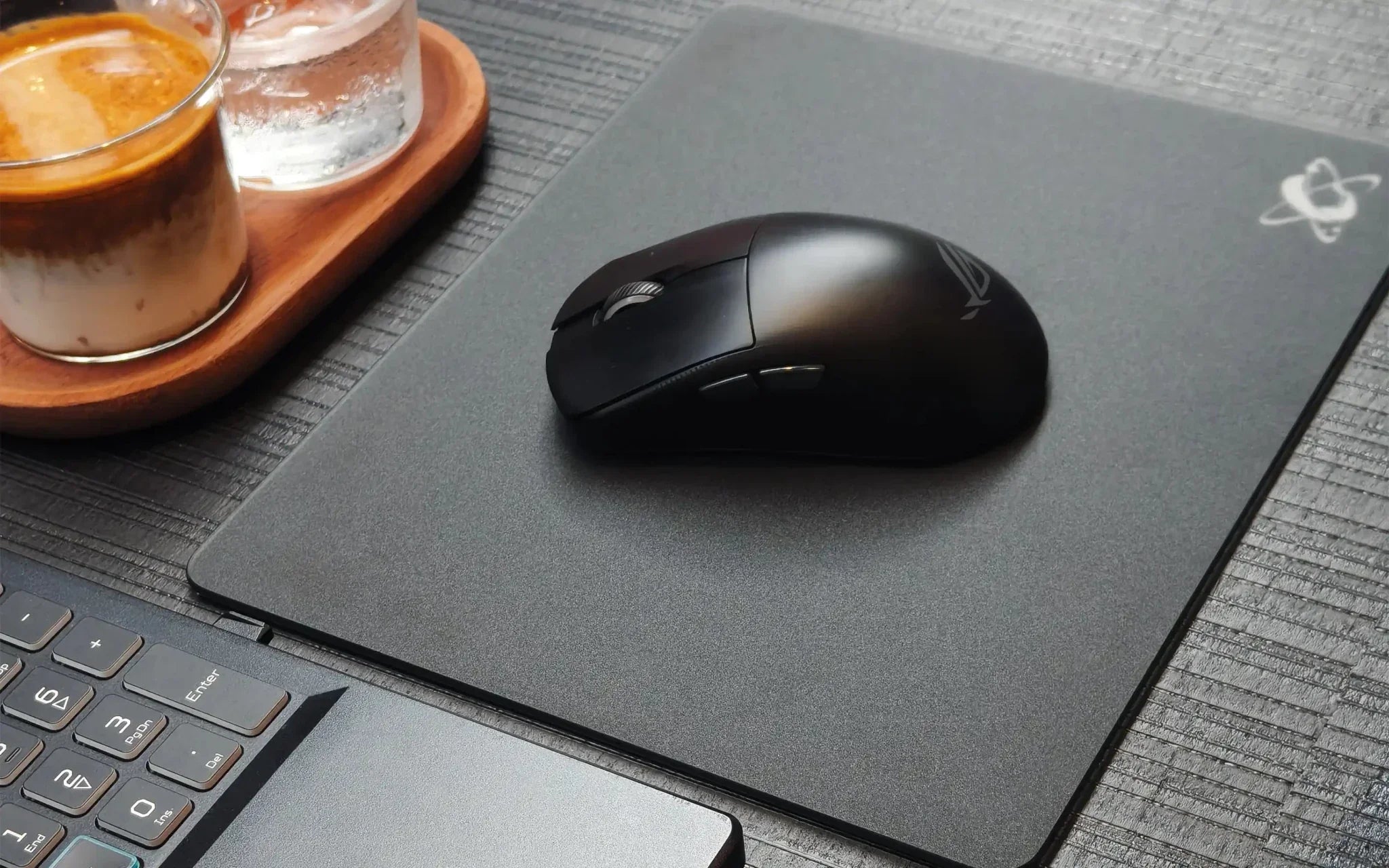
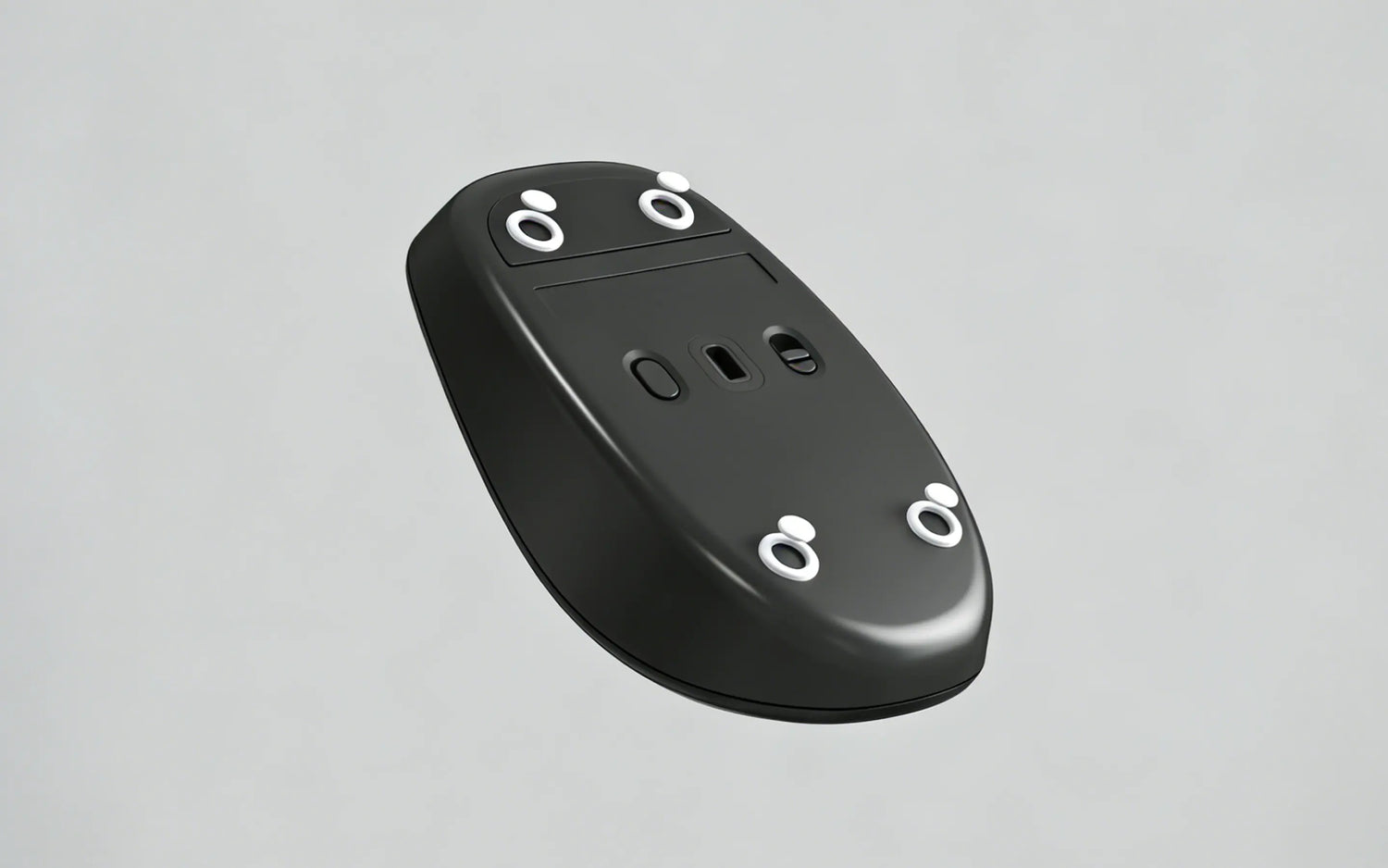
Mouse skates (also known as mouse feet) are one of the most overlooked components in a gaming or productivity setup.
Many users invest heavily in high-performance mice and premium mouse pads — yet worn mouse feet can quietly affect precision, speed, and overall comfort.
So the big question is:
How often should you replace mouse skates?
The answer depends on your usage habits, surface type, and how sensitive you are to glide consistency.
Let’s break it down.
What Are Mouse Skates — and Why Do They Matter?
Mouse skates are the small pads — usually made from PTFE (Teflon) — attached to the bottom of your mouse. Their job is simple but critical:
- Reduce friction between the mouse and the mouse pad
- Ensure smooth, consistent glide
- Maintain accurate sensor tracking
- Protect the mouse shell from wear
Even the best mouse sensor can’t perform properly if the feet underneath are worn or uneven.
How Often Should You Replace Mouse Skates?
There’s no universal schedule, but here’s a practical guideline:
- Casual or office users: every 6–12 months
- Regular gamers: every 3–6 months
- Heavy users or competitive players: every 4–8 weeks
If you use a glass mouse pad or are particularly sensitive to glide consistency, replacing mouse skates monthly is completely normal.
Choosing a PTFE skate: Arctic White PTFE Dot Skates are designed for a fast, smooth glide, while White Orbit PTFE Donut Skates offer a smooth, balanced feel with added stability.
Factors That Affect Mouse Skates Lifespan
1. Mouse Pad Material
Different surfaces wear skates differently:
- Glass mouse pads: Extremely consistent but harder on mouse feet
- Cloth pads: Softer, typically longer skate lifespan
- Hard plastic / hybrid pads: Moderate wear rate
2. Usage Intensity
More movement equals faster wear. Common high-wear scenarios include:
- Competitive FPS gaming
- Long editing or design sessions
- High DPI with fast swipes
3. Skate Quality
Not all mouse feet are created equal:
- Thin stock skates wear faster
- High-purity PTFE skates glide better and last longer
- Precision-cut edges reduce uneven friction
Signs It’s Time to Replace Mouse Feet
You don’t always need to track time — your mouse will tell you.
Look out for:
- Scratchy or inconsistent glide
- Slower movement or reduced control
- Visible wear, scratches, or uneven edges
- Less accurate sensor tracking (especially on glass pads)
- Audible scraping sounds
If even one of these appears, replacing your skates can immediately restore performance.

Why Some Users Replace Mouse Skates Monthly
For experienced users — particularly glass mouse pad users — mouse skates are treated as a performance consumable.
Even before visible damage appears, you may notice:
- Slightly increased starting friction
- Less consistent glide across directions
- Reduced confidence during flicks
- Minor sensor inconsistency
Replacing skates every 4–8 weeks keeps performance consistent rather than waiting for noticeable degradation.
Do Glass Mouse Pads Wear Skates Faster?
Yes — but there’s a benefit.
Glass mouse pads provide:
- Extremely consistent glide
- No surface degradation
- Easy cleaning
- Stable long-term performance
Because glass is harder than cloth, skates become the consumable instead of the pad.
This actually helps maintain consistency — replacing affordable mouse skates is easier than replacing an entire pad.
Why Do PTFE Skates Leave White Residue?
A small amount of white residue is normal when using PTFE skates on a glass mouse pad. PTFE is designed to provide a smooth, low-friction glide, but it is softer than glass. Over time, tiny amounts of the material may wear off and appear as fine white particles. This does not mean the glass surface is damaged.
You may notice more residue when:
- The skates are new
- The mouse is used frequently
- More pressure is applied while moving the mouse
- Dust is trapped between the skates and the pad
- The skates are becoming thin or uneven
Simply wipe the surface with a clean microfiber cloth and keep both the pad and mouse skates clean. If the glide becomes scratchy or the residue becomes excessive, check whether the skates need replacing.
A Small Upgrade That Makes a Big Difference
If you use your mouse daily — especially on a glass mouse pad — keeping spare skates ready can noticeably improve your experience.
High-quality PTFE skates help maintain:
- Smooth, predictable glide
- Consistent friction across movements
- Reliable sensor performance
Many experienced users replace skates early simply to keep their setup feeling consistent day after day.
Final Thoughts
Mouse skates are small, affordable, and easy to replace — yet they have a huge impact on performance.
Simple rule of thumb:
- Replace every 3–6 months for regular use
- Replace sooner for competitive or heavy usage
- Don’t wait until glide becomes uncomfortable
Treat mouse feet as part of your performance setup — not an afterthought.
Your mouse (and your aim) will thank you.

At Clustrs, we design precision PTFE mouse skates that pair seamlessly with premium glass mouse pads — making replacement quick, simple, and consistent whenever performance starts to change.