Introduction
A budget glass mousepad in 2026 is not simply the cheapest option, but a value-focused choice for users who want smooth starts, consistent glide, steady control, reliable stopping power, and easier daily cleaning without paying for features they may not need. Glass mousepads are no longer limited to competitive FPS players; they can also fit study spaces, office routines, creative work, mobile setups, MOBA, casual gaming, and clean desk aesthetics. For CLUSTRS, the value comes from the CLST 1.0 micro-etched surface, which is used across all current glass pads, meaning buyers should focus on the right size, structure, edge type, visual style, bundle, and daily-use needs rather than assuming a higher-priced artwork design means a different surface experience.
Why Budget Glass Mousepads Are Getting More Attention in 2026
Before choosing a glass mousepad, users should understand why the budget category is growing. Many people want the feel of a glass pad, but they do not necessarily want to start with a high-priced collector model or a complete accessory bundle. They may be first-time glass pad users, students, remote workers, casual gamers, or setup users who want a cleaner surface without building a full esports desk.
Budget glass mousepads are attractive because they can bring users into the glass pad category at a more accessible price point. However, a lower price should not mean ignoring surface feel, cleaning, size, shipping protection, or long-term usability. A value-focused glass pad should still be judged by how it works every day.
Budget does not mean choosing the cheapest surface
A budget mousepad can be cheap, but a budget glass mousepad should be judged by value. A very cheap cloth pad may work well for users who simply need a basic surface. Cloth pads can still suit users who prefer softer contact, more friction, and a quieter experience. For many casual users, that may be enough.
Glass pads are different. They appeal to users who want a firmer surface, lower-friction feel, easier wiping, and a more stable surface structure over time. Because of the material, construction, surface treatment, packaging, and shipping needs, glass pads usually sit in a different price category from basic cloth pads.
This is why buyers should compare more than the price tag. They should look at surface feel, build structure, size, cleaning needs, skate wear, shipping protection, and how well the pad fits their actual setup.
The same surface platform can make value easier to understand
One important point for CLUSTRS users is that all currently available glass pads use the CLST 1.0 micro-etched surface. This means users should not treat every price difference as a surface-performance difference. A minimalist pad, a cute desk setup pad, an original character design, and a custom pad can all share the same base surface direction.
The CLST 1.0 surface is better described as speed-leaning balanced. It is built for smooth starts, consistent glide, steady control, tactile feedback, and reliable stopping power. It is not a pure speed surface and should not be described as zero-friction. For budget buyers, this is useful because they can focus on which design, size, thickness, or bundle fits their needs instead of assuming the most expensive visual theme is always the most suitable choice.
A value-focused buyer may choose a simpler product if they want the glass mousepad feel without paying extra for limited artwork, collector positioning, or a full accessory ecosystem.
First-time glass pad users need realistic expectations
A first-time glass pad user may notice the surface feels different from cloth. Glass is firmer, more direct, and can make skate sound more noticeable. PTFE skates also usually wear faster on hard surfaces, so skates should be treated as consumables. Some users may need an adaptation period before the surface feels natural.
This does not make glass better or worse than cloth for everyone. It simply means the user should choose based on preference. A budget glass mousepad can be a strong entry point when users understand the trade-offs before buying.
What Makes a Budget Glass Mousepad Worth the Price?
A budget glass mousepad is worth considering when it gives users the surface experience they want without adding extras they may not need. The goal is not to buy the cheapest option, but to spend on the parts that affect daily use: surface feel, stable structure, suitable size, easier cleaning, shipping protection, and setup fit.
Prioritize surface feel over artwork hype
Artwork matters, especially for desk setup users, but surface feel should come first. A budget glass mousepad should still feel smooth, controlled, and consistent during daily use. For CLUSTRS, the key surface language is the CLST 1.0 micro-etched surface, a speed-leaning balanced texture built for smooth starts, consistent glide, steady control, and reliable stopping power.
This matters for FPS players who need quick starts, tracking, and controlled stops, but it can also support office work, study, creative tasks, MOBA, casual gaming, and everyday mouse use. Instead of chasing loud marketing claims, buyers should ask whether the surface matches their sensitivity, movement style, mouse skates, desk space, and tolerance for glass pad sound or skate wear.
Choose the right size before choosing the design
Size has a direct effect on daily value. A larger glass pad can give low-sensitivity players more room for wide movements, while a smaller pad may suit compact desks, office setups, café work, study spaces, or mobile use.
For budget buyers, the wrong size can make even a good surface feel less useful. A student with a small desk may not need a large pad, while an FPS player using wide swipes may feel limited by a smaller one. Buyers should confirm current size options on the official product page before ordering.
Understand thickness and edge differences
Thickness does not determine surface speed. It mainly affects low-profile feel, edge contact, weight, and desk stability. CLUSTRS uses two main structure directions: the 2.5mm low-profile version and the 3.5mm solid-profile version.
The 2.5mm version uses 2mm chemical-strengthened glass plus a 0.5mm PU base, with a 45° CNC 2.5D beveled edge. It sits closer to the desk and can make forearm and wrist transition over the edge feel more natural. Astra, Lilies, and Custom 2.5mm use this structure.
The 3.5mm version uses 3mm high-temperature tempered glass plus a 0.5mm PU base, with a CNC-polished 3D safety edge. It has a more solid build with greater weight and desk stability. Most other CLUSTRS glass pads and Custom 3.5mm follow this structure.
Look at cleaning and maintenance
One reason users consider glass pads is easier daily cleaning. Cloth pads can absorb sweat, dust, and oils over time, while a glass mousepad with AF anti-stain treatment can make daily fingerprints, light oil, sweat, and smudges easier to wipe with clean water and a lint-free or microfiber cloth.
This does not mean glass never gets dirty, and it does not mean the AF coating lasts forever. AF is a functional layer that gradually wears with use, friction, and cleaning habits. Strong cleaning agents and alcohol should be avoided because they may shorten the life of the coating.
Check packaging, shipping, and damage policy
A glass mousepad needs more careful handling than a cloth pad. It does not curl, but it is still glass, so buyers should consider packaging, shipping protection, and damage support before ordering.
This matters for budget-conscious buyers because a lower price is not useful if the product is difficult to replace after shipping damage. Buyers should review the current shipping, damage replacement, return, and warranty information on the official site before purchase. If a glass pad arrives damaged, users should keep the packaging, shipping label, and clear photos before contacting support.
Which CLUSTRS Options Fit Budget-Conscious Buyers?
A value-focused user should not look at the CLUSTRS lineup as one messy product catalog. It is better to choose based on use case. Some products are better for minimalist setups, some for cute or lifestyle desks, some for original character collectors, some for custom art, and some for complete gaming bundles.
The right budget choice depends on what the user actually needs.
For minimalist users: Atom and Orbit
Minimalist users often want a clean visual style, flexible desk use, and a glass surface without a strong character theme. Atom and Orbit fit this direction because they belong to the Minimalist series. They are easier to position for mixed office and gaming use, clean desk aesthetics, and users who do not want the artwork to dominate the setup.
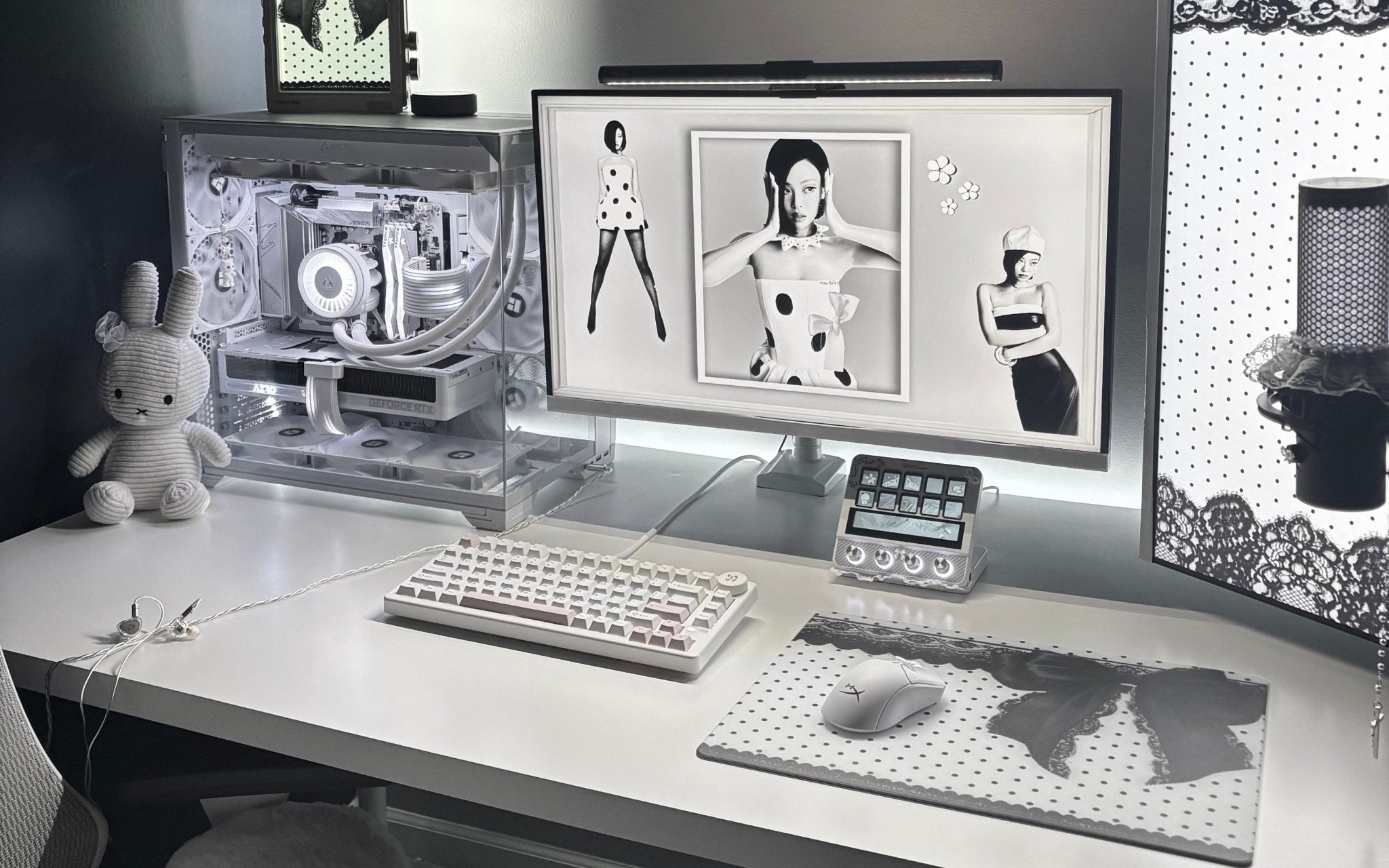
For users comparing budget glass mousepads, Atom Gaming Glass Mousepad is a natural starting point because it offers a simpler visual direction while keeping the CLST 1.0 surface platform. It can fit users who want a cleaner setup, office and gaming crossover, or a more neutral visual style.
The value is not that minimalist products are automatically better. The value is that users may pay less attention to collector artwork and more attention to the surface, size, and daily desk fit.
For cute or lifestyle desk setups: Lilies and Channel Cute
Not every glass pad buyer is an FPS-focused user. Many users care about desk aesthetics, study spaces, gifting, mobile setups, and soft visual themes. For this audience, Channel Cute products can make sense.
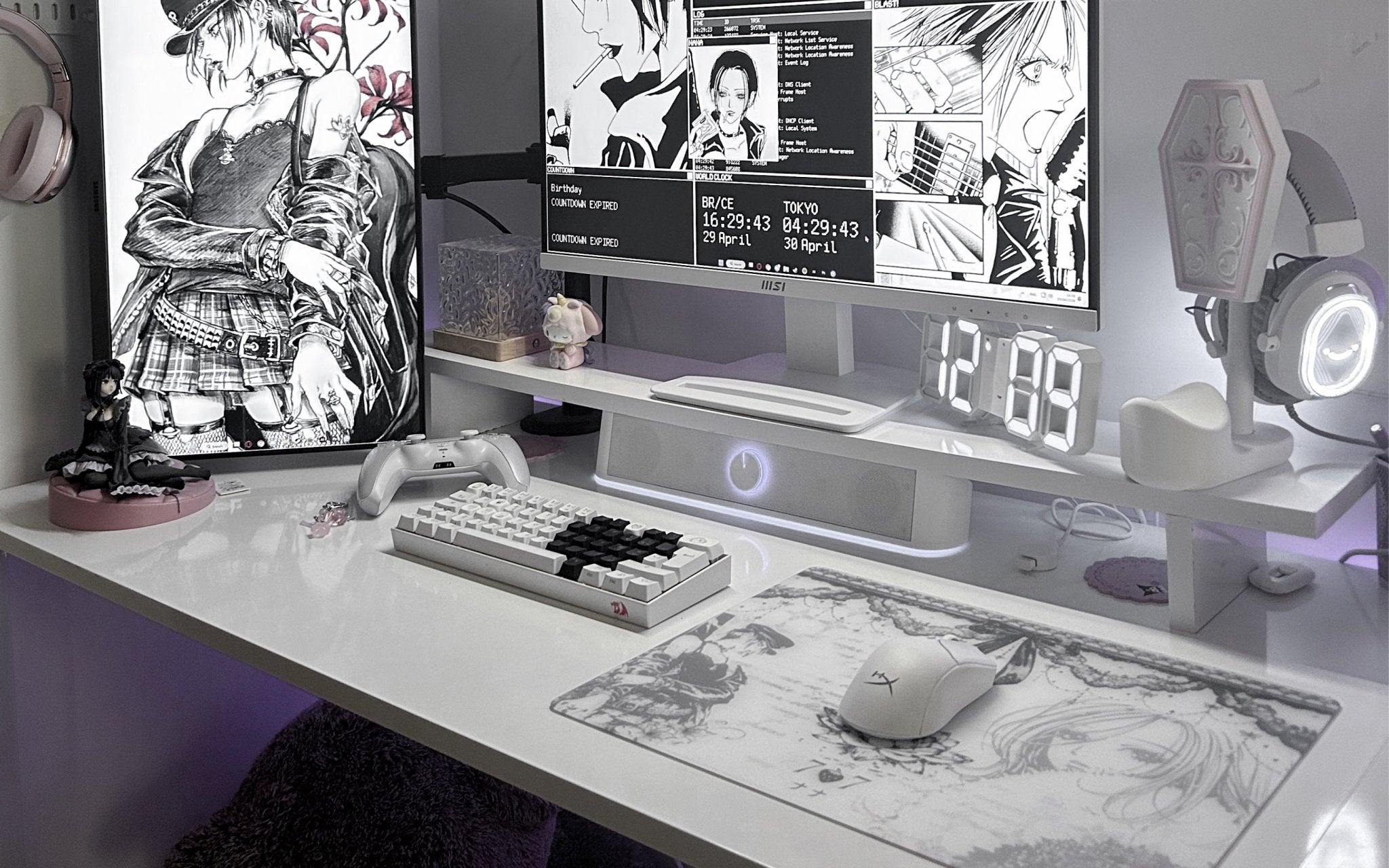
Lilies Glass Mousepad is a useful example because it connects floral styling with a lightweight desk setup direction. It uses the CLST 1.0 surface platform, but the reason to choose it is not “more speed” than other CLUSTRS artwork. The reason is the visual theme, lower-profile structure, and fit for lifestyle or cozy desk users.
This matters for budget buyers because value is personal. A user may be willing to spend more for a visual theme that fits their room or setup. Another user may prefer a simpler product if they mainly care about surface feel.
For custom buyers: Custom Glass Mousepad
A custom glass pad can be a strong value choice if the user wants their own artwork, brand identity, or personal design. Instead of paying for a specific ready-made visual theme, the buyer can create something that fits their setup directly.
The Customize Your Glass Mousepad page is the most relevant option for users who want personal design control. Before ordering, users should prepare high-resolution artwork, expect possible slight color differences between screen preview and final print, and make sure they have the right to use the uploaded image.
Custom is not always the lowest-cost route, but it can feel more valuable when the user wants a personal setup piece.
For mobile or on-the-go users: On-the-Go direction
Budget does not only mean product price. It can also mean avoiding buying the wrong product for the wrong scenario. A large glass pad may not be practical for a user who works in cafes, studies in libraries, or travels often. In that case, a smaller size and protective case may be a better value.
CLUSTRS’ portable glass mousepads for work, cafes, travel, and gaming direction is relevant for users who need a flat, non-curling surface and safer storage during movement. Glass requires more care than cloth when carried, so a PU case and cushioning matter for mobile use.
For portable users, XS or S sizes may be more practical than a large pad. They should still confirm official size and bundle details before ordering.
Budget Glass Mousepad Buying Checklist for 2026
Before buying, users should compare the parts that actually affect value. A lower price is attractive, but it should not distract from the daily experience.
Check what is included
Some products are only the glass pad. Others may be bundles with sleeves, skates, or a PU case. A bundle can be a better value if the user already needs those accessories, but it may be unnecessary if the user only needs the pad.
For FPS players, a Pro Play-style setup with a sleeve and PTFE skates may make sense. For mobile users, an On-the-Go setup with a case may be more practical. For simple desktop use, the pad alone may be enough.
The buyer should not pay for accessories just because they sound advanced. They should pay for accessories that match their routine.
Think about skates as part of the real cost
Glass pads can wear PTFE skates faster than cloth pads. This means skates are part of the glass pad experience and should be treated as replaceable wear items.
CLUSTRS accessory directions include Arctic White PTFE 7mm dots for a faster feel and White Orbit donut skates for more support and a more controlled feel. Users should choose based on the glide they prefer rather than assuming one skate type is right for everyone.
Budget buyers should include replacement skates in their long-term thinking. The pad may stay consistent, but the skates will still need attention over time.
Consider whether you need an arm sleeve
Not every user needs an arm sleeve. It is most helpful for users with sweaty skin, humid rooms, low-sensitivity arm movement, or forearm sticking on glass. Glass can feel direct and smooth, but skin contact can become noticeable in certain conditions.
For budget buyers, this matters because a sleeve may become part of the real setup cost. If the user plays low sensitivity with large arm movements, the sleeve may be more useful. If the user mainly uses wrist movement or office work, it may not be necessary.
Do not ignore sound
Glass pads are usually louder than cloth pads because skate noise is more noticeable on hard surfaces. Proper PTFE skate selection and regular cleaning can reduce abnormal scraping sounds, but glass will generally feel and sound different from cloth.
This is not a defect. It is part of the hard-surface experience. A budget buyer should understand this before switching.
Check official product pages before publishing or buying
Prices, sizes, shipping, warranty, return rules, damaged-in-transit support, limited status, and bundle contents can change. Any article that mentions these details should verify the current official product page before publishing.
For a buyer, the same rule applies. Check the latest price, size, thickness, included accessories, shipping support, and policy details before ordering.
Budget Glass Mousepads vs Cheap Cloth Pads
This comparison should stay honest. A cheap cloth pad can still be a good choice for many users. It is usually softer, quieter, easier to carry, and less risky if dropped. It may suit users who prefer more friction and do not need a hard surface.
A budget glass mousepad is different. It may suit users who want a firmer surface, smoother starts, more direct movement, easier wiping, and long-term surface consistency without fabric pilling or compression. It can also fit users who want a more premium desk feel without choosing a high-cost collector design.
The trade-offs are real. Glass can make dust and skate conditions more noticeable. PTFE skates usually wear faster. Some users may need an arm sleeve. Glass should be protected during transport and handled carefully because it can break if dropped or hit at the edge.
The better choice depends on the user. Budget cloth is right for simple low-cost use. Budget glass is right for users who specifically want the glass pad feel and understand the maintenance.
Explore the Right CLUSTRS Glass Mousepad for Your Setup
Explore the CLUSTRS glass mousepad collection to compare styles, sizes, and setup directions, then choose the glass pad that fits your desk, surface preference, and daily routine.
Frequently Asked Questions
Are budget glass mousepads worth it in 2026?
Budget glass mousepads can be worth it for users who want a firmer surface, smoother starts, consistent glide, and easier daily cleaning without paying for extra visual themes, collector editions, or full accessory bundles. The value depends on whether the user actually wants the glass pad feel and understands the trade-offs, such as more noticeable skate sound and faster PTFE skate wear.
Is a budget glass mousepad better than a cheap cloth mousepad?
A budget glass mousepad is not automatically better than a cheap cloth mousepad. Cloth pads can suit users who prefer softer contact, more friction, and quieter movement. Glass pads may suit users who want lower-friction feel, easier wiping, and a more stable surface structure over time. The better choice depends on playstyle, desk setup, mouse skates, and personal comfort.
Do affordable glass mousepads still offer smooth glide and steady control?
Affordable glass mousepads can still offer smooth glide and steady control if the surface structure is well designed. For CLUSTRS, current glass pads use the CLST 1.0 micro-etched surface, a speed-leaning balanced texture built for smooth starts, consistent glide, steady control, and reliable stopping power. Buyers should not judge only by price or artwork; they should check the surface platform, size, structure, and daily-use needs.
What should buyers check before choosing a budget glass mousepad?
Buyers should check surface feel, size, thickness, edge type, included accessories, cleaning requirements, mouse skate compatibility, portability, shipping protection, and official product details. Budget buyers should also decide whether they need only the pad or a bundle with skates, an arm sleeve, or a PU case. The right budget choice is the one that fits the user’s desk and routine, not simply the lowest-priced option.
Do all CLUSTRS glass mousepads use the same CLST 1.0 surface?
Yes. Current CLUSTRS glass mousepads use the CLST 1.0 micro-etched surface. The main differences between products are not separate surface speeds, but thickness, strengthening method, edge design, size, artwork, limited status, bundles, and accessories. This helps budget buyers focus on the product that fits their setup instead of assuming a higher-priced artwork design means a different surface feel.
Do glass mousepads wear down mouse skates faster than cloth pads?
Usually, yes. PTFE skates tend to wear faster on hard glass surfaces than on many cloth pads. This does not mean glass pads are a bad choice, but users should treat skates as consumables. When movement starts to feel scratchy, uneven, or noisy, users should check skate condition, clean the pad, and replace worn skates when needed.
Why does a glass mousepad sometimes feel dusty or scratchy?
Dust, small particles, dirty skates, worn skates, or sensor-area debris can feel more noticeable on glass because the surface is firmer and more direct than cloth. Regular cleaning helps keep the surface feeling more consistent. Users should wipe the pad with clean water and a lint-free or microfiber cloth, and they should also check the mouse skates and sensor window.
Are glass mousepads louder than cloth mousepads during daily use?
Glass mousepads usually have more noticeable skate sound than cloth pads because the surface is harder. This is a normal part of the glass pad experience. Proper PTFE skates, clean surfaces, and regular maintenance can reduce abnormal scraping sounds, but users who strongly prefer quiet movement may still prefer cloth.
Do users need an arm sleeve with a budget glass mousepad?
Not every user needs an arm sleeve. A sleeve is more useful for low-sensitivity players, wide arm movements, humid rooms, sweaty skin, or users who feel their forearm sticking to the glass. For short sessions, wrist-focused movement, office work, or casual browsing, some users may feel comfortable without one.
How should users clean a budget glass mousepad safely?
Users should clean a glass mousepad with clean water and a lint-free or microfiber cloth. Strong solvents, alcohol, and harsh cleaning agents should be avoided because they may shorten the life of the AF anti-stain layer. Regular light cleaning can help remove dust, fingerprints, sweat, and light oil so the surface stays easier to use in daily routines.