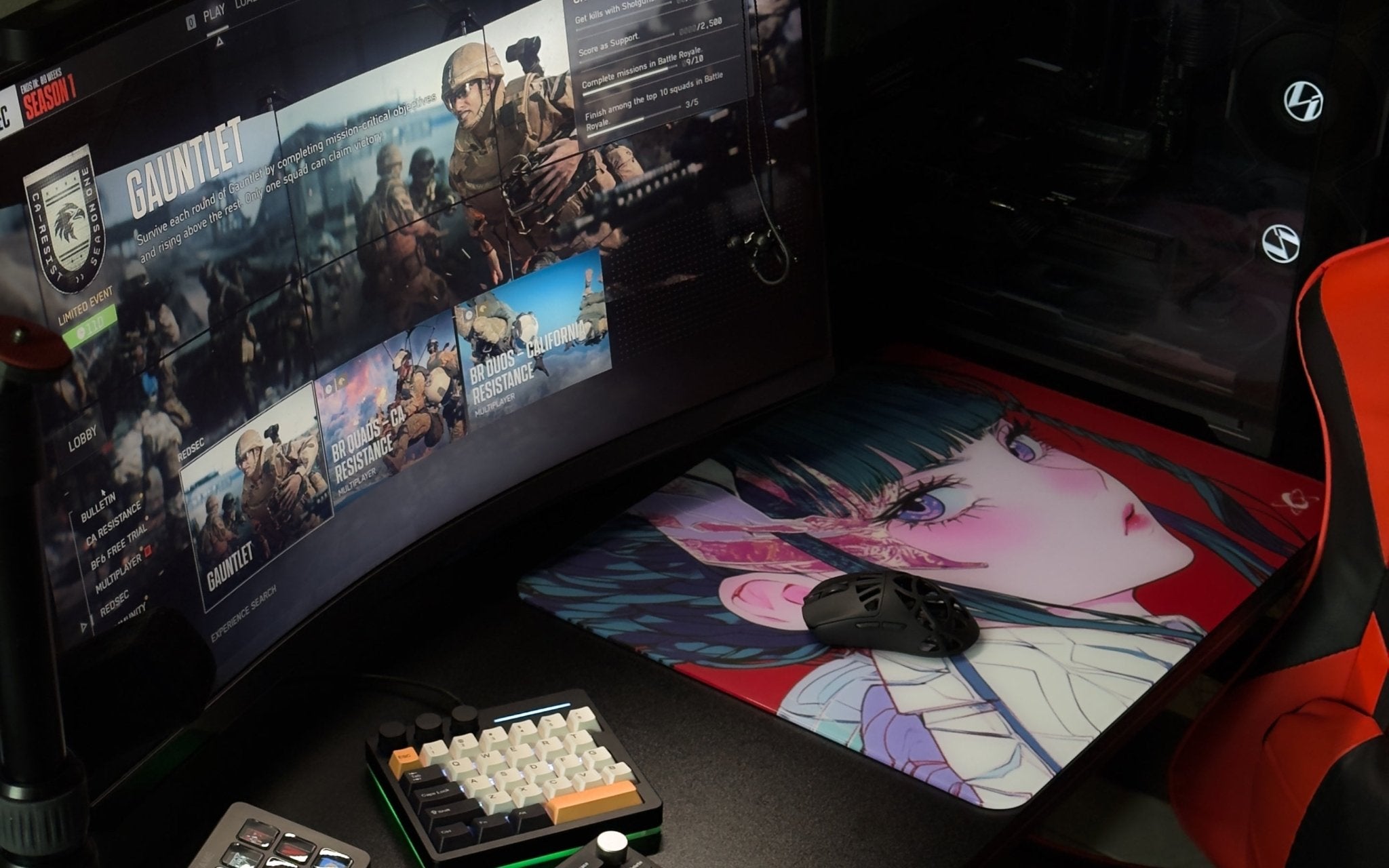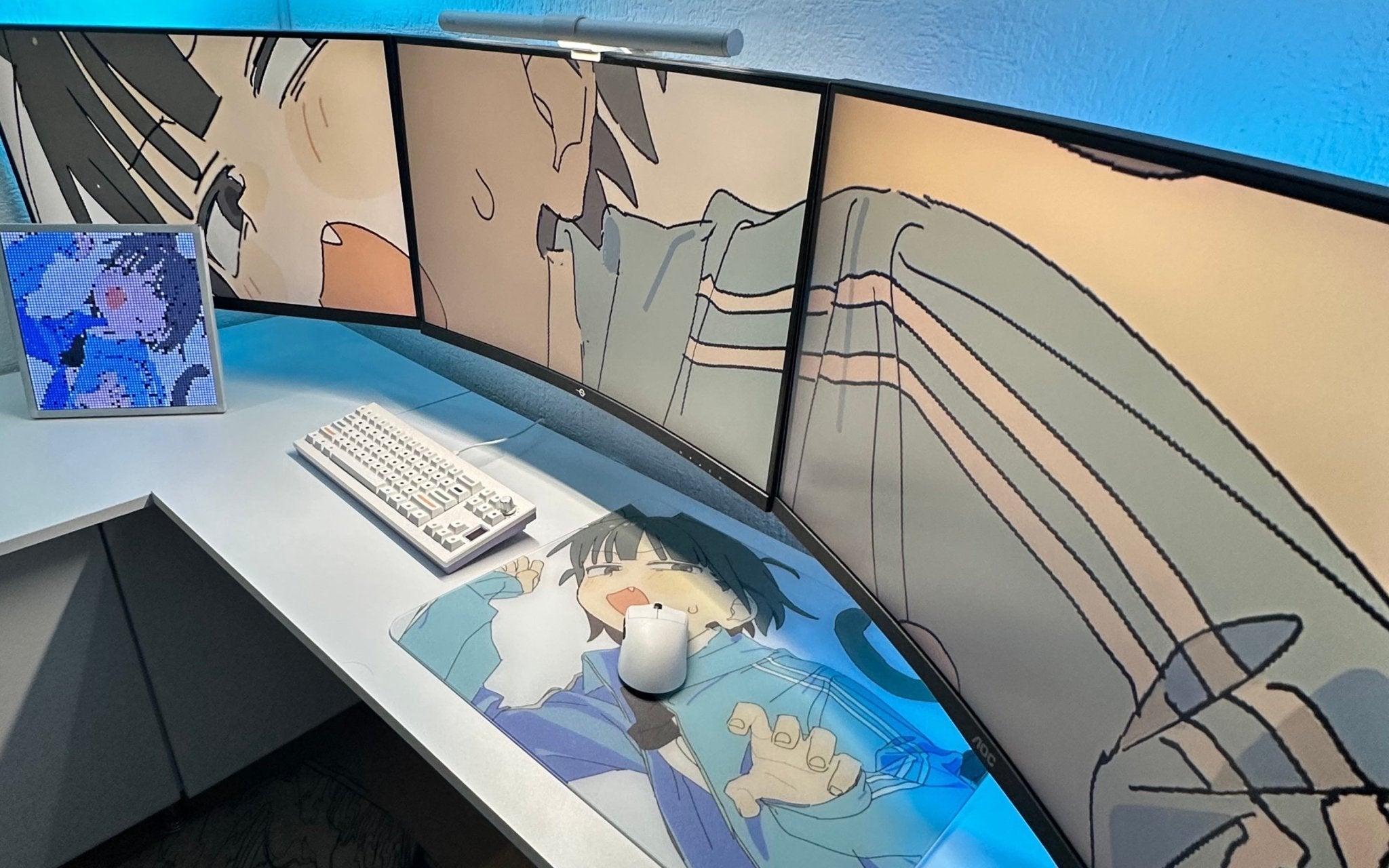
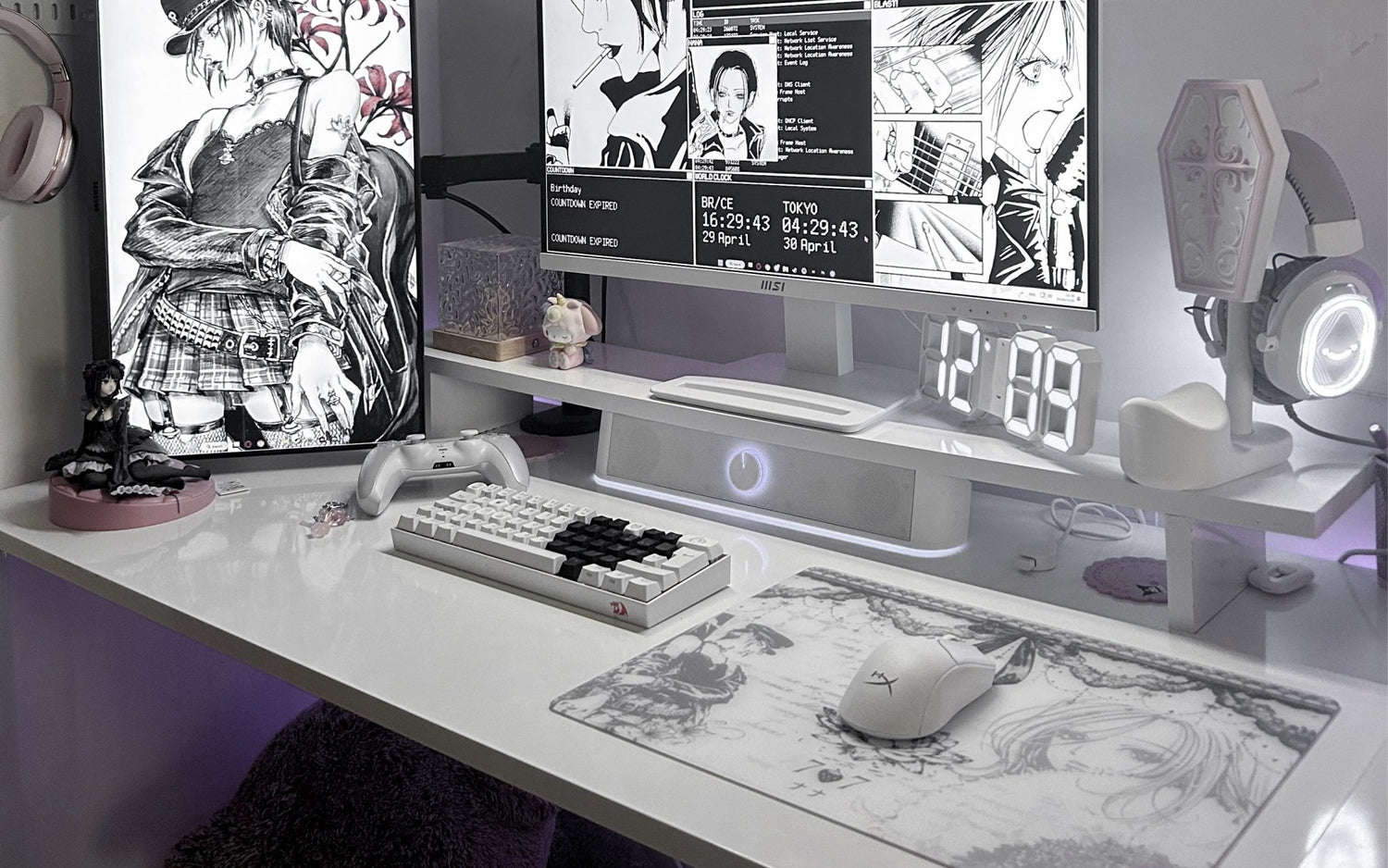
Finding the Right One, Not Just the "Best" One
Selecting a glass mousepad requires careful thought about individual needs, desk environment, and usage patterns rather than searching for a single, universal option. In 2026, the glass mousepad category continues to evolve with options that cater to diverse audiences, including FPS players, creative users, office workers, and those building aesthetic setups. Players who spend considerable time in Roblox exploring user-generated content, engaging in Fortnite matches that demand quick reactions and building, or working on detailed constructions in Minecraft often look for surfaces that support their typical movements while fitting maintenance routines they can sustain. Key considerations include available movement space, preferred feel during long sessions, visual integration with the overall desk, and compatibility with existing peripherals like mouse skates.
This guide draws from official CLUSTRS product specifications and general community observations to outline practical steps for evaluation. Understanding these elements helps users make informed decisions that align with their habits, whether prioritizing a low-profile experience for comfort or a more solid build for stability. Many appreciate the consistent surface properties that glass can offer compared to materials that may change over time, though personal adaptation plays a significant role.
Understanding Glass Mousepad Basics
Glass mousepads utilize a hard, treated surface that provides a different experience from traditional fabric pads. The foundation often involves a micro-etched texture engineered for balanced characteristics. In the case of CLUSTRS products, this is the CLST 1.0 micro-etched surface, designed as a speed-leaning balanced option that supports smooth starts when initiating fast movements, consistent glide during sustained tracking, and reliable stopping power for precise control. These traits can prove useful across various activities, such as fluid navigation and creative tasks in Roblox, dynamic adjustments and build fights in Fortnite, or methodical placement and exploration in Minecraft.
Additional structural components typically include strengthened glass (either chemically strengthened or high-temperature tempered), an AF coating that helps reduce the visibility of fingerprints and everyday marks for simpler cleaning, a high-grip 0.5mm PU base that assists in keeping the pad stable on common desk surfaces, and thoughtfully finished edges that contribute to forearm and wrist comfort. Thickness variations influence the overall profile and weight, while different series address aesthetic preferences ranging from minimalist to character-inspired designs. New users frequently benefit from reviewing how these features interact with their mouse sensor, skates, and sensitivity settings. Community feedback on platforms like Reddit often emphasizes the importance of allowing time to adjust to the tactile feedback and glide profile unique to glass surfaces.
Key Factors to Consider When Choosing
Size Selection: Options typically range from compact XS (260 x 210 mm), ideal for mobile setups or smaller desks, to larger L (500 x 400 mm) that accommodate broader arm movements preferred by low-sensitivity players. The S size (400 x 300mm) frequently serves as a balanced choice for most users. Larger surfaces support wide swipes common in battle royale scenarios or expansive creative work, whereas smaller ones fit precision tasks or limited space. Measuring your available desk area and observing your natural mouse habits provides helpful guidance.
Thickness and Edge Design: The 2.5mm versions, such as those in certain Channel Cute series like Lilies, use chemical-strengthened glass with 2.5D 45° beveled edges for a lower profile that many find allows smoother forearm transitions. In comparison, 3.5mm models employ high-temperature tempered glass with 3D CNC safety-rounded edges for a more substantial feel and added weight that enhances perceived stability. The preference often depends on whether a closer-to-desk experience or a solid, weighted presence better matches daily use. Many players report that the beveled or rounded edges reduce sharp contact points, supporting comfort during extended sessions in games or work.
- Surface and Coating Considerations: Focus on micro-etched textures that deliver tactile feedback suitable for your playstyle. The AF coating in CLUSTRS pads helps with daily upkeep by minimizing smudges, though its effectiveness gradually changes with use and cleaning. Avoid strong solvents to maintain its properties longer.
- Base and Stability: A quality polyurethane base contributes to keeping the pad in position during energetic movements while isolating variations in desk textures.
- Aesthetics, Series, and Customization: CLUSTRS organizes offerings into series such as Minimalist (Atom, Orbit for clean hybrid use); Channel Cute (Lilies and similar for soft desk aesthetics); Performance IP (Astra, Akira for character-focused collectors); and full Custom options. Personal artwork uploads allow full expression while maintaining the same CLST 1.0 performance foundation.
CLUSTRS Glass Mousepad Options Overview
CLUSTRS maintains a unified CLST 1.0 surface across its range of glass mousepad models, with differences primarily in thickness, strengthening method, edge finishing, visual themes, and included accessories. The current selection includes approximately 14 models distributed across established series. Minimalist options like Atom and Orbit appeal to users seeking clean colorways suitable for mixed office and gaming environments with multiple size availability. Channel Cute series, featuring designs such as Lilies with floral motifs, White Lacey, or Bunny themes, target lifestyle and aesthetic desk setups, often with the lighter 2.5 mm profile. Performance-oriented IP lines, including Astra (low-profile limited), Astra's Gaze, and Akira, emphasize character designs alongside core functionality for collectors and tactical players.
Artist collaborations under C Project and the fully Custom creator provide distinctive or personalized routes. Bundles like Pro Play (pad + arm sleeve + skates), Ultimate, and On-the-Go simplify accessorizing for complete setups. Each product shares core benefits such as the speed-leaning balanced surface and PU base stability while catering to specific user priorities like portability, visual cohesion, or extended accessory ecosystems. This structured lineup helps users identify options that align with their desk personality and performance expectations without needing to compromise on the fundamental surface technology.
Matching to Your Playstyle and Setup
Tactical FPS enthusiasts focusing on micro-adjustments and flicks may appreciate the CLST 1.0 characteristics that facilitate quick starts and reliable stops in titles like Valorant or CS2 equivalents, while tracking-heavy battle royale play in Fortnite benefits from consistent glide over wider areas. Casual gamers or MOB Players often value the easier maintenance for frequent short movements, and office or study users prioritize the flat, clean surface that supports productivity alongside occasional gaming. Environmental aspects, such as room humidity that can affect skin contact with glass, warrant consideration; pairing with a gaming arm sleeve can help mitigate sticking sensations during longer sessions.
Desk constraints, current mouse skates (with PTFE options like Arctic White for speed or donut styles for more control), and personal sensitivity settings further refine the selection process. For mobile or on-the-go users, XS sizes with PU cases offer practicality. Many community members on Reddit share experiences transitioning to glass, noting the importance of initial adaptation and skate management for optimal results across mixed scenarios like creative Roblox play or detailed Minecraft projects. Evaluating these elements holistically leads to a more satisfying long-term choice.
Common Mistakes to Avoid When Choosing or Switching to a Glass Mousepad
Many first-time buyers overlook key details that affect long-term satisfaction. One frequent issue is selecting size or thickness without measuring the desk or observing personal mouse habits, leading to cramped movement or an overly heavy feel that doesn’t match sensitivity preferences. Others underestimate the adaptation period; the CLST 1.0 micro-etched surface from CLUSTRS offers a speed-leaning balanced feel with smooth starts, consistent glide, and reliable stopping power, but it feels different from cloth, so patience during the first weeks helps. Ignoring skate compatibility is another pitfall; PTFE skates wear faster on glass, making regular replacement necessary for maintaining smooth performance.
Some also choose designs without considering lighting or overall aesthetic cohesion, especially in Channel Cute series like Lilies or Custom options. To avoid disappointment, review official specs carefully, start with versatile S-size models if uncertain, and factor in maintenance routines like gentle cleaning to preserve the AF coating. Taking time to match the pad to real usage scenarios, whether Fortnite build fights, Minecraft creativity, or Roblox sessions, leads to better outcomes.
Accessories That Enhance Your Glass Mousepad Experience
CLUSTRS offers thoughtful accessories that complement glass mousepads and address common user needs. PTFE skates, such as Arctic White dots for a faster sensation or White Orbit donuts for added control, help fine-tune glide and tracking on the CLST 1.0 surface. Gaming arm sleeves reduce skin sticking in humid conditions or during low-sensitivity arm movements, improving comfort in extended sessions. PU cases protect the pad during travel or storage, particularly useful for XS and S sizes in the On-the-Go bundle.
Bundles like Pro Play combine the mousepad with skates and a sleeve for a complete setup, simplifying the transition for new users. These additions support stability from the high-grip PU base and overall durability of the strengthened glass. When paired with models like Atom for minimalist desks or custom creations, accessories contribute to a more cohesive and practical experience. Players often find that investing in matching accessories reduces common frustrations like skate noise or forearm discomfort from the edges, allowing focus on gameplay or creative work across popular titles.
Real Player Experiences and Community Insights
Community discussions on Reddit and YouTube reveal varied but insightful experiences with glass mousepads. Many users transitioning from cloth appreciate the consistent feel of the CLST 1.0 surface over months, noting easier daily wiping compared to fabric that can absorb oils. In tactical scenarios or tracking-heavy games like Fortnite and Roblox, players mention predictable movements after an adjustment phase, while Minecraft builders value the flat, stable surface for precise work. Feedback on the CLUSTRS series highlights how Channel Cute designs like Lilies brighten aesthetic setups, and Custom options allow personal expression without changing core performance.
Common notes include faster skate wear (addressed by keeping spares) and the benefit of arm sleeves for sweaty sessions. Thickness preferences split between the low-profile 2.5mm for natural forearm feel and 3.5 mm for solid stability. These real-world stories emphasize that success depends on aligning the pad with individual desk space, playstyle, and maintenance habits rather than expecting instant perfection. Exploring community shares provides practical inspiration before purchasing.
Objective Trade-Offs and Perspectives
Traditional cloth mousepads provide a softer initial texture with greater inherent friction that some players prefer for deliberate stopping actions and a plush under-wrist feel. However, with regular use, they can absorb oils, sweat, or dust, potentially leading to gradual inconsistencies or slower spots. Glass surfaces, such as those from CLUSTRS with the CLST 1.0 micro-etching, generally deliver more uniform performance over time and allow simpler cleaning through wiping with a microfiber cloth and water. This can support predictability in movement, though the harder surface may result in faster PTFE skate wear, more noticeable sound from skates, and a firmer overall sensation that requires adjustment.
Skin contact can feel direct, and in humid conditions, an arm sleeve may enhance comfort. Both categories have valid applications: cloth for those favoring traditional resistance and glass for users seeking consistency and maintenance ease. Many in the mousepad community recommend trying samples or shorter-term options first to compare directly with personal habits and games. The trade-offs highlight that suitability depends heavily on priorities around feel, upkeep, and setup integration rather than one type universally outperforming the other.
Practical Tips for First-Time Buyers
Begin with a versatile mid-size like S (400x300 mm) and quality PTFE skates matched to preference, smaller dots for a faster sensation, or donut-style ones for added control. Establish a routine of cleaning the surface periodically with a soft lint-free cloth and clean water to preserve the AF coating's helpful properties. Allow sufficient time, often a few sessions to a couple of weeks, for adapting to the glide profile and tactile feedback. Review the latest product pages for exact specifications, current bundles, shipping details (typically 3-5 business days for customs with a pre-shipment photo), and warranty coverage (generally 3 years on manufacturing issues).
Consider starting with a bundle of accessories if an arm sleeve or case would complement your setup. Monitor skate condition and replace as needed since they are consumables on hard surfaces. For custom orders, prepare high-resolution (300 DPI+) images and utilize the preview tool to ensure key elements stay within safe areas. These steps help minimize common adjustment challenges and support a positive introduction to glass mousepads.
How to Buy from CLUSTRS
Navigate to the official website and browse the series collections or head directly to the custom creator tool. For personalization, select size and thickness, upload artwork, review the mockup carefully, and proceed through checkout. Free shipping applies to orders over $50, with a final product confirmation photo sent before dispatch. Pre-designed models like those in the Lilies series or Atom provide ready-to-use alternatives. Always verify current pricing, inventory, and policies directly on the site, as details such as included accessories (PU case for XS, plus skates for S, and arm sleeve for L) can enhance value. This straightforward process supports informed decisions tailored to individual requirements.
Final Thoughts
Choosing the right glass mousepad ultimately involves aligning available features with your unique desk configuration, gaming or work preferences, and long-term maintenance expectations. CLUSTRS provides a range of options built around the consistent CLST 1.0 platform, allowing users to explore styles from minimalist to fully custom without sacrificing core performance characteristics. Taking time to evaluate sizes, thicknesses, and series helps identify a suitable match that supports enjoyable sessions across popular titles and daily activities.
Explore current offerings here: CLUSTRS Custom Glass Mousepad, or browse other series on the official site.
FAQs
What size glass mousepad should I choose?
XS suits compact or mobile desks, S offers a good everyday balance, and L provides ample space for low-sensitivity wide movements. Consider your desk layout and typical arm range for the best fit.
How do 2.0mm, 2.5mm and 3.5mm versions differ?
2mm models offer clearer pattern detail. 2.5mm models use chemical strengthening and 2.5D beveled edges for a lower profile and natural forearm transition. 3.5mm versions feature tempered glass and 3D rounded edges for greater solidity and weight. Select based on preferred feel.
What maintenance does a glass mousepad require?
Wipe regularly with a damp lint-free cloth or rinse with clean water. Avoid abrasive cleaners or alcohol to support the longevity of the AF coating.
Are glass mousepads compatible with all mice?
Most modern optical gaming mice function well, but sensor type, lift-off distance, skates, and surface cleanliness influence tracking consistency. Testing helps confirm compatibility.
Is a custom glass mousepad a good option?
Customization allows personal designs while using the same CLST 1.0 balanced surface as other models. It works well for those wanting unique aesthetics.
How durable is the glass?
Strengthened constructions support normal desk use, with an anti-shatter membrane included. Proper handling avoids drops or uneven pressure.
Do I need additional accessories?
Skates, arm sleeves, and cases can enhance the experience depending on your setup, sensitivity, and environment. Bundles simplify selection.