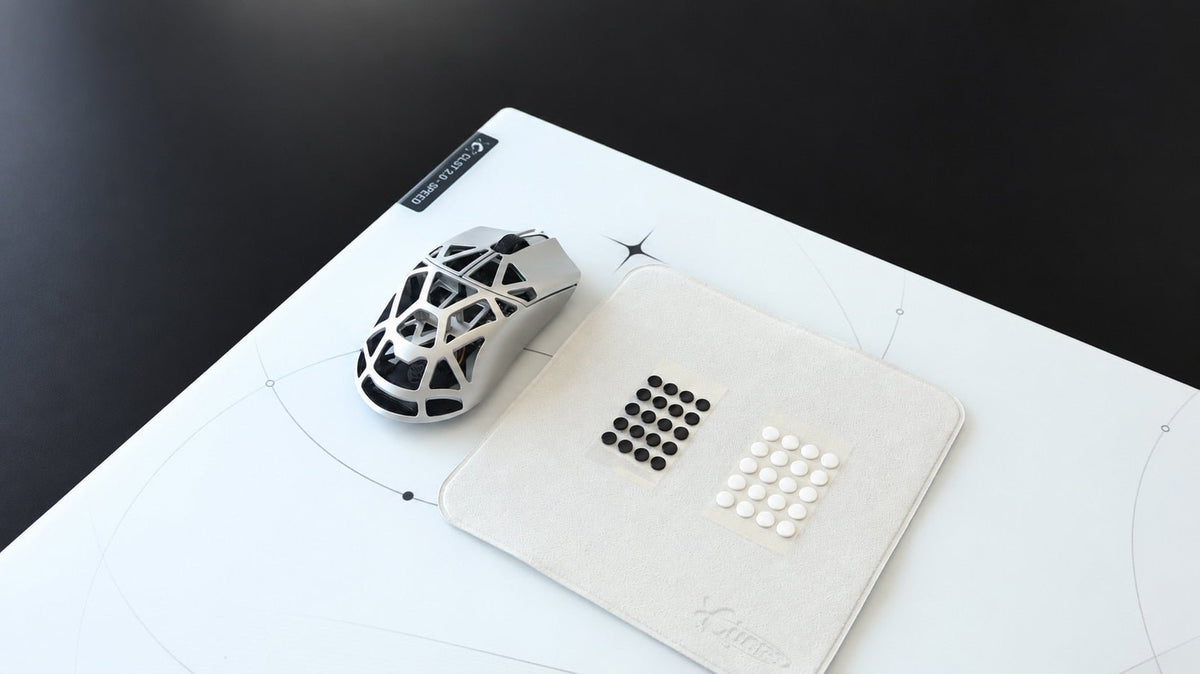
Der Wechsel von einem Stoff- auf ein Glaspad kann dazu führen, dass sich Ihr Setup vom ersten Wisch an merklich anders anfühlt. Ihre Maus bewegt sich möglicherweise müheloser, reagiert besser auf Ihre Hand oder scheint schneller als zuvor zu sein.
Das führt oft zu einer Frage: Muss ich meine DPI ändern?
Für die meisten Benutzer lautet die Antwort: Nein, nicht sofort.
Bleiben Sie bei der DPI und der In-Game-Empfindlichkeit, die Sie bereits kennen. Geben Sie sich ein paar Tage Zeit, um sich an die neue Oberfläche zu gewöhnen, bevor Sie Änderungen vornehmen. Ein Glasmauspad kann das Gefühl Ihrer Bewegung verändern, aber es ändert nicht die tatsächliche DPI-Einstellung des Maussensors.
Kurze Antwort
Ein Glaspad hat normalerweise einen geringeren Widerstand als ein Stoffpad, sodass sich die gleiche Handbewegung schneller und reaktionsschneller anfühlen kann. Ihre DPI hat sich jedoch nicht geändert.
Behalten Sie zunächst Ihre aktuelle DPI und Empfindlichkeit bei. Wenn Sie nach einigen Sitzungen ständig überzielen, Ziele übertreffen oder Schwierigkeiten mit kleinen Anpassungen haben, nehmen Sie nur eine kleine Änderung auf einmal vor.
Ändern Sie nicht Ihre DPI, die In-Game-Empfindlichkeit, die Maus-Gleiter und das Pad gleichzeitig. Dies erschwert es zu verstehen, was sich tatsächlich auf Ihr Ziel und Ihren Komfort auswirkt.
Warum sich ein Glasmauspad schneller anfühlen kann
DPI misst, wie weit sich Ihr Cursor als Reaktion auf physische Mausbewegungen bewegt. Das Wechseln der Pads ändert diese Sensoreinstellung nicht.
Was sich ändert, ist der Widerstand zwischen Ihren Maus-Gleitern und der Oberfläche.
Stoffpads erzeugen im Allgemeinen mehr Reibung und fühlen sich weicher an. Glaspads fühlen sich normalerweise fester und direkter an. Mit weniger Widerstand kann sich die Maus leichter bewegen, wodurch sich die gleiche Handbewegung schneller anfühlt, auch wenn Ihre DPI unverändert bleibt.
Dies ist eine Veränderung des Gefühls, keine Veränderung der Sensorgenauigkeit oder des DPI-Wertes.
Sollten Sie DPI oder In-Game-Empfindlichkeit ändern?
Beginnen Sie damit, keines von beiden zu ändern.
Behalten Sie Ihre bekannten Einstellungen bei und verwenden Sie das neue Pad für ein paar Sitzungen. Dies hilft Ihnen, ein ungewohntes Gefühl von einem Setup zu unterscheiden, das tatsächlich zu schnell ist. Die ersten paar Sitzungen auf Glas können sich schneller anfühlen, einfach weil Sie an den höheren Widerstand von Stoff gewöhnt sind.
Achten Sie nach einer kurzen Anpassungsphase auf konsistente Muster.
Wenn Sie oft überzielen
Wenn Ihr Cursor oder Fadenkreuz regelmäßig über das Ziel hinausgeht, bevorzugen Sie möglicherweise eine etwas geringere Empfindlichkeit oder DPI.
Nehmen Sie eine kleine, anstatt einer dramatischen Anpassung vor. Ziel ist es nicht, die Glasoberfläche dazu zu zwingen, sich genau wie Stoff anzufühlen. Es geht darum, eine Einstellung zu finden, mit der Sie das neue Pad bequem verwenden können.
Wenn kleine Anpassungen schwierig erscheinen
Gehen Sie nicht davon aus, dass eine höhere DPI die Antwort ist. Überprüfen Sie zunächst Ihre Maus-Gleiter und den Zustand der Oberfläche.
Abgenutzte Gleiter, Staub, Rückstände oder ungeeignetes Gleitermaterial können dazu führen, dass sich das Gleiten ungleichmäßig oder unvorhersehbar anfühlt. Auf einem Glaspad sind PTFE- und UHMW-PE-Gleiter geeignete Optionen, aber ihr Material, ihre Form und ihre Kontaktfläche können immer noch unterschiedliche Bewegungseigenschaften erzeugen.
Wenn Ihr Aim instabil ist
Geben Sie sich Zeit, bevor Sie Einstellungen ändern. Ein leichteres Gleiten kann kleine Korrekturen anfangs ungewohnt erscheinen lassen, besonders wenn Sie lange Zeit eine langsamere Stoffoberfläche verwendet haben.
Versuchen Sie, Ihr Setup während der Anpassung einheitlich zu halten. Verwenden Sie die gleiche Maus, Gleiter, Empfindlichkeit und Grifftypen, bevor Sie entscheiden, ob die Einstellung angepasst werden muss.
Ändern Sie nur eine Variable auf einmal
Dies ist die nützlichste Regel beim Wechseln der Pads.
Wenn Sie an einem Tag ein neues Pad installieren, Ihre Maus-Gleiter wechseln, Ihre DPI senken und Ihre In-Game-Empfindlichkeit ändern, werden Sie nicht wissen, welche Änderung das neue Gefühl verursacht hat.
Ein einfacher Ansatz ist:
- Behalten Sie Ihre vorhandene DPI und In-Game-Empfindlichkeit bei.
- Verwenden Sie das Glasmauspad mit Ihren aktuellen Maus-Gleitern.
- Reinigen Sie die Oberfläche und überprüfen Sie die Gleiter, wenn sich das Gleiten rau oder inkonsistent anfühlt.
- Geben Sie sich Zeit, sich an die neue Oberfläche anzupassen.
- Passen Sie eine Einstellung in kleinen Schritten nur an, wenn ein konsistentes Problem bestehen bleibt.
Diese Methode macht Ihr Setup einfacher zu verstehen und einfacher rückgängig zu machen, wenn sich eine Änderung nicht richtig anfühlt.
CLST 1.0 und CLST 2.0: Warum die Wahl der Oberfläche wichtig ist
Nicht jedes Glasmauspad fühlt sich gleich an. Textur, Gleitrichtung, taktiles Feedback und Stoppkontrolle können alle beeinflussen, wie schnell sich ein Setup bei gleicher DPI anfühlt.
CLST 1.0 Balanced Speed
CLST 1.0 ist die ausgewogenere Oberflächenoption. Es bietet kontrollierte Starts und ein gleichmäßiges Gleiten, mit definierterer Texturfeedback und stärkerer Bremskraft.
Für Benutzer, die von Stoff wechseln, kann dieses geerdeteres Gefühl einen angenehmen Übergang darstellen. Es bietet immer noch das direkte Gefühl von Glas und gleichzeitig eine klarere Rückmeldung beim Beginnen oder Beenden einer Bewegung.
CLST 2.0 Speed
CLST 2.0 ist stärker auf Geschwindigkeit ausgelegt. Seine feinere, dichtere mikrogeätzte Textur reduziert den Anfangswiderstand für schnellere Starts und ein leichteres Gleiten, während das taktile Feedback klar und die Stoppreaktion zuverlässig bleibt.
Wenn Sie bereits schnellere Oberflächen bevorzugen, könnte CLST 2.0 gut zu Ihren aktuellen Einstellungen passen. Wenn es sich anfangs besonders schnell anfühlt, passen Sie sich zuerst der Oberfläche an, anstatt sofort Ihre DPI zu senken.
Vergleichen Sie CLST 1.0 und CLST 2.0 in der CLUSTRS Glasmauspad-Kollektion.
Erfordert eine schnellere Glasoberfläche eine niedrigere DPI?
Nicht unbedingt.
Eine schnellere Oberfläche kann dazu führen, dass sich Ihre aktuelle Empfindlichkeit anders anfühlt, aber die richtige Einstellung hängt immer noch von persönlichen Vorlieben, Spieltyp, Mausgriff, Bewegungsbereich und den Gleitern unter Ihrer Maus ab.
Manche Spieler bevorzugen es, die Empfindlichkeit nach dem Wechsel zu einer leichteren Glasoberfläche leicht zu senken. Andere behalten die gleichen Einstellungen bei und passen sich einfach dem geringeren Widerstand an. Keiner der Ansätze ist automatisch richtig.
Wichtig ist, dass Sie keine Einstellungen ändern, weil sich das Pad in der ersten Stunde ungewohnt anfühlt.
Eine einfache Checkliste für den Anfang
Bevor Sie die DPI ändern, fragen Sie sich:
● Habe ich das Glaspad lange genug benutzt, um mich anzupassen?
● Überziele ich ständig, oder fühlt sich die Oberfläche nur ungewohnt an?
● Sind meine Maus-Gleiter sauber, glatt und für Glas geeignet?
● Habe ich mehr als eine Setup-Variable gleichzeitig geändert?
● Würde eine kleine Anpassung der In-Game-Empfindlichkeit das Problem klarer lösen, als alles andere zu ändern?
Ein Glasmauspad sollte Sie nicht dazu zwingen, Ihr gesamtes Setup neu aufzubauen. Beginnen Sie mit den Einstellungen, die Sie bereits kennen, geben Sie sich Zeit, um sich an das neue Oberflächengefühl zu gewöhnen, und nehmen Sie bei Bedarf nur kleine, gezielte Anpassungen vor.
FAQ
Erhöht ein Glasmauspad die DPI?
Nein. DPI ist eine Maussensoreinstellung. Ein Glasmauspad kann sich schneller anfühlen, weil es im Allgemeinen einen geringeren Widerstand als Stoff hat, aber es erhöht den DPI-Wert nicht.
Sollte ich meine Empfindlichkeit senken, wenn ich auf Glas umsteige?
Nicht sofort. Behalten Sie zunächst Ihre übliche Empfindlichkeit bei und passen Sie sich an die neue Oberfläche an. Wenn Sie nach mehreren Sitzungen ständig überzielen, sollten Sie eine kleine Anpassung in Betracht ziehen.
Sollte ich die DPI oder die In-Game-Empfindlichkeit anpassen?
Beides kann funktionieren, aber ändern Sie immer nur eine Variable gleichzeitig. Viele Spieler bevorzugen es, zuerst die In-Game-Empfindlichkeit anzupassen, da dies ihre allgemeine Desktop-DPI-Einstellung beibehält.
Können Maus-Gleiter meine Maus auf Glas schneller erscheinen lassen?
Ja. Gleitermaterial, Form, Kontaktfläche, Abnutzung und Sauberkeit können alle das Gleitgefühl verändern. PTFE- und UHMW-PE-Gleiter sind geeignete Materialien für Glasmauspads.
Warum fühlt sich mein Glasmauspad inkonsistent an?
Überprüfen Sie zuerst auf Staub, Rückstände oder abgenutzte Gleiter. Wenn dies nicht das Problem ist, geben Sie sich Zeit zur Anpassung, bevor Sie die DPI oder Empfindlichkeit ändern.