
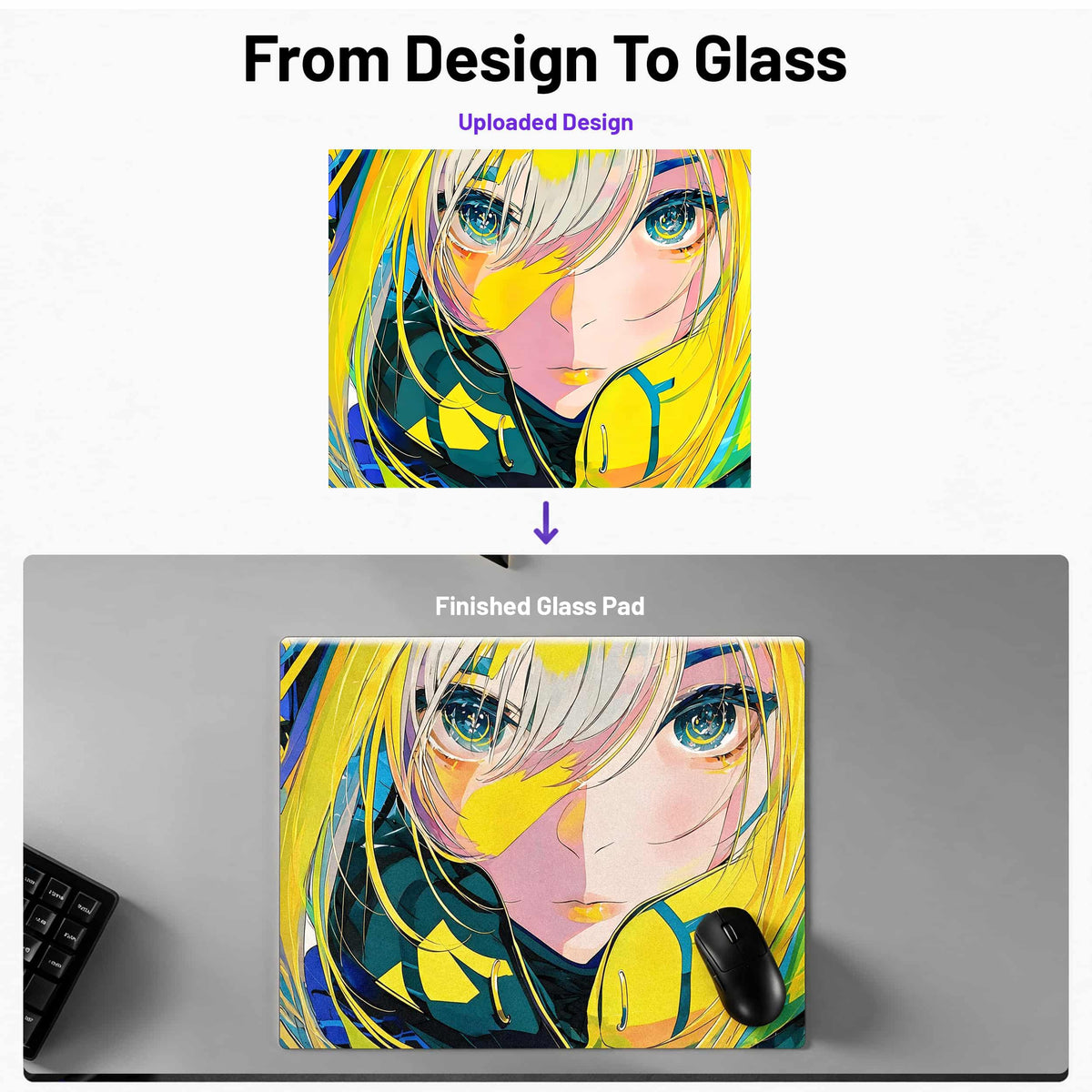


Custom Glass Mousepad
Upload Guide
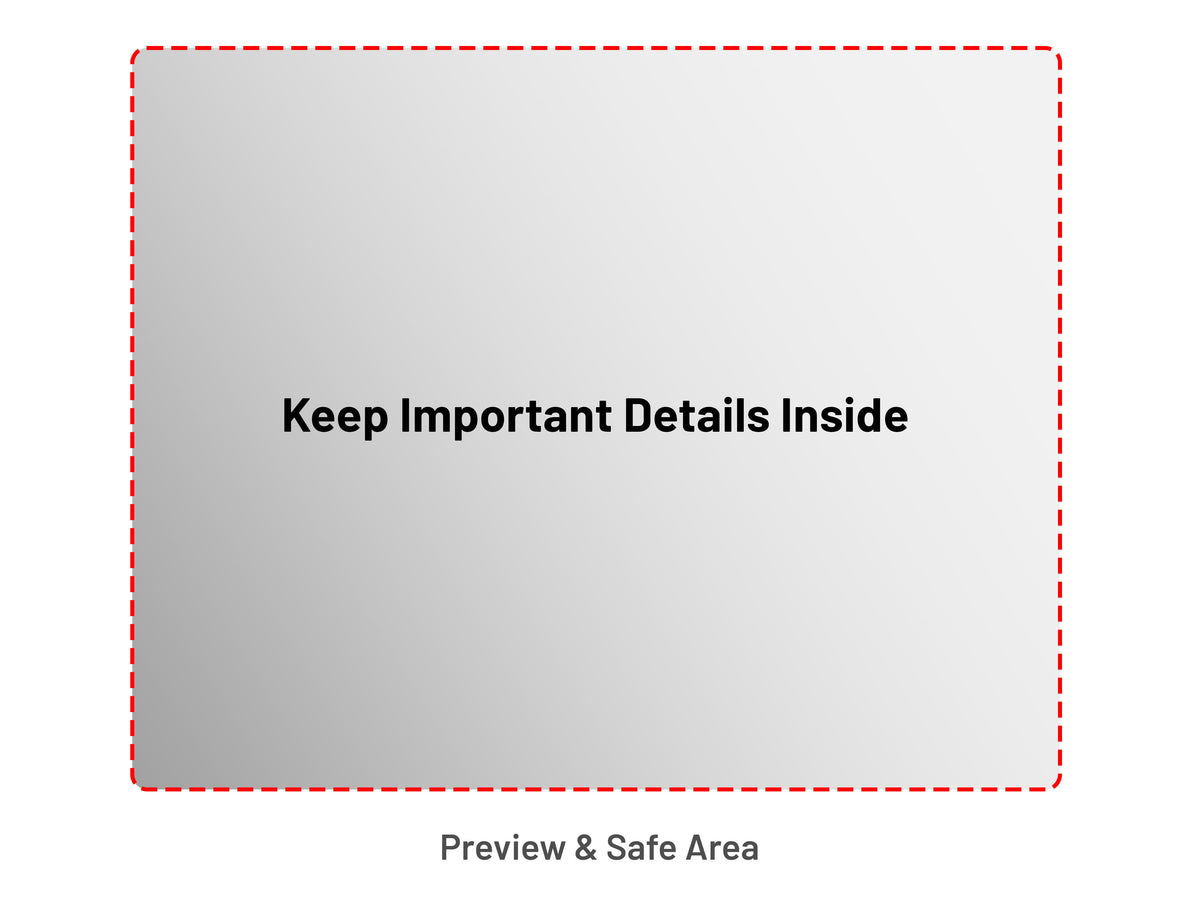
1. Check Your Preview
Anything outside the preview area will be cropped. Keep faces, text, logos, and other key details within the visible boundary.
2. Use The Recommended Image Size
For the sharpest print, upload a file that meets or exceeds the recommended size for your selected pad.
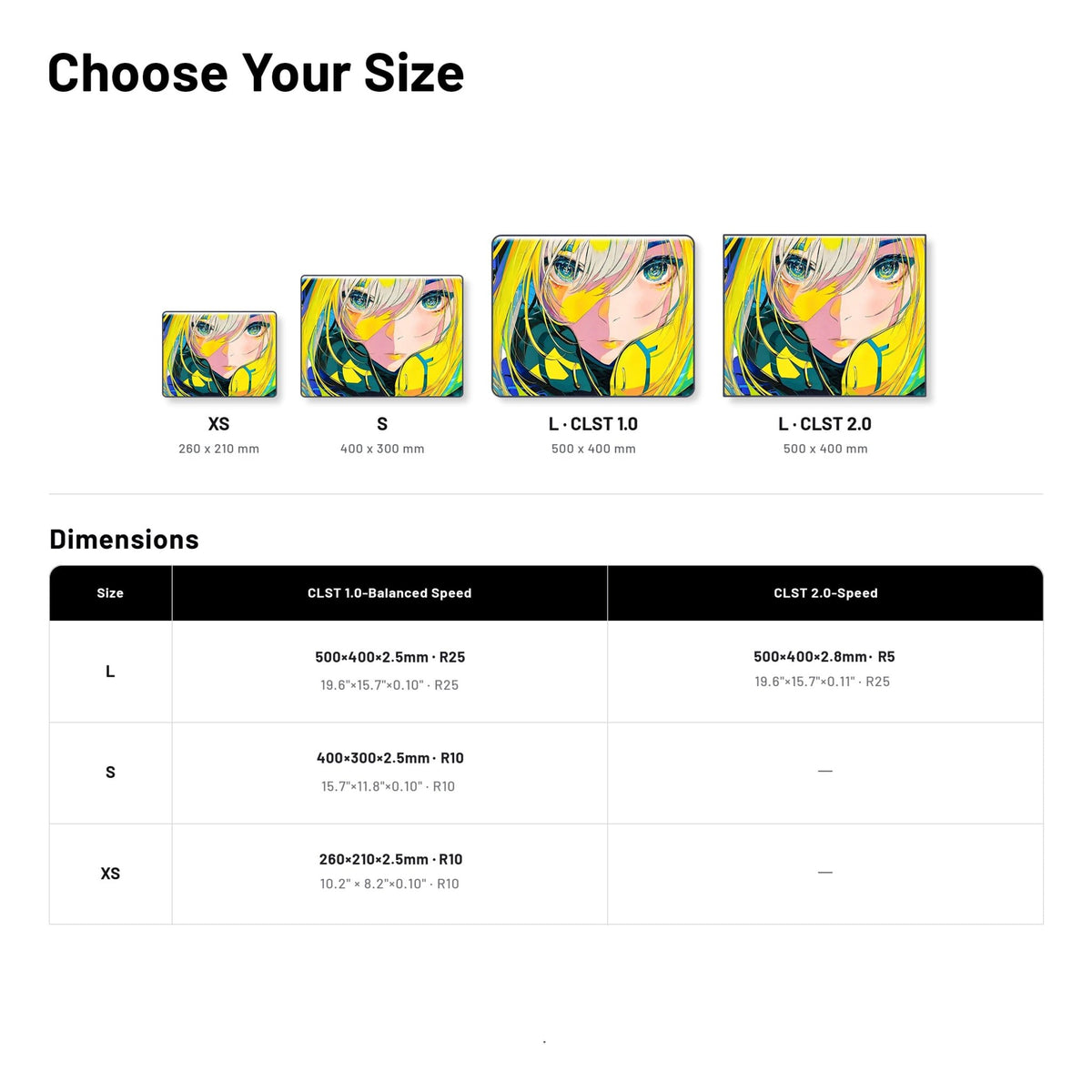
- XS (260 × 210 mm): 3071 × 2480 px
- S (400 × 300 mm): 4724 × 3543 px
- L (500 × 400 mm): 5906 × 4724 px
These sizes are based on 300 DPI at final print size. Keep files under 20 MB and match the aspect ratio of your selected pad.
3. Before You Submit
Check the crop, image clarity, spelling, and placement before submitting. Files below the recommended size, or designs with key details outside the preview area, may need adjustment before production.
Production & Shipping
1. Design Review & Production
We review your design for crop and file clarity before production. If we find an issue, we’ll contact you by email. Once your file is ready, production typically takes 3–5 business days.
2. Finished Pad Preview
Once your pad is finished, we’ll email photos for your approval before shipping. Please check your email promptly to help avoid delays.
3. Shipping & Delivery
After approval, we pack and ship your order. Transit time begins once your order ships and varies by destination and shipping method.
4. Changes & Cancellations
Contact us as soon as possible if you need to change your order. Once production begins, changes or cancellations may no longer be possible.
Your Design Rights
By uploading a design, you confirm that you own it or have permission to use it. Please do not upload content that infringes third-party rights.
Warranty & Support
- 3-year warranty
Custom glass mousepads are covered by our 3-year warranty. See our FAQ for coverage and exclusions. - Damaged Or Defective On Arrival
If your item arrives damaged or defective, contact us with your order number and clear photos of the item and packaging. Once verified, we’ll provide a replacement at no additional cost. - Need help uploading?
Check the artwork guide above, then try uploading again. If you still need help, contact us at support@theclustrs.com.
How It Works



Make It Uniquely Yours
From original art to personal photos, create a glass pad that belongs in your setup.

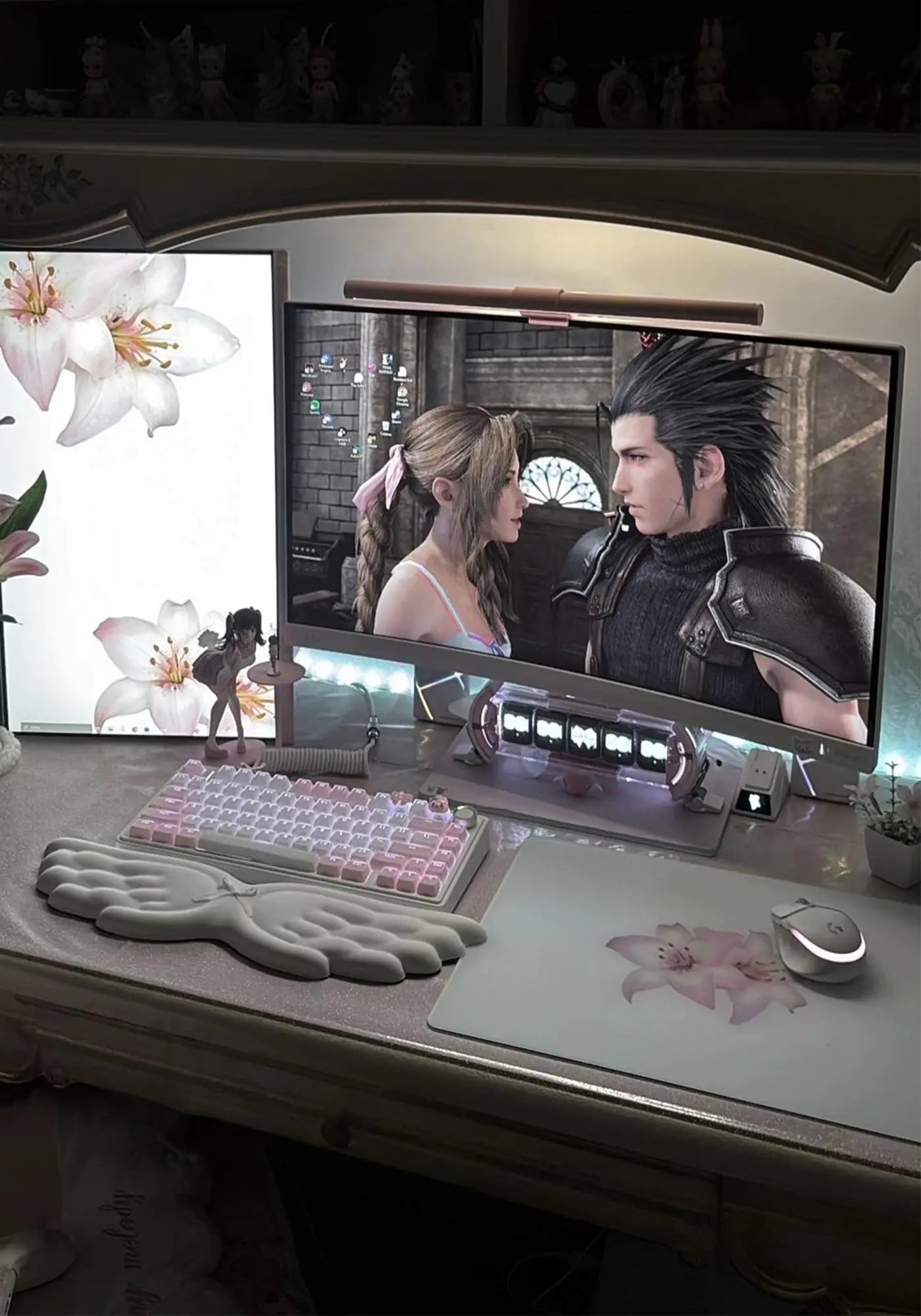
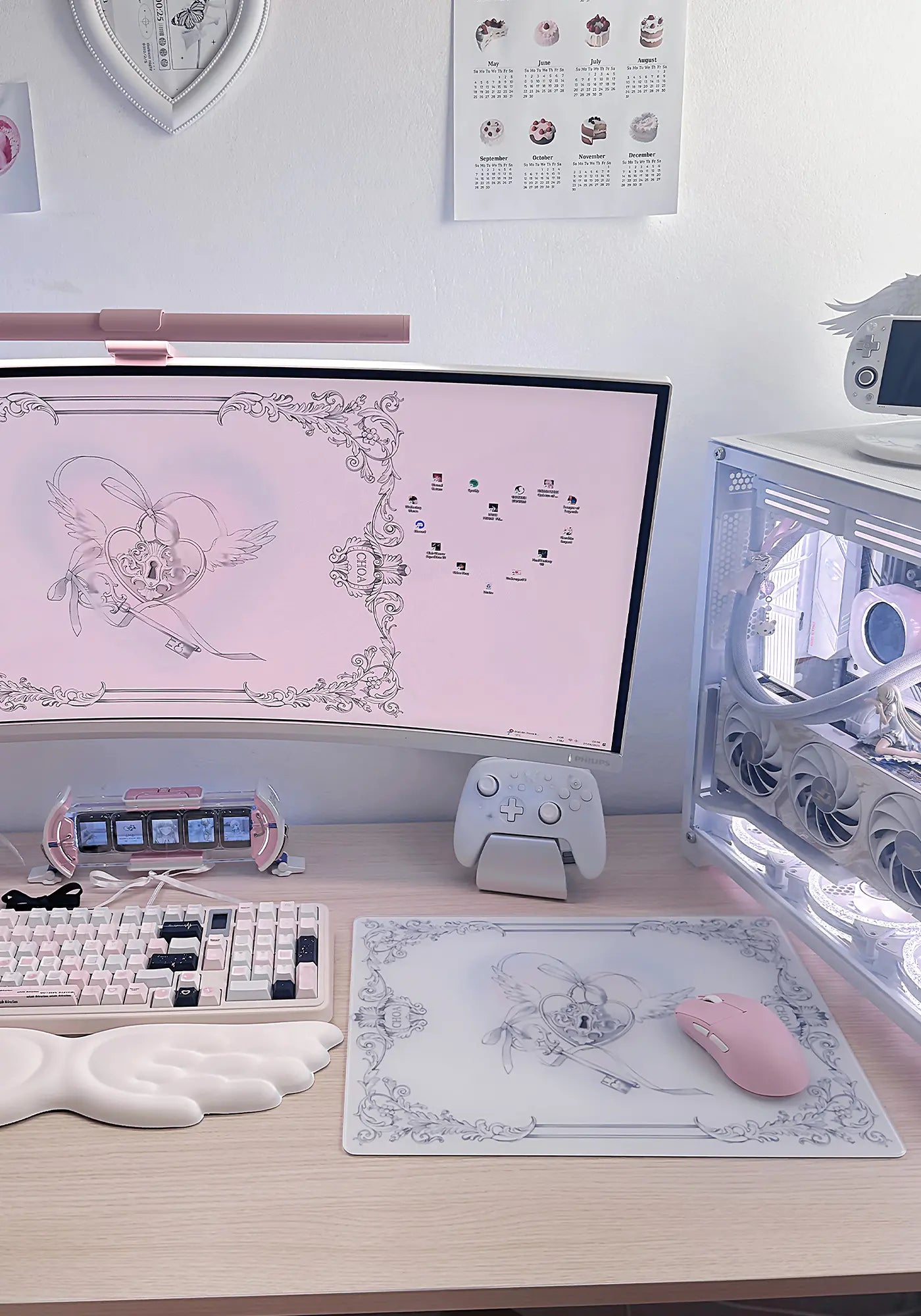

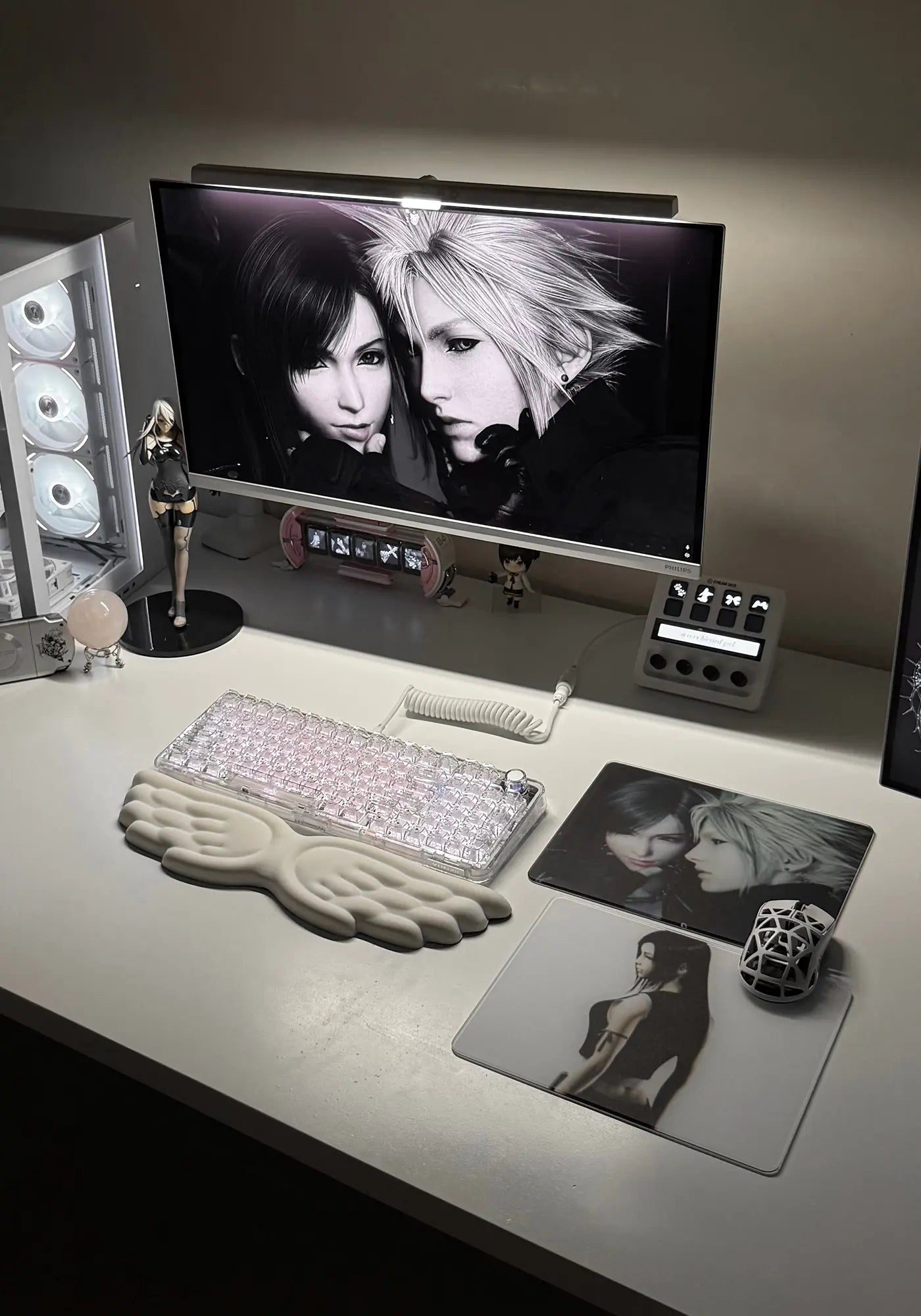
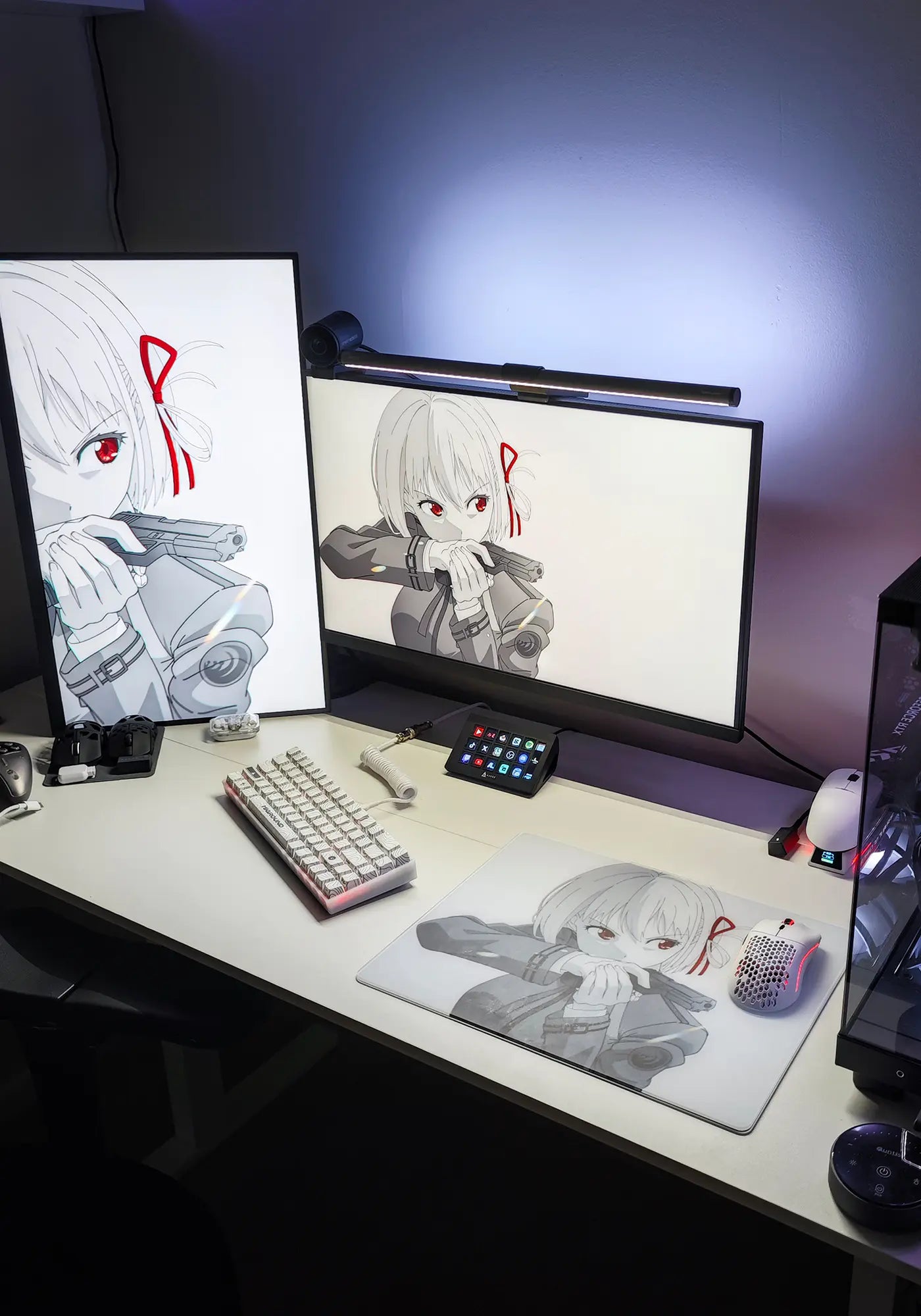
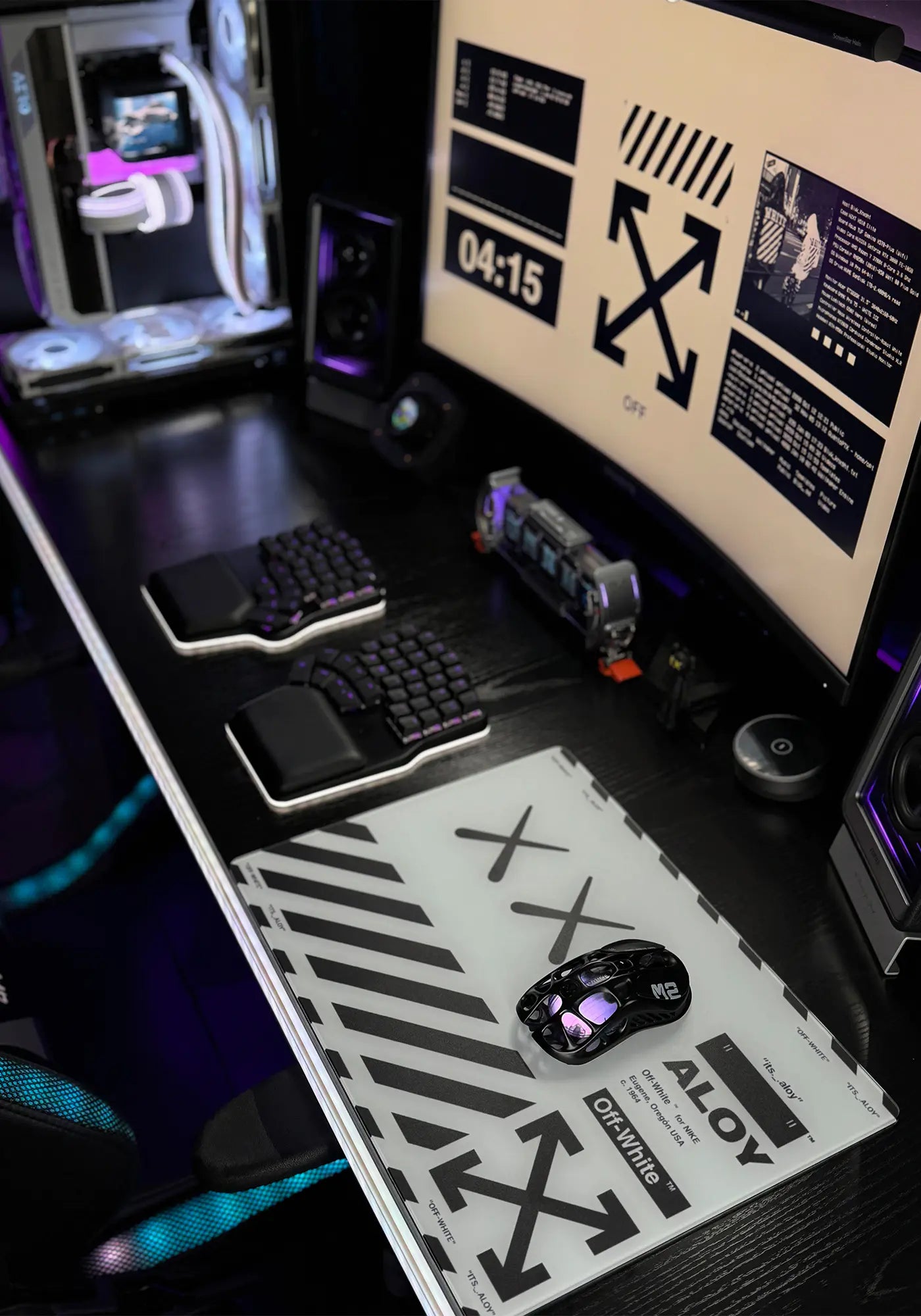
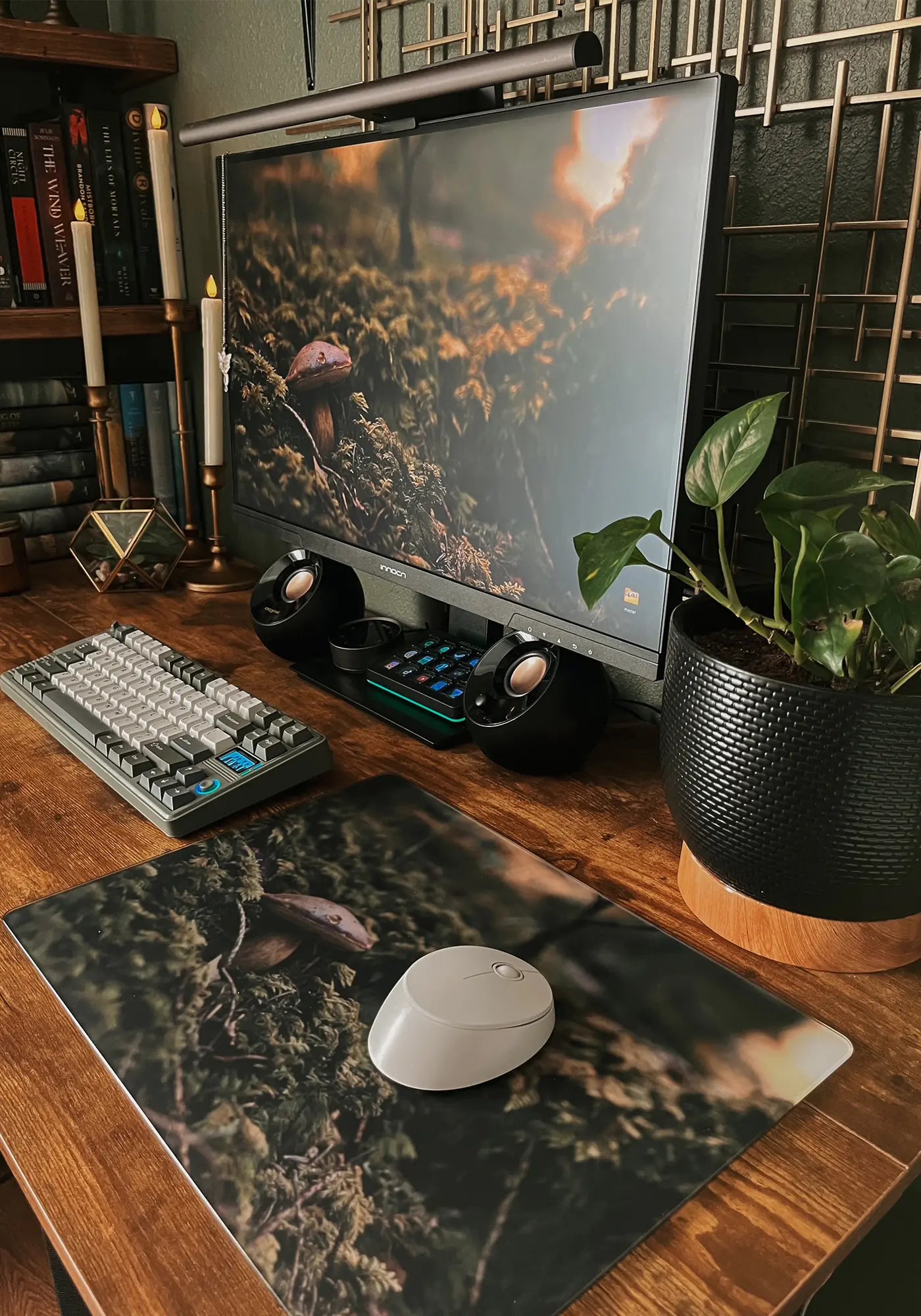
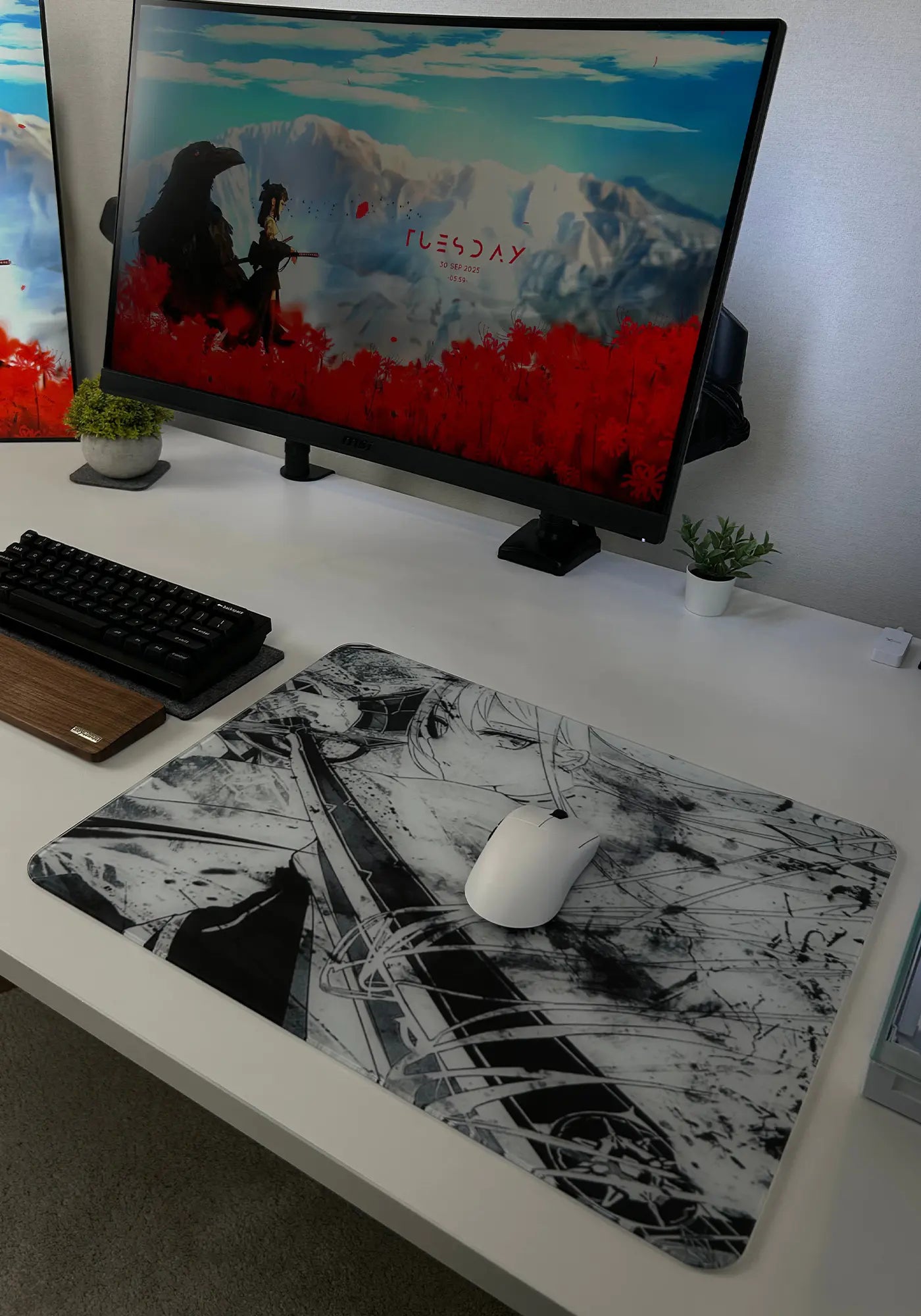
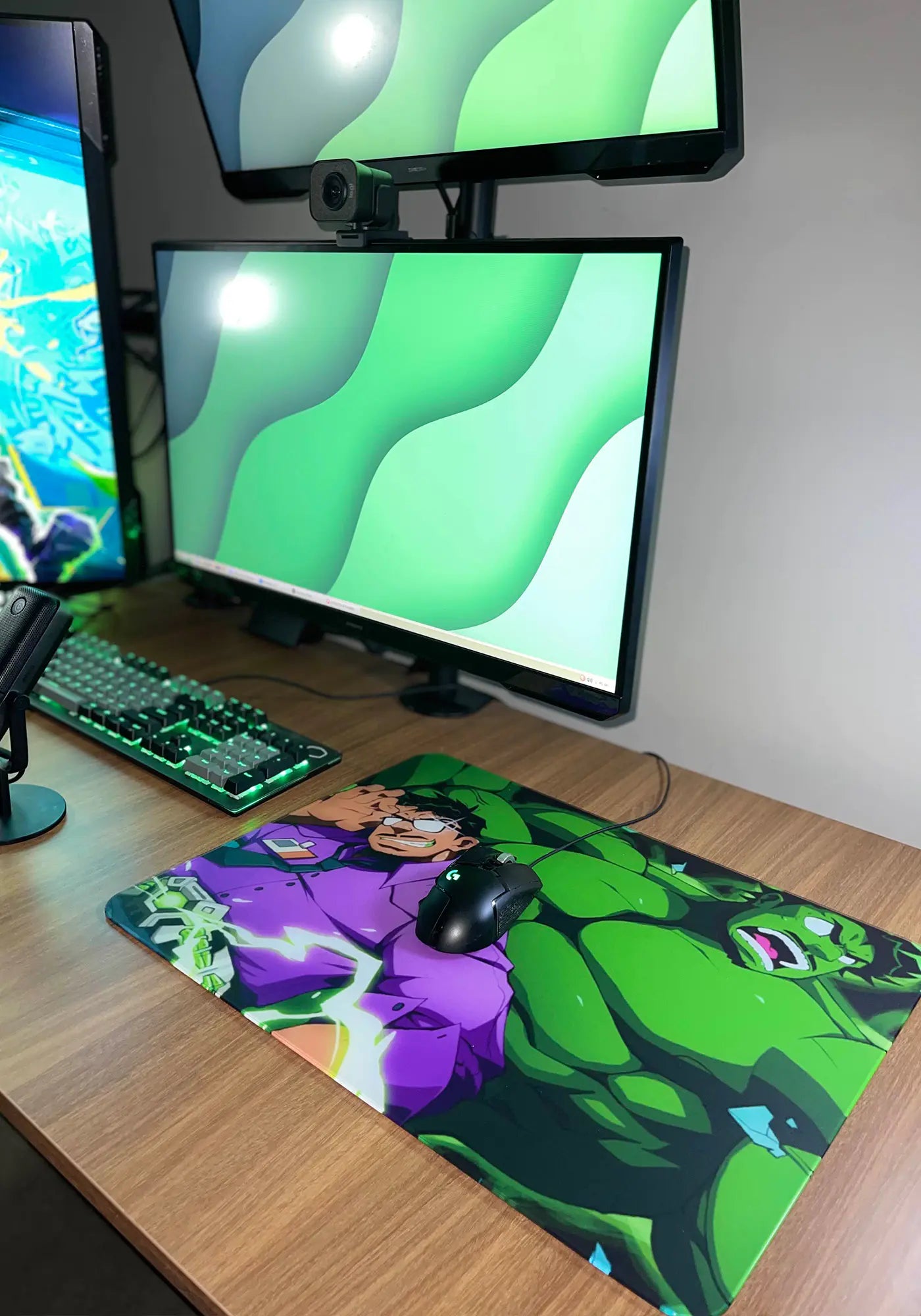
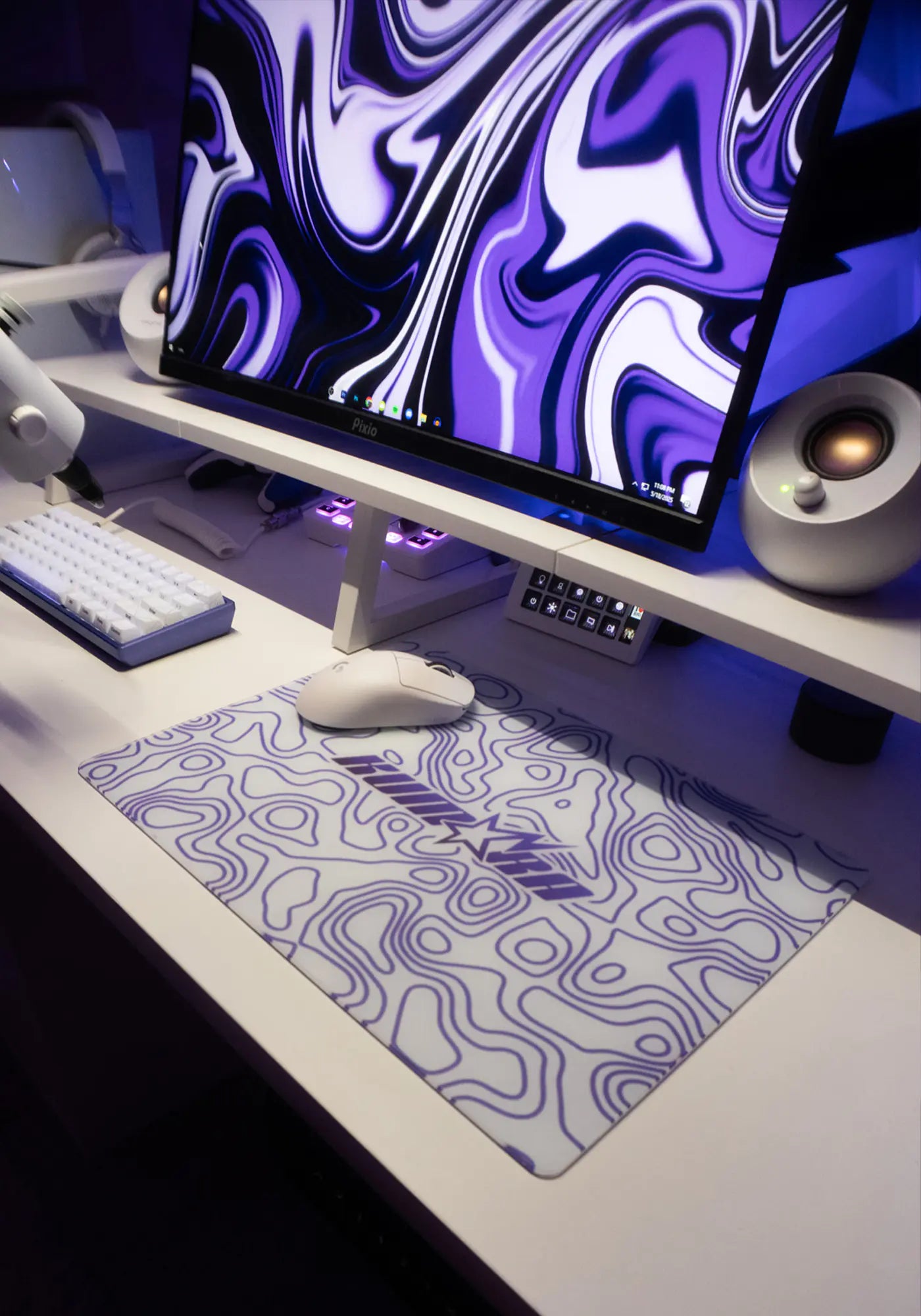
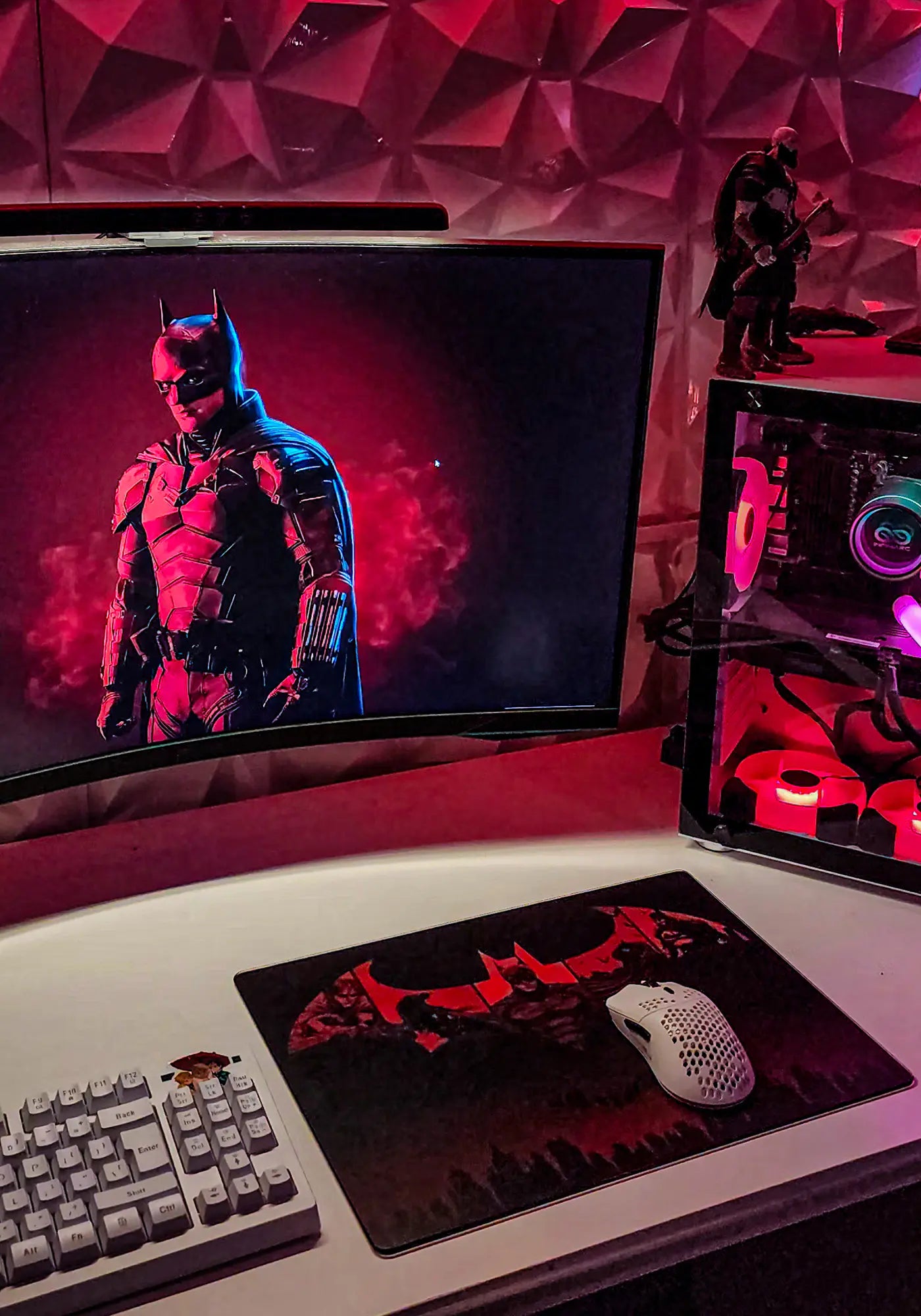
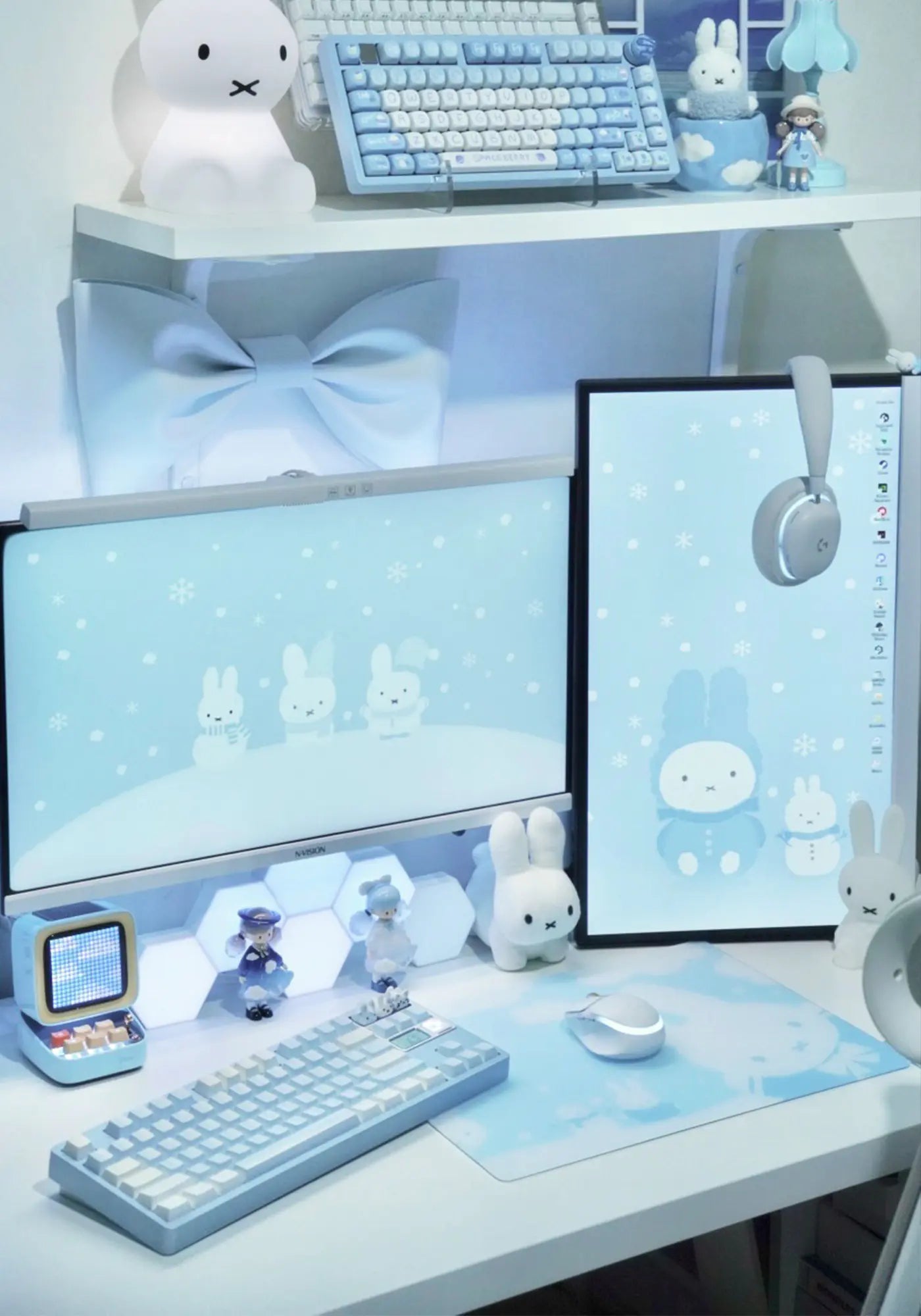

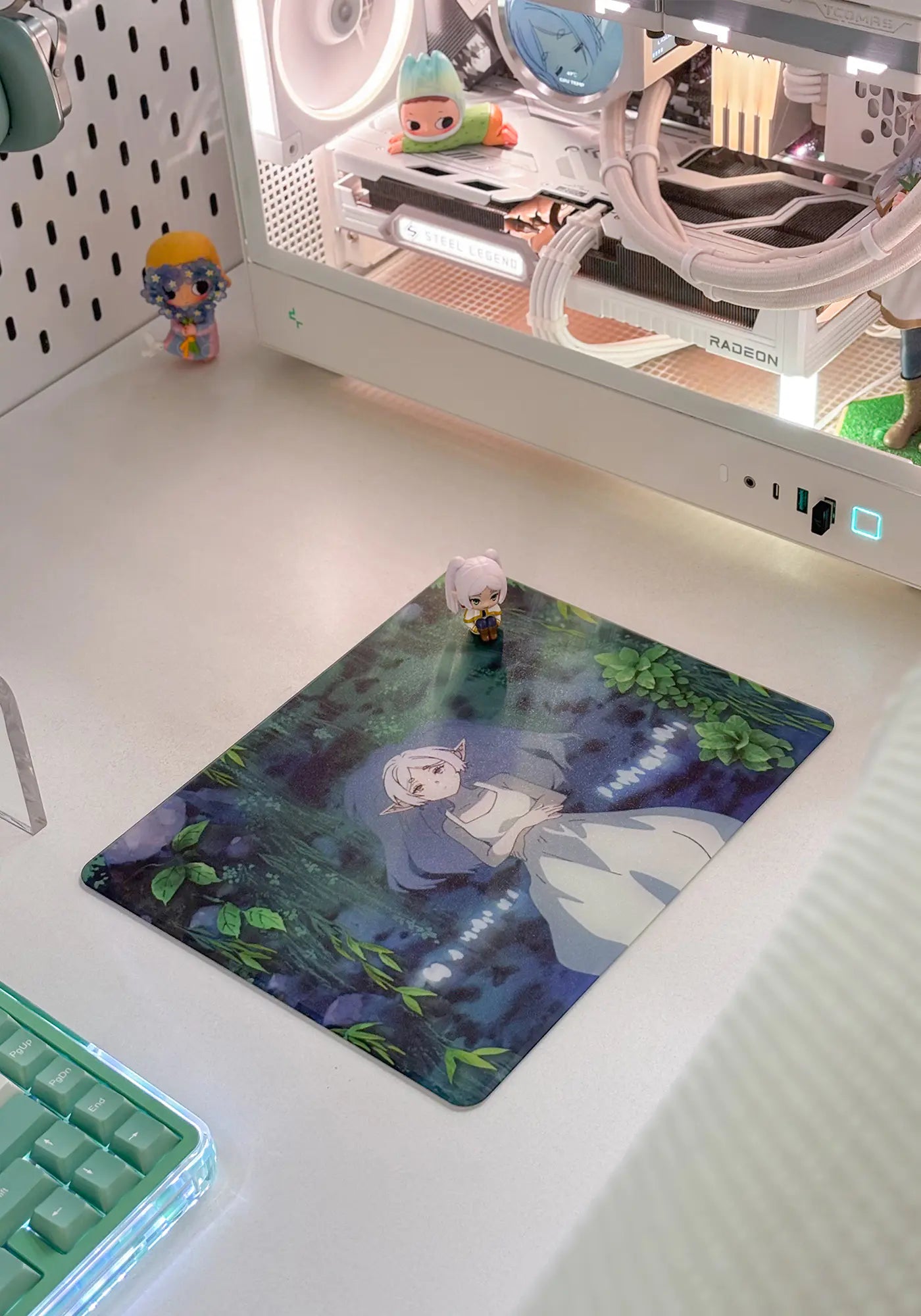
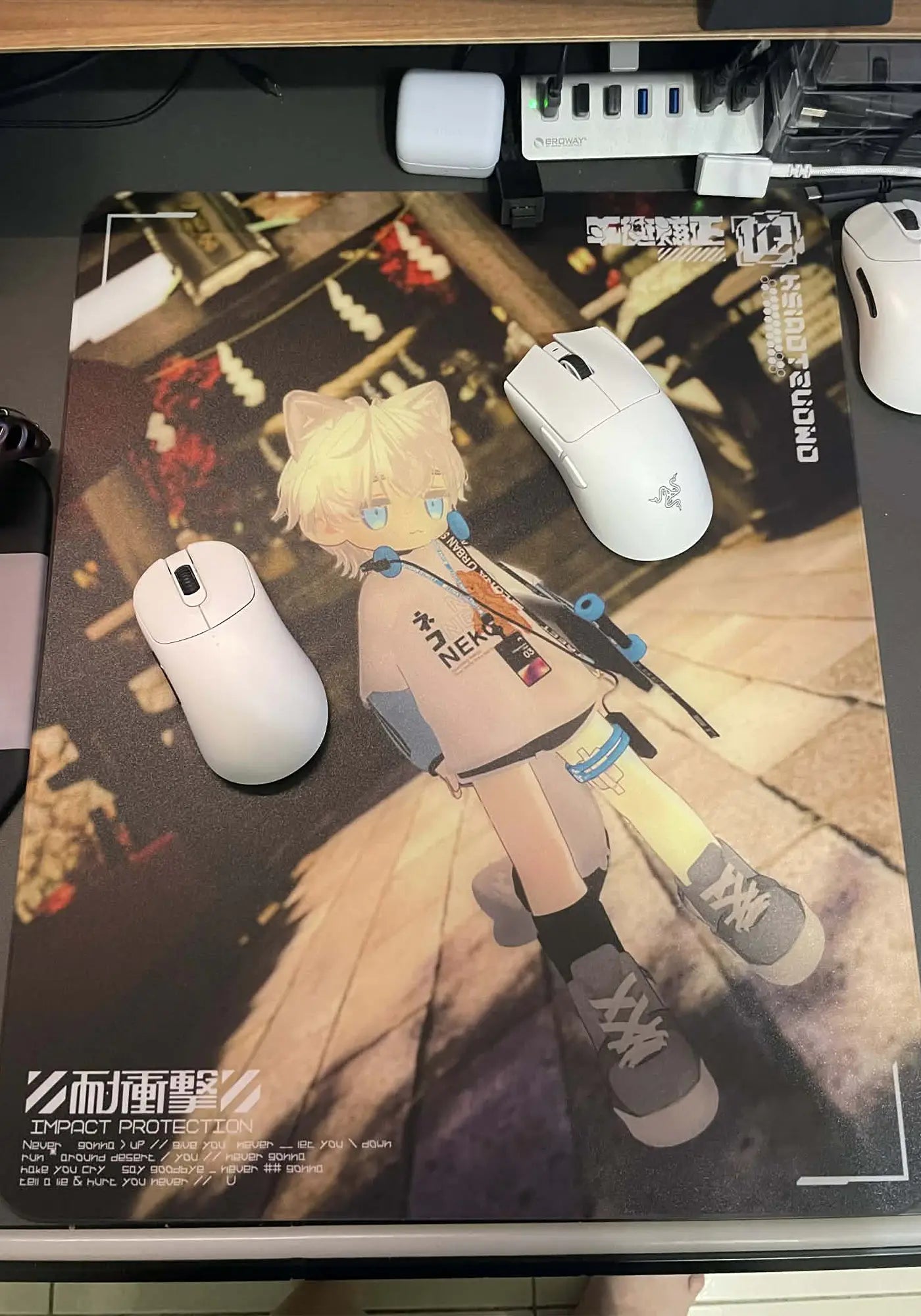
See Custom In Play
Real setups, finished-pad details, and firsthand impressions from the community.
Setup & Gameplay
Precision In Every Step
See how edge finishing, UV printing, and quality checks shape your custom glass pad.
Precision Edge Finishing
Each edge is carefully finished and inspected for a clean, refined profile.
UV Printing & Color Check
Your design is UV-printed and checked for detail, placement, and overall color balance.
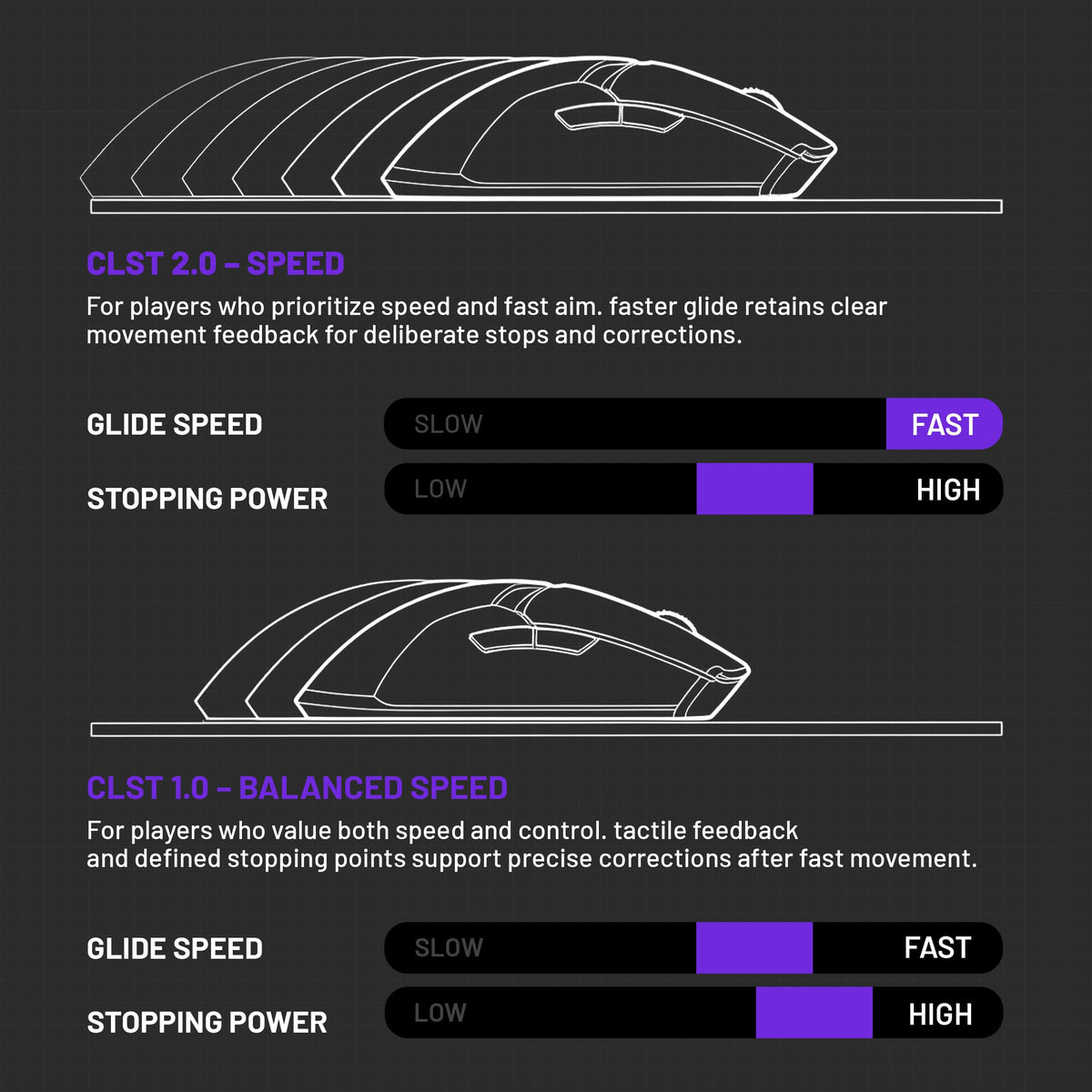
Find Your Glide
Choose CLST 1.0 for balanced control or CLST 2.0 for faster movement.

Performance Details
Built To Perform

A performance-tuned glass surface designed for precise tracking, smooth movement, and everyday durability.

Fine details and rich colors give your design a crisp, vivid finish on glass.

Oleophobic and hydrophobic properties help resist fingerprints, oil, and everyday spills for easier cleaning.
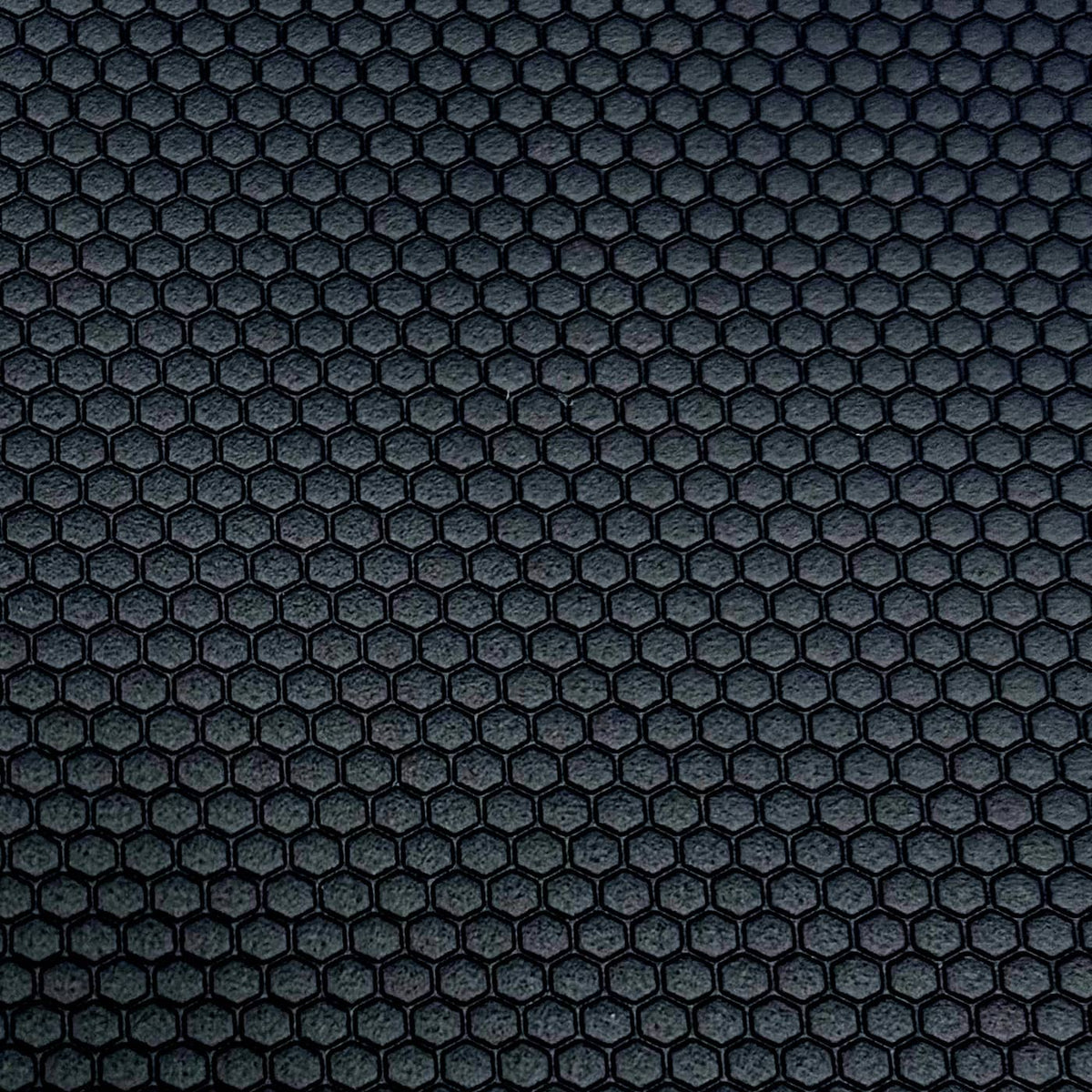
Stable Base By Size
XS and S use a PU base. L uses a custom-molded silicone base—each matched to its size for stable placement.

Recommended Pixel Size
- XS · 3071 × 2480 px
- S · 4724 × 3543 px
- L · 5906 × 4724 px
- For best print quality, meet or exceed the recommended pixel size.
- Keep files under 20 MB.
- Match the aspect ratio of your selected pad.
- If you still need help, contact us at support@theclustrs.com.
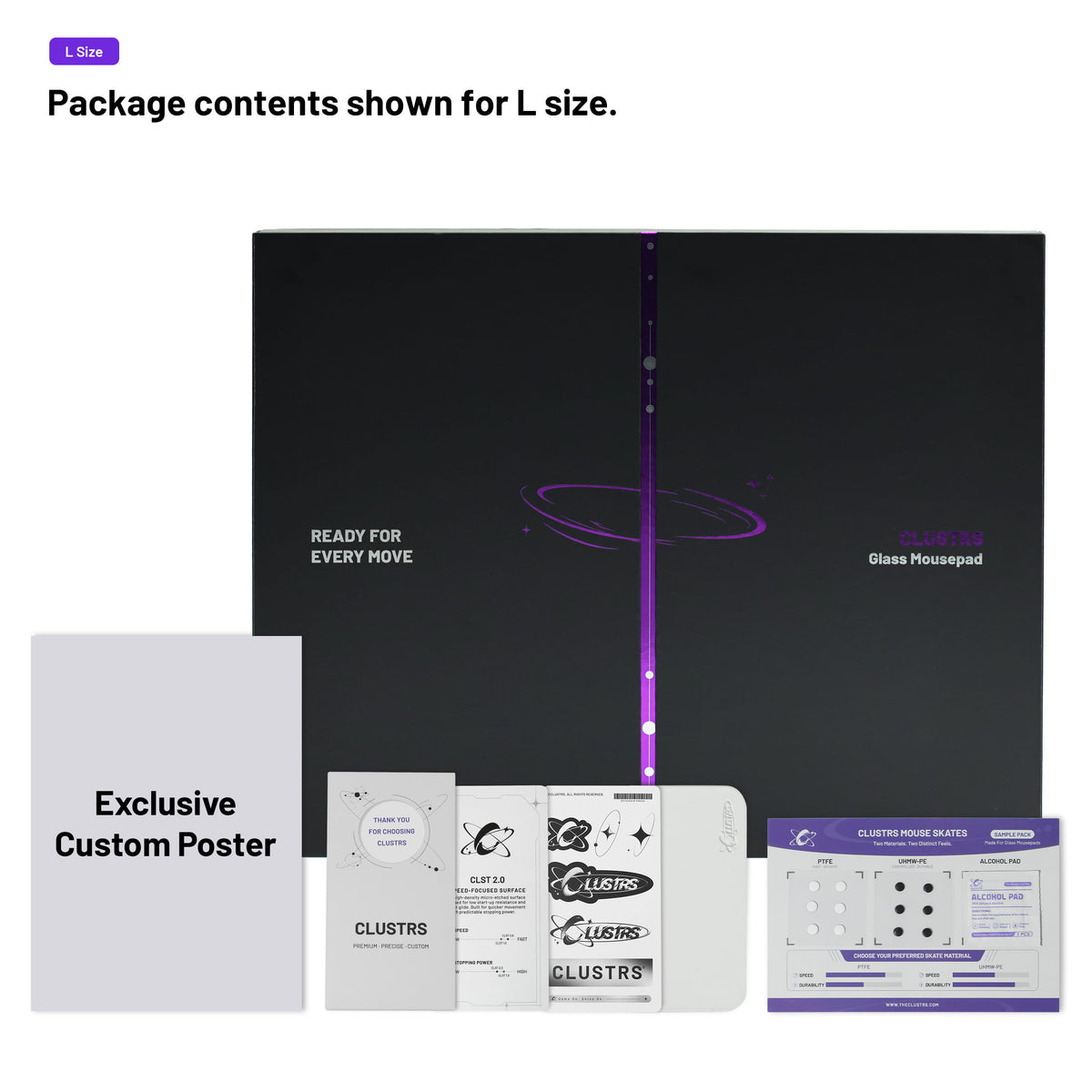
Glass Pad Only
What's In The Box
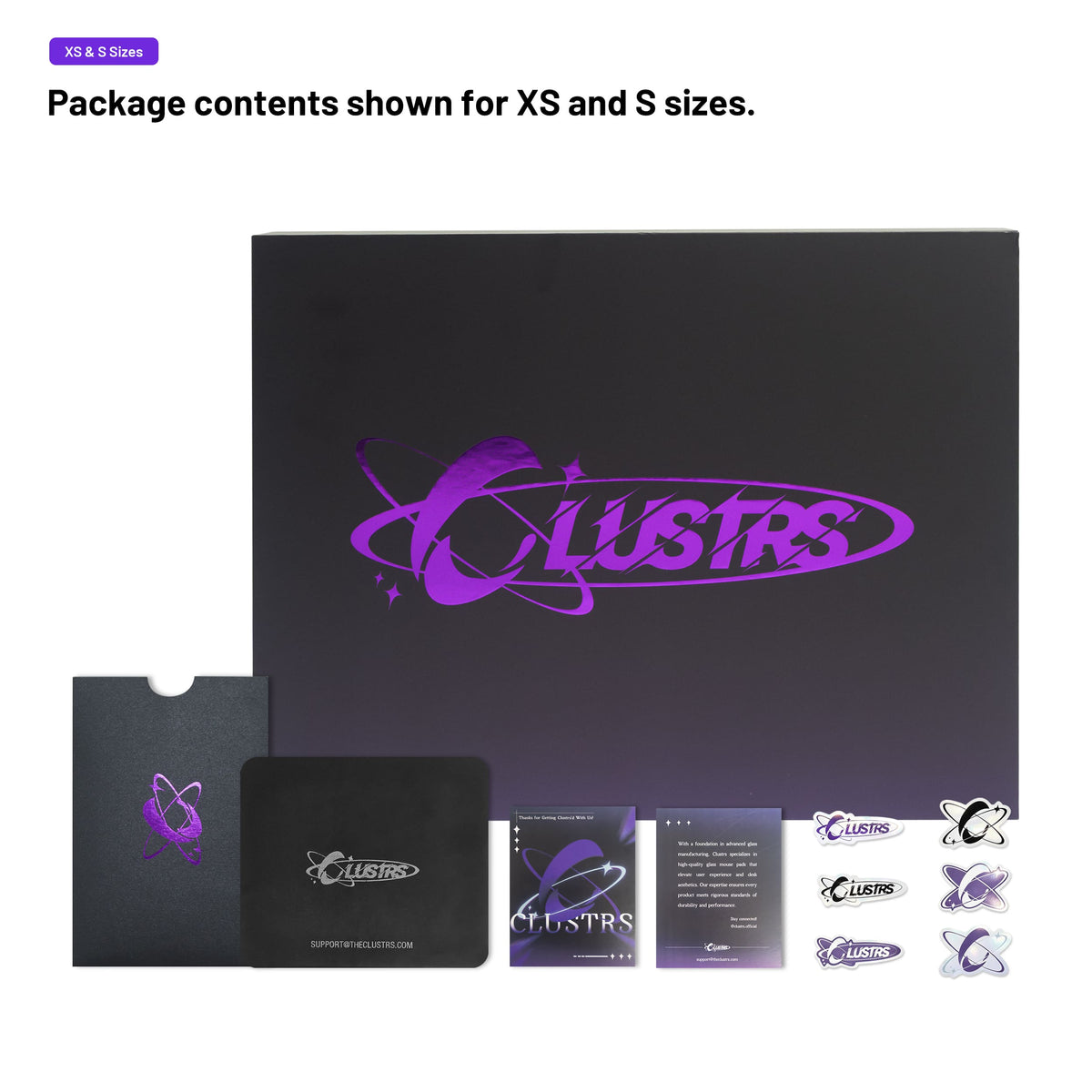
Specs
CLST 2.0:
L: 500 × 400 mm · R5 / 19.7″ × 15.7″ · R5
CLST 1.0:
L: 500 × 400 mm · R25 / 19.7″ × 15.7″ · R25
S: 400 × 300 mm · R10 / 15.7″ × 11.8″ · R10
XS: 260 × 210 mm · R10 / 10.2″ × 8.3″ · R10
CLST 1.0 – Balanced Speed
CLST 2.0 – Speed
XS & S: Approx. 2.5 mm total
(2 mm glass + 0.5 mm PU base)
L: Approx. 2.8 mm total
(2 mm glass + 0.8 mm silicone base)
Micro-etched tempered glass
Oleophobic and hydrophobic nano coating helps resist fingerprints, oil, and everyday spills.
XS & S: 0.5 mm polyurethane (PU) non-slip base
L: 0.8 mm custom-molded silicone base
FAQ
What should I know before uploading my design?
Upload a high-resolution image that matches your selected pad’s aspect ratio. Keep important details inside the preview area, as anything outside it may be cropped. See the Design Upload Guide for recommended pixel sizes.
Will the printed colors match my screen exactly?
Slight differences may occur due to screen settings, color profiles, and the printing process. We aim to preserve the detail and overall appearance of your original design.
Which surface should I choose?
Choose CLST 1.0 for balanced speed, tactile feedback, and more defined stopping control. Choose CLST 2.0 for lower initial resistance and a faster glide.
Do you review my design before production?
Yes. We check the crop and file clarity before production. Once your pad is finished, we’ll email you photos for approval before shipping.
How long do production and delivery take?
Production typically takes 3–5 business days. Delivery typically takes 4–8 business days after shipping, depending on the destination and shipping method. File adjustments or delayed photo approval may extend the timeline.
Can I change or cancel my order?
Contact us as soon as possible. Once production begins, custom orders may no longer be changed or cancelled.
Can I return a custom glass mousepad?
Because each pad is made to order, returns for changes of mind or design preference are not accepted once production begins. Damaged or defective products are handled according to our Return Policy.
What if my pad arrives damaged or has a manufacturing issue?
Contact us with your order number and clear photos of the product and packaging. Custom glass mousepads are covered by our 3-year warranty, subject to its coverage and exclusions.
How should I clean and care for my glass mousepad?
Use a soft, damp microfiber cloth and dry the surface before use. Avoid abrasive tools, harsh chemicals, drops, and hard impacts.