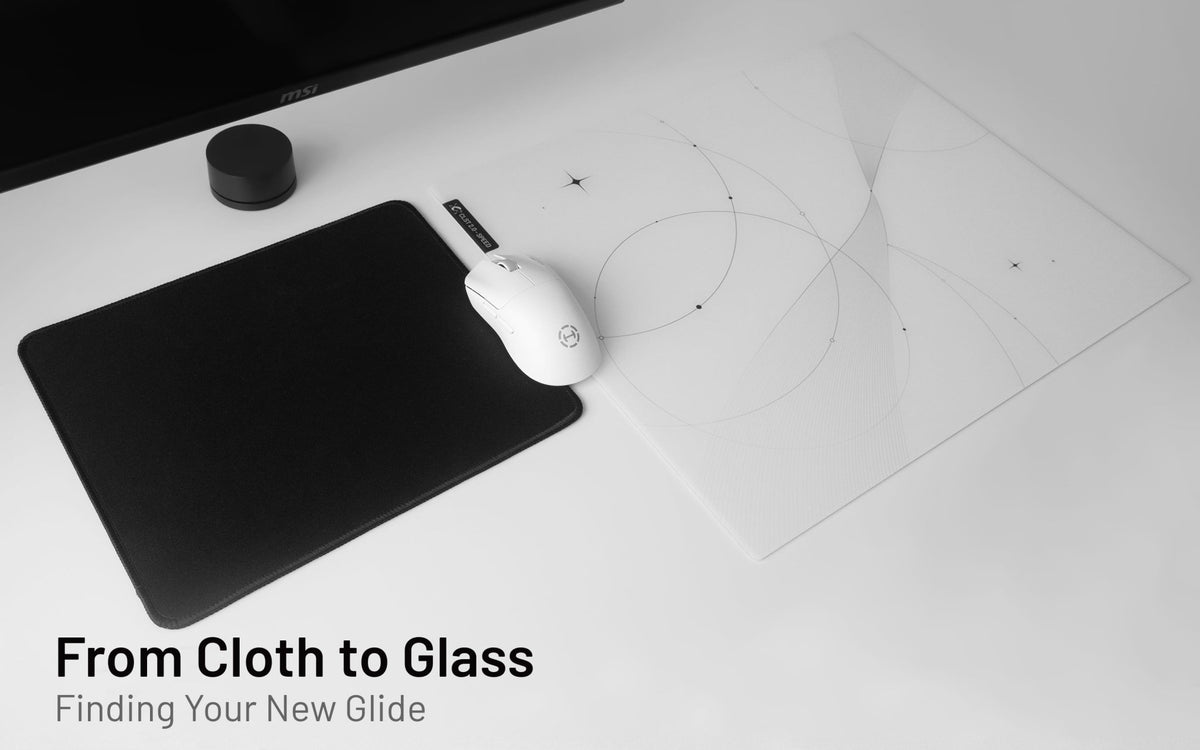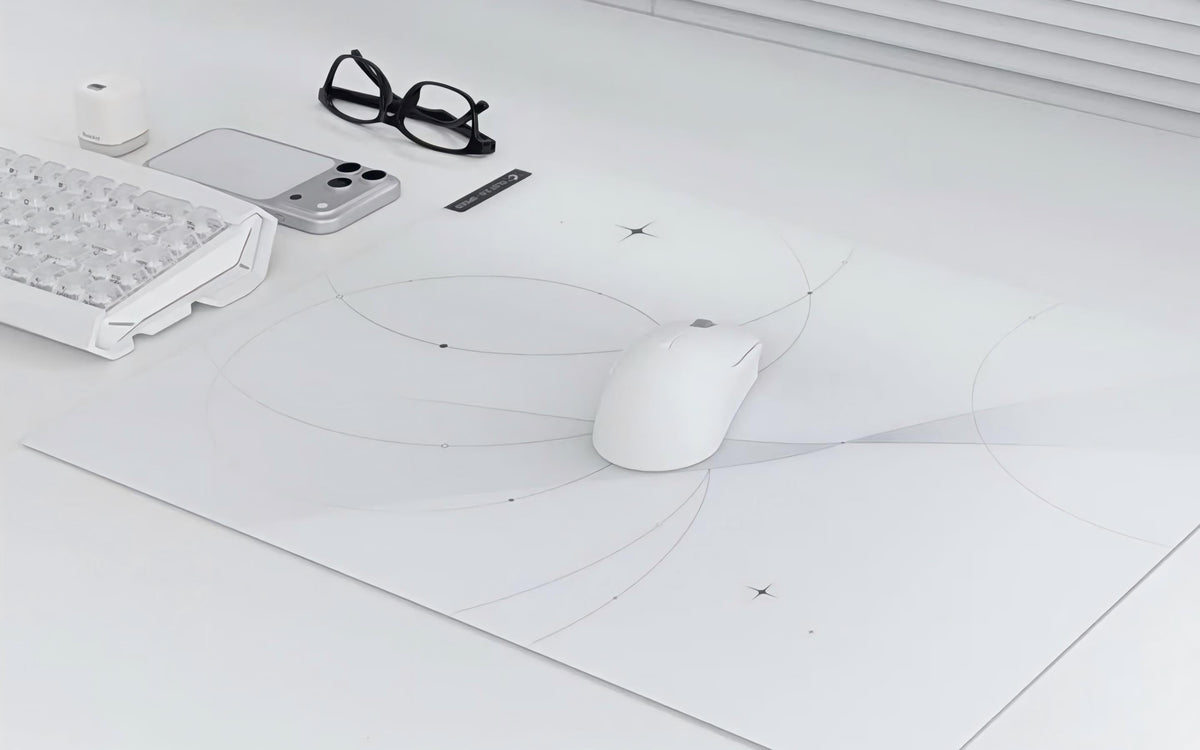
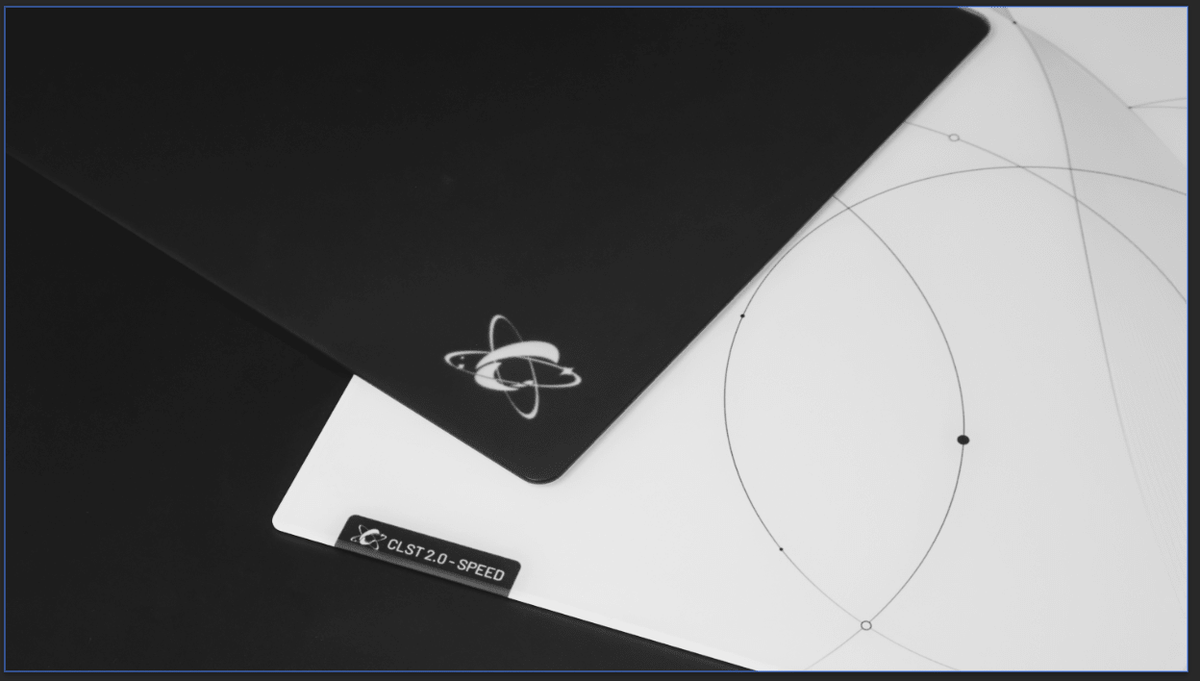
A glass mousepad can be part of an everyday desk, not only a competitive gaming setup. You may use the same mousepad for spreadsheets in the morning, creative work in the afternoon, and games at night. In that case, choosing between CLST 1.0 and CLST 2.0 is less about finding the best surface overall and more about finding the cursor movement feel you prefer throughout the day.
CLUSTRS currently offers two glass surface profiles: CLST 1.0 Balanced Speed and CLST 2.0 Speed. Both provide consistent everyday performance, but they differ in starting resistance, glide speed, texture feedback, and stopping power. Explore all CLUSTRS glass mousepads here.
Quick Answer
Choose CLST 1.0 Balanced Speed if you prefer more pronounced texture feedback and stronger stopping power. It is a good fit for users who want movement to feel steady and deliberate during both work and gaming.
Choose CLST 2.0 Speed if you prefer faster starts, quicker continuous glide, and finer texture feedback. Its lower-resistance feel suits frequent cursor movement, wide swipes, and faster-paced play.
Neither surface is limited to one type of user. The right choice depends on how you like your mouse to start, move, and stop.
CLST 1.0 vs. CLST 2.0 at a Glance
|
Surface |
CLST 1.0 Balanced Speed |
CLST 2.0 Speed |
|
Main Focus |
Balanced speed and stopping |
Faster, lower-resistance movement |
|
Starting Feel |
Smooth and controlled |
Faster with lower initial resistance |
|
Sustained Glide |
Balanced and consistent |
Quicker with lower friction |
|
Texture Feedback |
More pronounced |
Finer and subtler, but still clear |
|
Stopping Power |
Stronger |
Lower than CLST 1.0 |
|
Best For |
Users who prefer more feedback and a deliberate feel |
Users who prioritize faster starts and glide |
What Changes During Everyday Use?
When you use a mousepad for work as well as gaming, small differences in surface feel can become more noticeable over time.
During office work, you may spend hours moving between documents, browser tabs, design tools, and spreadsheets. During gaming, you may switch from controlled cursor placement to quick tracking or wider mouse sweeps. A pad does not need to be marketed only for work or only for gaming to suit these situations. What matters is whether its movement feel stays comfortable and predictable for you.
Most users find glass faster and more direct than a typical cloth pad, although the exact feel also depends on the surface and mouse skates. CLST 1.0 balances that speed with more feedback and stopping power, while CLST 2.0 prioritizes lower resistance and faster glide.
CLST 1.0 Balanced Speed: For a More Grounded Feel
CLST 1.0 is the more balanced option. Its micro-etched surface provides smooth starts and consistent glide while retaining more pronounced tactile feedback and stronger stopping power than CLST 2.0.
For everyday use, that more pronounced feedback can provide a clearer sense of movement and stopping. You may prefer it when navigating small interface elements, editing in creative software, or making controlled adjustments in games.
CLST 1.0 is not an outdated version of CLST 2.0. It is a different surface direction for users who prefer balanced speed, more feedback, and stronger stopping power over the faster, lower-resistance glide of CLST 2.0.
Choose CLST 1.0 if you usually think:
● “I like to feel a little more connection to the surface.”
● “I prefer stronger stopping power.”
● “I want a glass mousepad that feels balanced across work, browsing, and gaming.”
● “I am moving from cloth and want more feedback and stopping power during the transition to glass.”
CLST 2.0 Speed: For Faster, Lower-Resistance Movement
CLST 2.0 is the more speed-focused option. Its finer, denser micro-etched texture reduces both starting resistance and friction during movement, delivering faster starts and quicker sustained glide. It retains clear, finer tactile feedback, but provides less stopping power than CLST 1.0.
For everyday work, the lower-resistance glide can feel especially comfortable when making frequent movements across a large display or multi-monitor setup.
For gaming, CLST 2.0 suits players who prefer faster movement and lower resistance while still retaining subtle tactile feedback. It offers less stopping power than CLST 1.0, so the choice depends on whether you prioritize faster glide or stronger braking.
Explore the CLST 2.0 Speed collection, including Trace and Noir.
Beyond the surface, Trace and Noir feature a precision-sculpted 2.5D edge, tighter R5 corners, and a full-coverage 0.8mm silicone base. Together with the glass, the total thickness is 2.8mm. These upgrades improve edge comfort, extend usable space closer to the corners, and help keep the pad firmly planted during movement.
Choose CLST 2.0 if you usually think:
● “I want my mouse to start moving with less effort.”
● “I enjoy a lighter, faster glide.”
● “I make wide mouse movements or navigate quickly throughout the day.”
● “I already know that I prefer speed-leaning surfaces.”
Does Your Game Type Decide the Answer?
Not by itself. A tactical FPS player may prefer CLST 1.0 for its stronger stopping response, while another may choose CLST 2.0 for quicker repositioning. The same is true outside gaming: a designer, student, or office user can prefer either surface depending on personal comfort.
Sensitivity is also only part of the picture. Low-sensitivity players may appreciate CLST 2.0 during wider movements, while high-sensitivity users may enjoy its low-resistance feel for smaller adjustments. CLST 1.0 can also work well at either sensitivity when a more defined stopping feel is preferred.
Your mouse skates also affect the final glide. PTFE skates prioritize fast, smooth movement, while UHMW-PE skates emphasize wear resistance and longer-term consistency. Skate shape, quantity, wear, and cleanliness can also influence how either surface feels. Compare CLUSTRS mouse skates here.
Trace or Noir: Does the Design Change the Surface Feel?
No. Trace and Noir use the same CLST 2.0 Speed surface and construction, so their glide profile is the same. Choose between them based on which design best fits your desk and gear.
Which One Should You Choose?
There is no need to separate your desk into a work pad and a gaming pad if one option already fits how you move.
Choose CLST 1.0 - Balanced Speed when you want a steadier, more grounded glass experience with more pronounced feedback and stronger stopping power.
Choose CLST 2.0 - Speed when you want faster starts, quicker sustained glide, and finer texture feedback with less stopping power than CLST 1.0.
The best choice is the one that makes everyday mouse movement feel natural, whether you are answering emails, editing a project, or loading into your next game.
FAQ
Is CLST 2.0 only for competitive gaming?
No. CLST 2.0 is speed-focused, but it can also suit everyday browsing, office work, and creative tasks if you prefer a lighter, lower-resistance glide.
Is CLST 1.0 better for first-time glass mousepad users?
It can be a comfortable starting point for users who prefer more defined feedback and stronger stopping power. However, first-time users who already enjoy fast surfaces may still prefer CLST 2.0.
Will CLST 2.0 feel too fast after using a cloth mousepad?
Most users find glass faster and more direct than a typical cloth pad. Because CLST 2.0 has a lower-resistance, speed-focused feel, you may need a short adjustment period when switching surfaces.
Do Trace and Noir feel different?
No. Both use the same CLST 2.0 Speed surface. The difference is the design, not the glide profile.
Can mouse skates affect which surface I prefer?
Yes. Mouse skate material, shape, quantity, wear, and cleanliness can all affect glide. PTFE skates generally prioritize fast, smooth movement, while UHMW-PE skates emphasize durability and longer-lasting glide consistency.