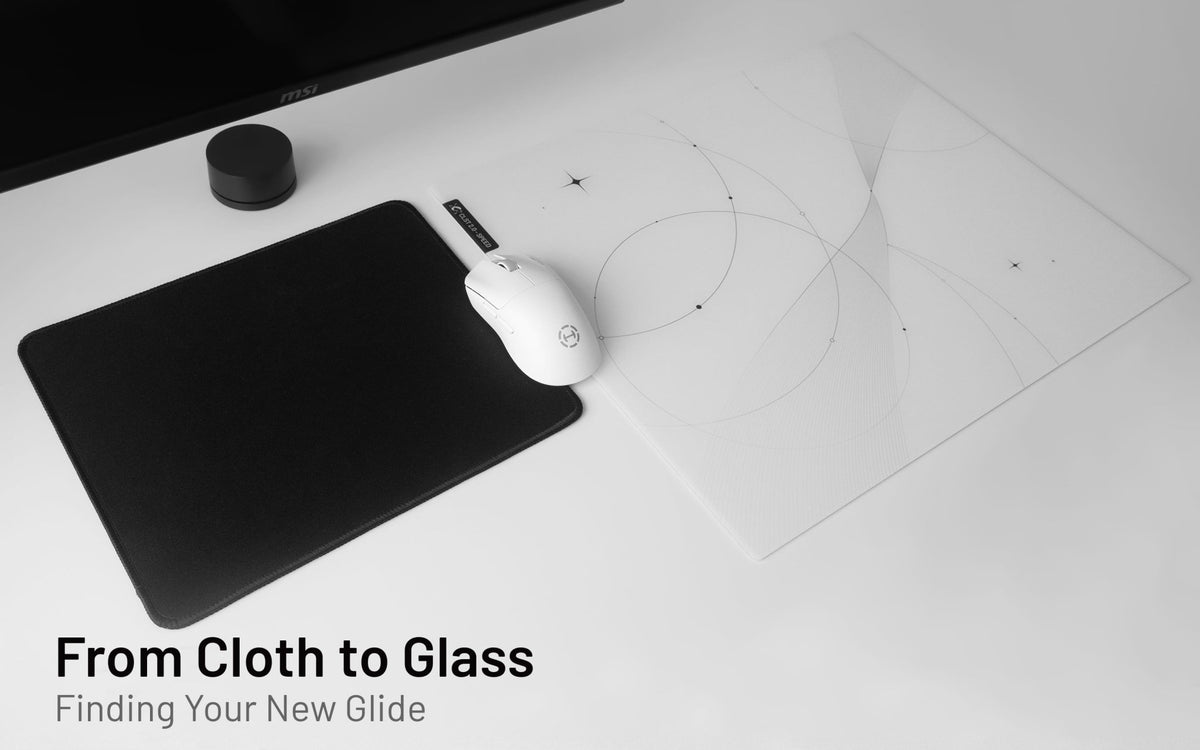
Switching to a glass mousepad can be surprising at first. Your mouse may move with less effort, small corrections may register more quickly, and your usual sensitivity can seem different even though you have not changed anything in software.
So, how long does it take to get used to a glass mousepad?
There is no single answer. Some users settle in after a few focused sessions, while others need a little longer. Your previous mousepad, skates, sensitivity, grip, and preferred movement style all affect the transition.
The goal is not to make a glass pad feel exactly like cloth. It is to give yourself enough time to understand the new surface and make only the changes that actually help.
Quick Answer
Most users need a short adjustment period when switching from cloth to glass. Glass generally offers a quicker, firmer, and more direct response because it creates less resistance than cloth.
Start with your current DPI, in-game sensitivity, and mouse skates. Use the new pad regularly before changing multiple settings. If the setup still seems uncomfortable after several sessions, adjust one variable at a time.
Why Glass Feels Different at First
A cloth pad has a softer touch and usually creates more friction. A glass pad is firmer and often allows the mouse to start moving with less effort.
This can change familiar mouse use in several ways:
- Small cursor movements may register more immediately.
- Wide swipes may require less force.
- Your mouse may seem faster, even at the same DPI.
- Stopping may be less familiar if you are used to cloth.
- Friction on your arm or wrist may be more noticeable for some users.
None of these automatically mean that your setup is wrong. They are simply part of getting used to a different type of pad.
What Affects Your Adjustment Period?
Your Previous Mousepad
Users coming from a fast hard pad may adapt quickly because the change is smaller. Users coming from a slow, soft cloth pad may need more time to get used to the lower resistance and firmer surface.
Your Sensitivity and Movement Range
High-sensitivity users often notice glass during small corrections. Low-sensitivity users may notice it more during wide arm movements and fast turns.
Neither range is automatically better for glass. The key question is whether your tracking feels predictable after you have spent time on the new pad.
Your Mouse Skates
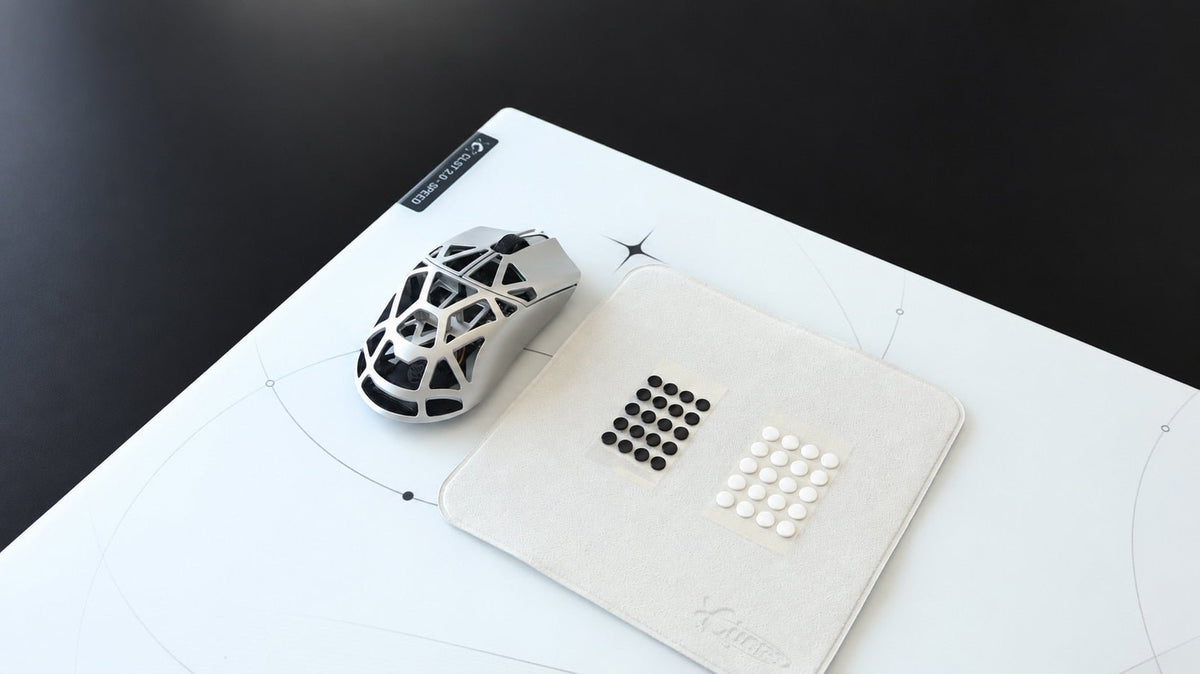
Skates have a major influence on how glass performs. PTFE and UHMW-PE skates are both suitable materials, but their material, shape, and condition can change the glide.
PTFE Dot skates generally create a lighter, faster glide. PTFE Donut skates can offer a smoother, more planted, and more controlled glide. UHMW-PE Dot skates are designed for a seamless, consistent glide with a focus on durability.
If your transition seems unexpectedly rough, inconsistent, or noisy, inspect your mouse skates before changing your sensitivity. Compare CLUSTRS mouse skates here.
Surface Choice
Not all glass mousepads have the same movement profile.
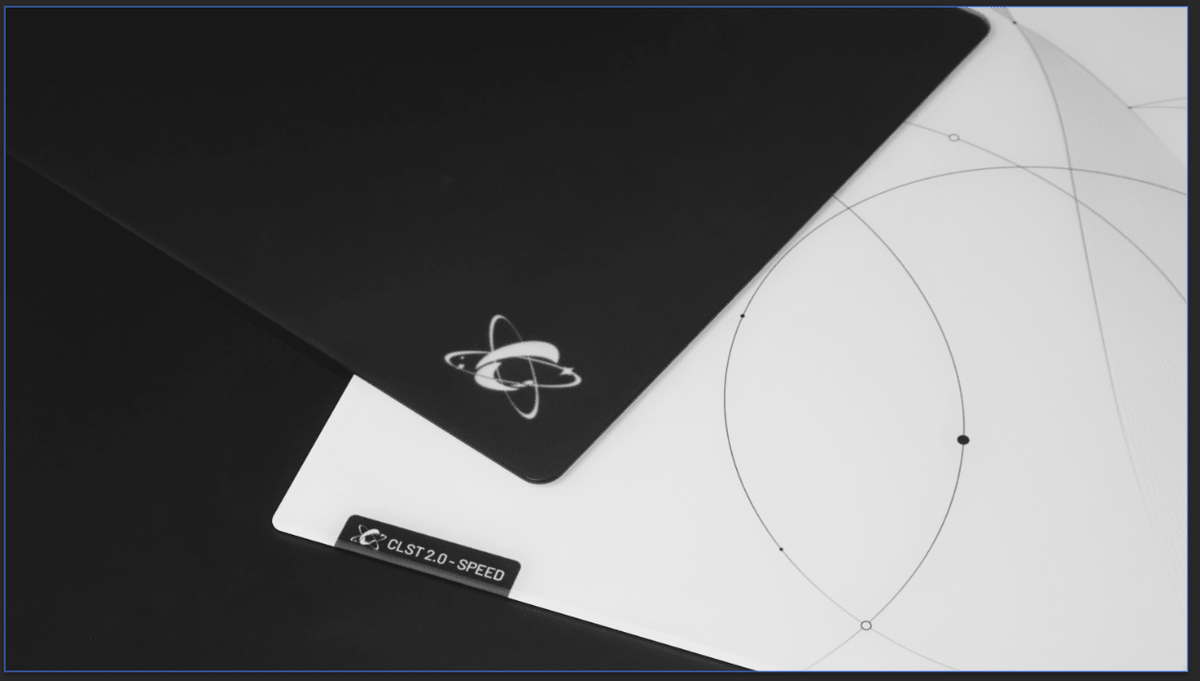
CLST 1.0 Balanced Speed has more defined texture feedback and stronger stopping power. It can suit users who want a steadier, more grounded glass experience.
CLST 2.0 Speed has a finer, denser micro-etched texture that reduces initial resistance for faster starts and a lighter glide, while keeping tactile feedback clear and stopping response reliable.
If you are moving from cloth and prefer a more balanced response, CLST 1.0 may be the more comfortable starting point. If you already enjoy quicker movement and lower resistance, CLST 2.0 may feel more natural.
Explore all CLUSTRS glass mousepads and compare both surface options.
A Practical Way to Adapt
1. Keep Your Settings the Same at First
Do not immediately lower your DPI or in-game sensitivity. Start with the settings your hand already knows.
A glass pad may be faster because of lower resistance, but your actual DPI has not changed. Give yourself time to distinguish between something that is simply new and something that is actually too fast or too slow.
2. Use the Surface Regularly
Switching back and forth between cloth and glass can make the adjustment period longer. If possible, use the glass mousepad consistently for your usual work, browsing, and gaming sessions.
You do not need to force long practice sessions. Everyday use is often more useful because it exposes you to the mouse movements you actually make.
3. Keep the Setup Clean
A clean glass pad and mouse skates help you evaluate the true character of the setup. Dust, residue, or worn skates can make the glide less predictable and create the impression that you need to change settings.
4. Change Only One Variable at a Time
If you consistently overshoot after adapting, make one small sensitivity adjustment. If the glide is rough, check the skates first. If your arm catches on the pad or desk, consider whether an arm sleeve would improve comfort.
Avoid changing DPI, game sensitivity, skates, and surface at the same time. Otherwise, you will not know which change improved or worsened the experience.
5. Let Your Preference Guide the Final Setup
There is no correct endpoint where every user should arrive at the same sensitivity or glide preference. Some users prefer to keep their original settings. Others prefer a small adjustment once they understand how glass responds.
The best setup is the one that feels comfortable and predictable for the way you work and play.
When Should You Make an Adjustment?
A short adaptation period is normal. Consider changing something only when you notice the same issue repeatedly.
You may want to lower sensitivity slightly if you consistently overshoot targets or move past small interface elements.
You may want to inspect or replace skates if the glide becomes rough, scratchy, unusually slow, or uneven.
You may want to consider a different pad option if you know you prefer either a more grounded response with stronger stopping control or a lighter, faster glide.
Glass Mousepad Adjustment Checklist
Before changing your settings, check the following:
· Have you used the glass mousepad consistently for several sessions?
· Are you experiencing a repeatable issue rather than a first-day unfamiliar feeling?
· Are the mouse skates clean, smooth, and suitable for glass?
· Have you kept DPI and in-game sensitivity unchanged while adapting?
· Are you changing only one variable at a time?
· Does your surface preference align more with balanced speed or faster glide?
FAQ
Do glass mousepads require lower sensitivity?
No. Some users choose to lower sensitivity slightly after switching, but it is not required. Start with your existing settings and adjust only if the same issue keeps happening.
Will I get used to a glass mousepad if I have only used cloth pads?
Usually, yes. The first sessions may feel fast or unfamiliar, but many users adapt with consistent use. The adjustment period varies based on your prior surface, skates, and sensitivity.
Should I change my mouse skates when switching to glass?
It is worth checking them. PTFE and UHMW-PE skates are suitable for glass mousepads. If your current skates are worn, rough, or not recommended for glass, replacing them can improve consistency.
Why does my glass mousepad feel too fast?
The lower resistance compared with cloth can make movement feel faster at first. Give yourself time to adapt before changing DPI or sensitivity. If the feeling remains, make one small adjustment at a time.
Is CLST 1.0 or CLST 2.0 easier to adapt to?
CLST 1.0 is the more balanced option, with more defined texture feedback and stronger stopping power. CLST 2.0 is more speed-focused, with a finer texture and lighter glide. The better starting point depends on your preferred movement style.