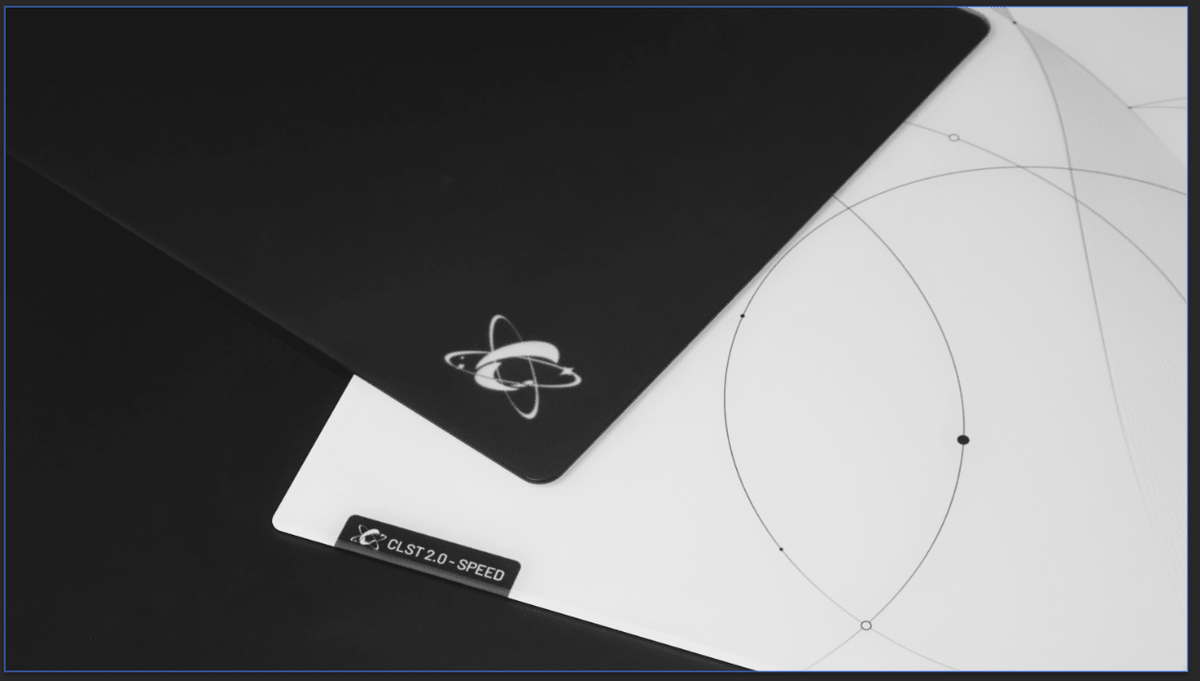
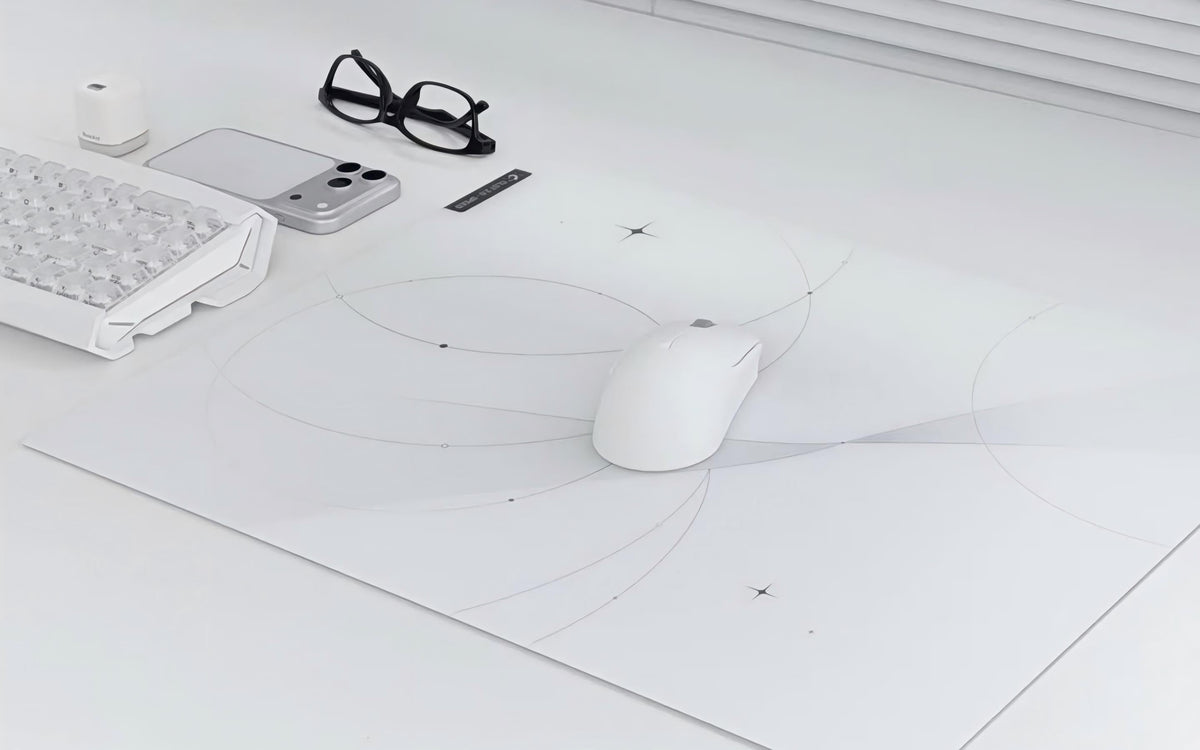
A glass mousepad can be very different from a cloth pad. The surface is firmer, more direct, and often faster. It is natural to wonder whether you also need new mouse skates, an arm sleeve, a cleaning kit, or a protective case.
The short answer is that you do not need every accessory at once.
For most first-time users, the best approach is to begin with the mousepad itself, check that the current mouse feet are in good condition, and add accessories only when they solve a real need.
Quick Answer
The most useful accessories for a glass mousepad are:
- Compatible mouse skates, if your current feet are worn or unsuitable
- A microfiber cloth for routine cleaning
- An arm sleeve if forearm friction bothers you
- A protective case if you travel or store your mousepad often
- Mouse skates are the accessory most likely to affect glide. A sleeve and case are helpful for certain setups, but they are not essential for everyone.
1. Mouse Skates: The First Accessory to Consider
Mouse skates are the small feet underneath your mouse. They are the only part of the mouse that makes direct contact with the glass, so their material, shape, condition, and installation can noticeably affect glide.
For glass mousepads, PTFE and UHMW-PE are common material choices.
PTFE Dot Skates
PTFE dot skates use smaller contact points. They generally create a lighter, faster glide with lower initial resistance. They may suit users who want a quicker start and a more speed-focused response.
PTFE Donut Skates
PTFE donut skates have a different contact shape that can provide a smoother, more planted, and more controlled glide than a standard dot setup. They can be a good option for users who want a balanced everyday glide.
UHMW PE Dot Skates
UHMW-PE dot skates are designed for durability and a smooth, consistent glide. They may appeal to users who want stable performance over time.
There is no single best material for everyone. The best option depends on the response you prefer.
Explore CLUSTRS mouse skates >
Do You Need New Mouse Skates Immediately?
Not always.
If your existing mouse feet are smooth, clean, and made from a suitable material such as PTFE, you can try your glass mousepad before changing anything. This gives you a useful baseline for how the new surface performs.
Consider replacing your skates if you notice
- Uneven or rough glide
- Visible wear on the mouse feet
- Adhesive residue around old skates
- A change in glide that cleaning does not solve
- Damage or missing sections on the existing feet
Avoid changing your mouse skates, DPI, in-game sensitivity, and mousepad at the same time. Making one change at a time makes it much easier to understand what is affecting your setup.
2. A Microfiber Cloth: Simple but Useful
A clean surface helps maintain a smooth and consistent glide. Dust, skin oils, and small particles can make a glass mousepad less pleasant to use, even if the glass itself is not damaged.
A clean, soft microfiber cloth is usually enough for routine care. For light cleaning, use the cloth with a small amount of water, then wipe the surface dry.
Avoid abrasive pads, rough paper towels, or strong cleaning products that may leave residue on the surface.
You do not need a large cleaning kit. A dedicated microfiber cloth and a simple routine are usually more practical.
3. An Arm Sleeve: Optional but Helpful for Some Users
An arm sleeve does not change how your mouse moves. Instead, it helps reduce friction between your skin or forearm and the glass surface.
It may be useful if:
- Your forearm sticks to the pad during longer sessions
- You notice more friction in warm or humid conditions
- You make broad arm movements while playing
- You prefer more consistent arm movement across the surface
You can skip an arm sleeve if you mainly use wrist aiming, your forearm rarely touches the pad, or you are already comfortable without one.
Think of it as a comfort accessory, not a requirement.
Browse CLUSTRS gaming accessories >
4. A Glass Mousepad Case: Best for Travel and Storage
A protective case is most useful when the mousepad is regularly moved, stored, or carried with other equipment.
Consider a glass mousepad case if you:
- Travel with your setup
- Attend gaming events or LAN sessions
- Need to store the pad between uses
- Want extra protection while moving home or reorganizing your desk
If your mousepad stays in the same place on a stable desk, a case may not be necessary for daily use.
The CLUSTRS Glasspad PU Case is available in multiple sizes to match different glass mousepad formats.
View the CLUSTRS Glasspad PU Case >
5. Accessories You Can Usually Skip at First
A first glass mousepad setup does not need to become complicated. You can usually wait before buying extra accessories if you do not yet have a clear reason for them.
You may not need to buy these immediately:
- Multiple sets of skates in different materials
- An arm sleeve if you have no forearm friction issue
- A case if the pad never leaves your desk
- Special cleaning products beyond a microfiber cloth and water
Start simple, spend time with the surface, and notice what your setup actually needs.
Build Your First Glass Mousepad Setup Step by Step
A practical first-time setup can look like this:
- Place the glass mousepad on a clean, stable desk.
- Check whether your current mouse feet are clean and evenly worn.
- Use the pad for several sessions before changing your DPI or sensitivity.
- Clean the surface with a microfiber cloth whenever dust or fingerprints become noticeable.
- Add new skates if you want a different glide or your current skates are worn.
- Add an arm sleeve or protective case only if your use case calls for one.
This approach helps you understand the effect of each item rather than changing everything at once.
Frequently Asked Questions
1. Are mouse skates required for a glass mousepad?
Not necessarily. If your current mouse feet are in good condition and suitable for hard surfaces, you can start with them. New skates are useful when your existing feet are worn or when you want to adjust the glide.
2. Do I need an arm sleeve with a glass mousepad?
No. An arm sleeve is optional. It can help if your forearm creates noticeable friction against the surface, especially during longer sessions or in warmer conditions.
3. Can I use my regular cleaning products on a glass mousepad?
It is safer to use a clean microfiber cloth with a small amount of water for routine cleaning. Avoid abrasive materials and products that may leave residue.
4. Should I buy a case for my glass mousepad?
A case is useful for travel, storage, and moving the pad safely. If your mousepad stays on the same desk, you may not need one immediately.
Final Thoughts
The right accessories can improve a glass mousepad setup, but the goal is not to buy everything at once.
Start with a clean surface and well-maintained mouse skates. Then add an arm sleeve if you want less forearm friction, or a case if you need safe storage and transport. Choosing accessories based on your actual habits will create a setup that is more natural and easier to maintain.