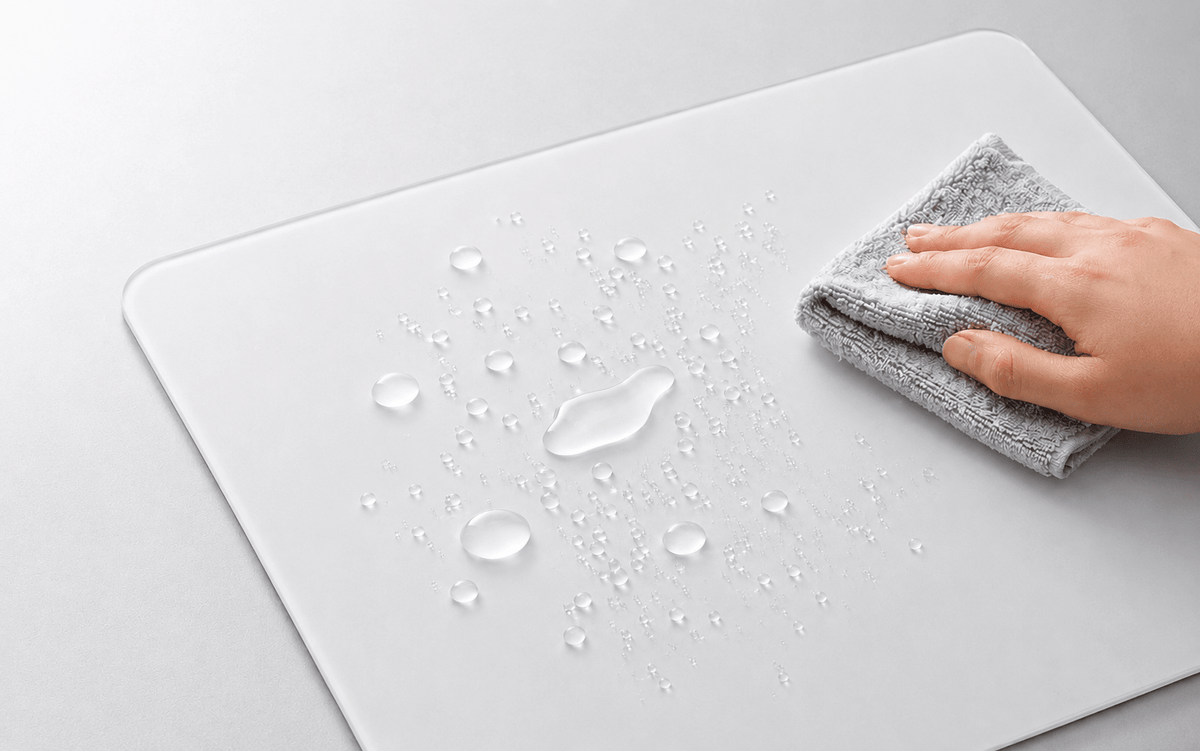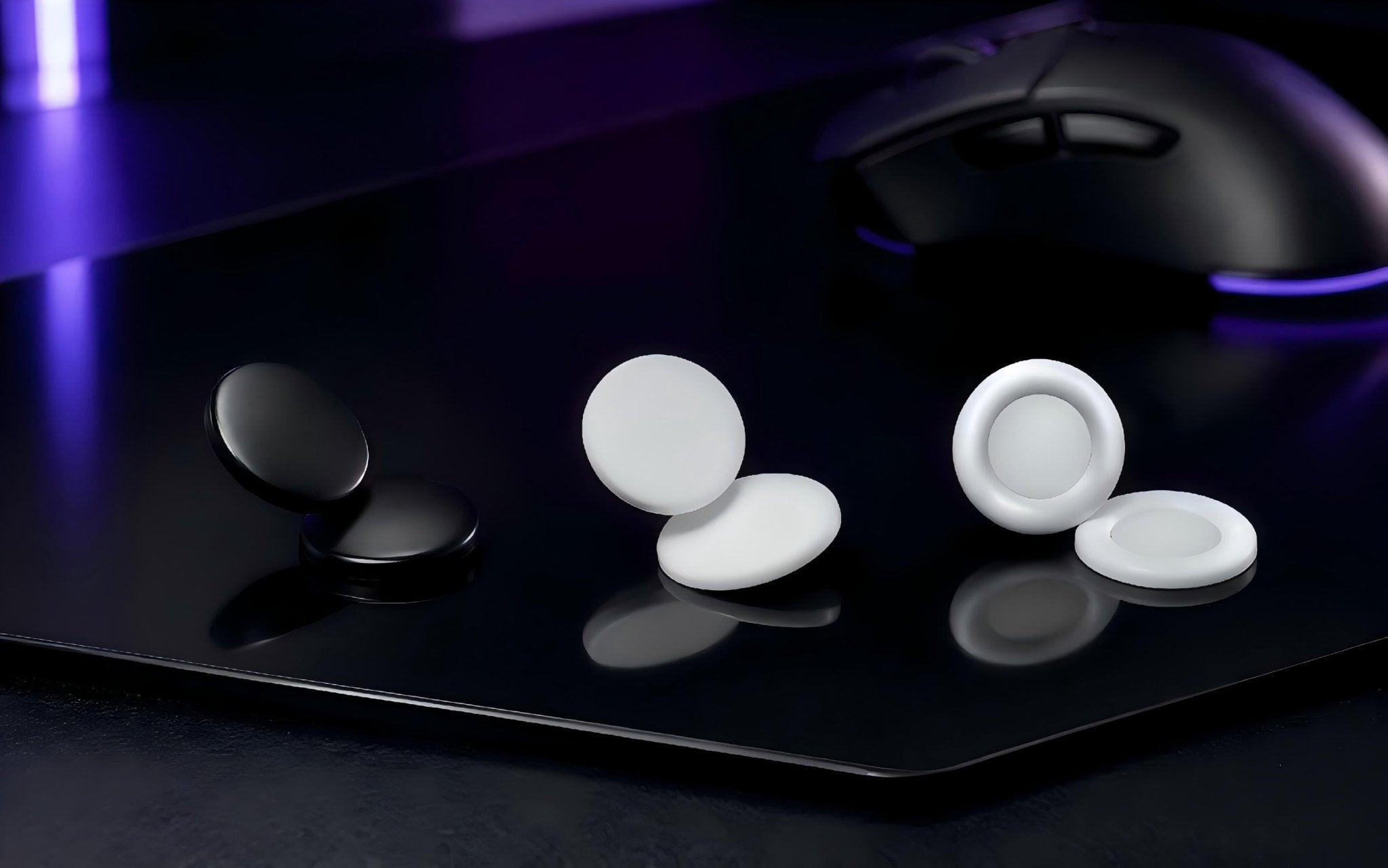
If you use a glass mousepad, you may notice that your mouse moves freely while your forearm does not always feel as smooth. Sweat, skin contact, desk-edge friction, and long sessions can make arm drag more noticeable over time.
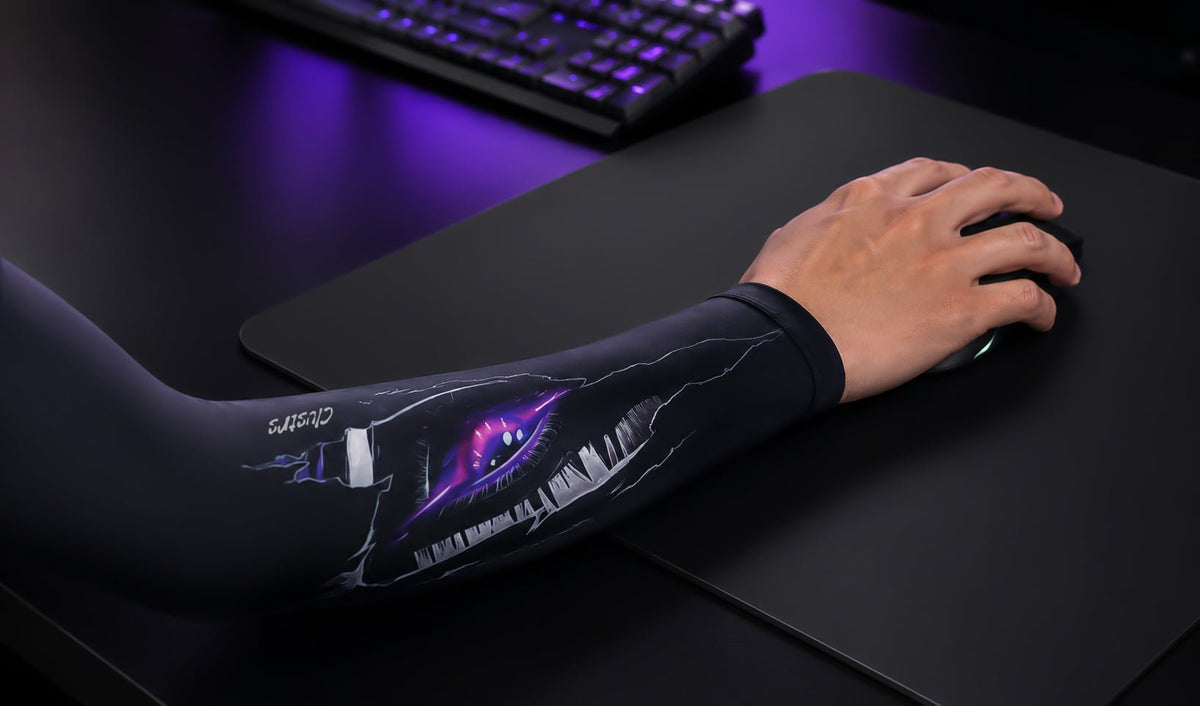
A gaming arm sleeve can help by creating a more consistent layer between your forearm and the mousepad. It is not required for every glass mousepad user, but it can be a useful comfort upgrade for players who feel their arm sticking or dragging during play.
|
SHORT ANSWER: You do not need an arm sleeve just because you own a glass mousepad. Consider one if you notice inconsistent forearm drag, sweat-related sticking, or friction against your desk during longer sessions. |
Why Glass Mousepads Can Make Arm Drag More Noticeable
Glass mousepads are designed for a smooth, low-friction mouse glide. That faster, more direct surface feel is one reason many FPS players enjoy them. Your forearm, however, does not move like a set of mouse skates.
Skin responds to heat, humidity, sweat, pressure, and surface contact. After 20 or 30 minutes, an arm that felt comfortable at the start of a session may begin to drag or stick. On a cloth pad, that change can blend into the pad's natural texture. On glass, the contrast between a freely moving mouse and a dragging forearm can feel more obvious.
Who Benefits Most From a Gaming Arm Sleeve
Low-Sensitivity FPS Players
Low-sensitivity players often use their whole forearm for tracking, wide flicks, and larger aiming movements. More forearm contact means more opportunity to notice friction, especially in games such as VALORANT, Counter-Strike 2, Apex Legends, and Overwatch.
Players Who Sweat During Longer Sessions
If your forearm starts to feel sticky after a few matches, a breathable sleeve can help make the contact point with your mousepad more consistent. The goal is comfort and predictability, not a dramatic change in performance.
Players Whose Arms Catch on the Desk
Sometimes the issue is not the mousepad itself. Your forearm may rub against the desk edge or catch on its surface during wide movements. A sleeve can add a smoother layer between your skin and the desk.
When You Can Skip It
If your arm already moves comfortably and your setup feels consistent from the first match to the last, you may not need a sleeve. Try playing normally for 20 to 30 minutes and pay attention to your forearm. If there is no sticking, distracting warmth, or need to keep adjusting your posture, the extra layer may not add much value.
What a Gaming Arm Sleeve Does Not Do
A gaming arm sleeve does not improve aim on its own. It will not replace practice, fix an uncomfortable desk height, or make an unsuitable sensitivity setting feel right. It simply reduces one variable that can change during play: inconsistent forearm drag.
Think of it like keeping your glass mousepad clean or replacing worn mouse skates. It is a small setup adjustment that may help your gear feel more predictable.
How to Choose the Right Gaming Arm Sleeve
Look for Breathability and Stretch
Choose a sleeve that feels light and moves with your arm. The CLUSTRS Gaming Arm Sleeve uses an 88% polyester and 12% spandex blend for a lightweight, stretchy fit, with moisture-wicking fabric designed to help manage sweat during longer gaming sessions.
Prioritize Smooth Construction
Seams matter, particularly around the wrist and forearm. A bulky seam can become distracting when your arm rests on the desk or moves across the pad. Look for a smooth construction that is easy to forget you are wearing.
Choose a Secure, Comfortable Fit
A sleeve should stay in place without feeling restrictive. CLUSTRS uses a grip band to help it stay positioned, but the right size still matters. If a sleeve slips, rolls down, or leaves deep marks after a short session, try a different size.
CLUSTRS Gaming Arm Sleeve Size Guide
· S/M: 42 cm / 16.5 in long; 26 cm / 10.2 in upper-arm circumference; 15.5 cm / 6.1 in wrist circumference.
· L/XL: 46 cm / 18.1 in long; 28 cm / 11.0 in upper-arm circumference; 18 cm / 7.1 in wrist circumference.
Measure your arm rather than relying only on your shirt size. The goal is a secure fit that still feels comfortable after a full gaming session.
Can You Use an Arm Sleeve on a Cloth Mousepad?
Yes. A gaming arm sleeve can also help with sweat and forearm friction on cloth mousepads. The difference may be more noticeable on a smooth, hard surface such as glass, while cloth pads already have more texture and natural friction.
Keep Your Sleeve Clean
A sleeve works best when it is clean and dry. Sweat, skin oils, and dust can build up in the fabric over time. Hand wash the CLUSTRS Gaming Arm Sleeve gently, avoid bleach and high heat, then let it air dry before using it again.
Final Thoughts
A gaming arm sleeve is not essential for every glass mousepad setup. If your forearm sticks, sweats, catches on the desk, or feels less consistent during long sessions, it can be a small upgrade with a noticeable comfort benefit.
The right sleeve should move with you, stay in place, and be easy to forget you are wearing. It should support a more consistent setup feel without becoming another distraction.
FAQ
Do I need a gaming arm sleeve for a glass mousepad?
No. It is optional. A sleeve is most useful if you notice forearm drag, sweat-related sticking, or friction against the mousepad or desk.
Will a gaming arm sleeve improve my aim?
Not directly. It does not replace practice or sensitivity settings. It can help reduce inconsistent forearm drag, which may make your setup feel more predictable.
Is a gaming arm sleeve only for FPS games?
No. It can be useful for any game or task that involves long periods of mouse use. FPS players often notice the benefit more because they use larger and more frequent arm movements.
How tight should a gaming arm sleeve feel?
It should feel secure but not restrictive. If it slides down, rolls, or leaves deep marks, the fit is probably not right.
Can I use a gaming arm sleeve with a cloth mousepad?
Yes. It can help with sweat and forearm friction on cloth pads too, although the feel may be different from a glass surface.
The right sleeve should move with you, stay in place, and be easy to forget you are wearing. If forearm drag is affecting your experience with glass mousepads, a well-fitted gaming sleeve can help keep your movements feeling more comfortable and consistent.